110
Saving a Performance
6.
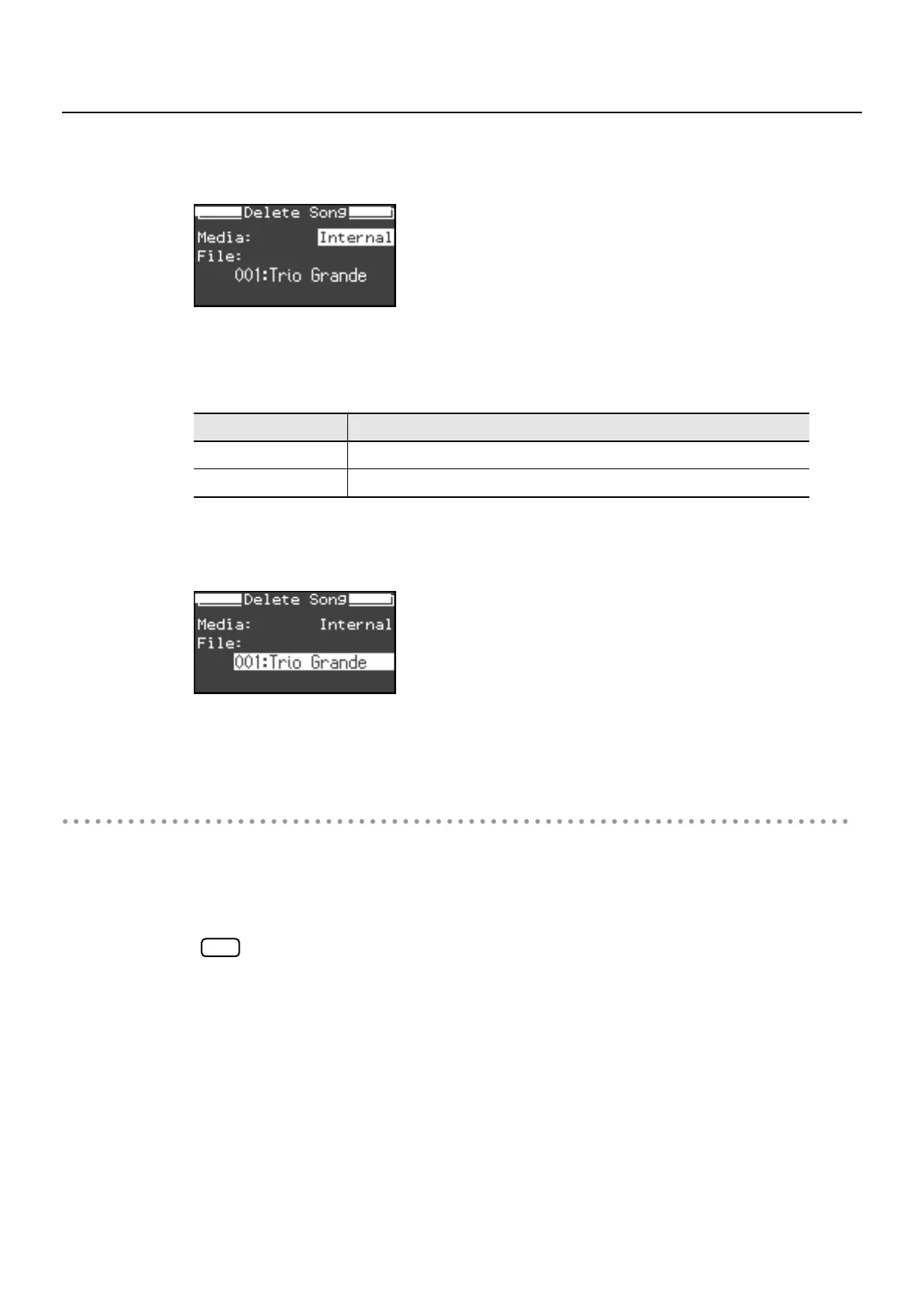
While holding down the [Display] button, use the [-] [+] buttons to select
“Media.”
7.
Use the [-] [+] buttons to select the media from which you want to delete a
song.
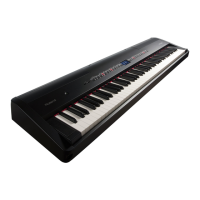
8.
While holding down the [Display] button, use the [-] [+] buttons to select
“File.”
9.
Use the [-] [+] buttons to select the song that you want to delete.
Deleting the Song
10.
Press the [Rec] button.
The selected song will be deleted.
Never turn off the power while a song is being deleted. If you do so, the FP-7’s internal
memory will be destroyed, rendering it unusable.
Setting
Description
Internal
Internal Memory
External
USB Memory
NOTE
FP-7-e.book 110 ページ 2006年12月14日 木曜日 午前10時57分



 To Next Page