Brief description
Measurement start up
Push buttons and displays
pag. 15
ST2 User’s Manual
TV Mode
1.0 TV MEMORY PLAN MENU
The memory plan function provides the list of pre-memorised canalisations that
can be chosen for antenna alignment and TC channel measurements. When
the meter is turned on, the last selected Memory Plan is activated.
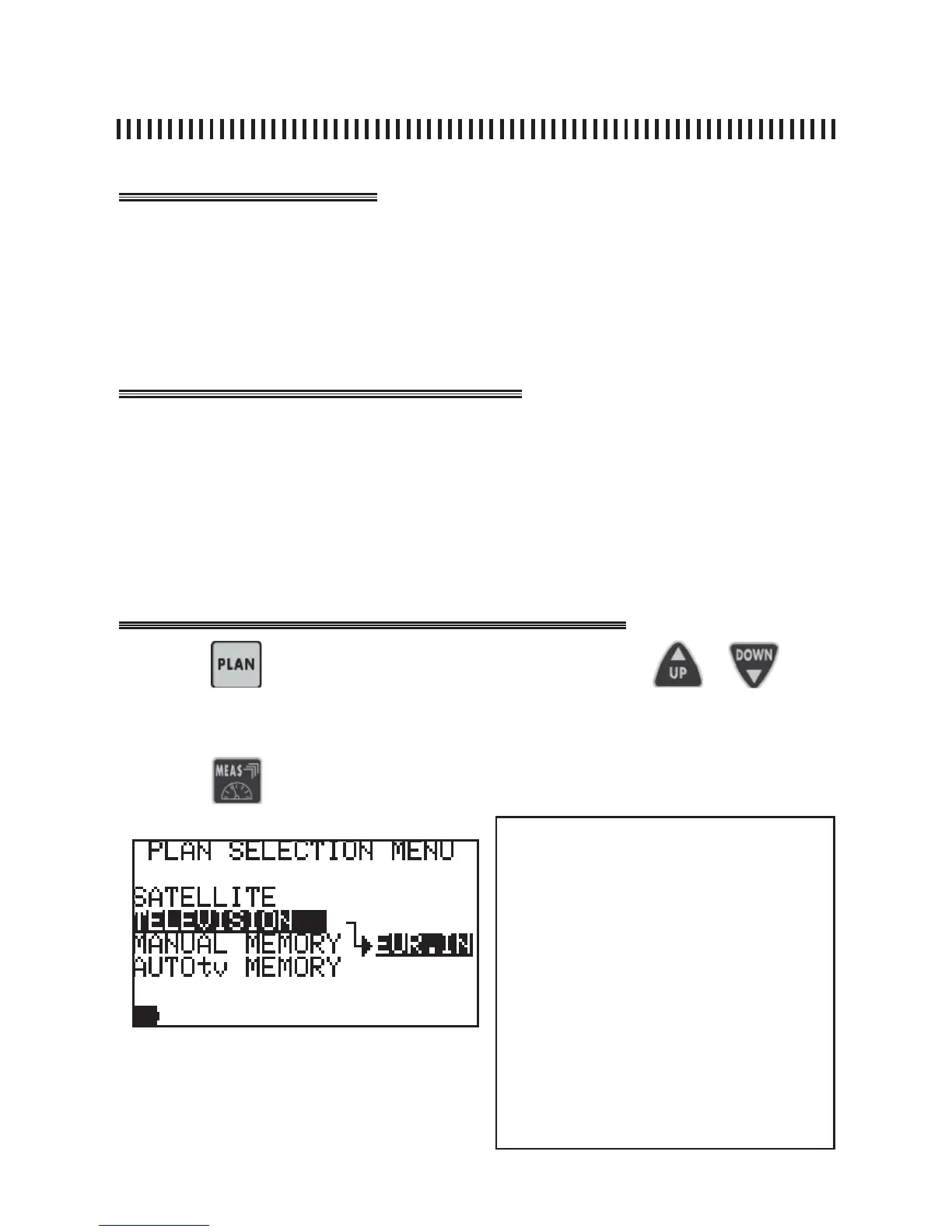
• Press the PLAN [3] key to select a Memory plan (channel list),
• Select the required Memory Plan using the UP [7] and DOWN [9] keys,
• The highlighted list will have a dark background,
• Press any key to quit the menu, for example the MEAS [6] key, to start the
measurements on the selected canalisation.
Press the
key and select the required plan using the or keys.
Press the key to start measuring.
The list that arrives will always be the one highlighted with a black background.
NOTES
There are 4 types of Memory plans:
SATELLITE: Satellite Factory Prememorized
plans (see SAT section of this manual)
TELEVISION: Standard TV canalizations
MANUAL MEMORY: custom made Memory
Plans.
AUTOSCAN: memory plans automatically ge-
nerated by the Automemory (autoscan) feature
in the TV band (Rif. Par. 10.0).



 To Next Page