pag. 72
ST2 User’s Manual
A10
-
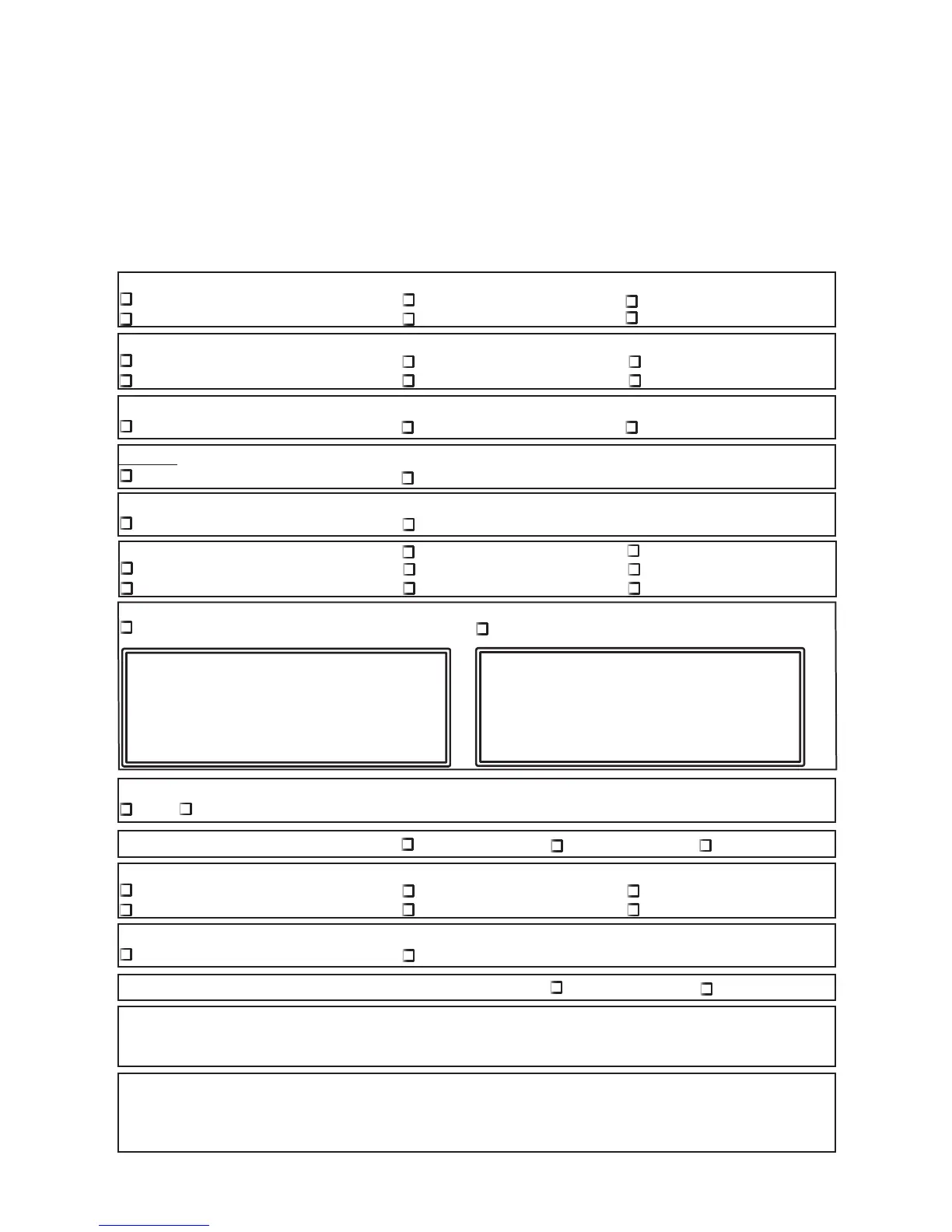
STANDARD ROVER EQUIPMENT REPAIR AND OR SERVICE FORM
•
Customer:.......................................................................
• Contact person:...........................................................
• Tel. No.:.......................................................................... • Fax No:.......................................................................
• Instrument Mod.:............................................................ • Serial No:....................................................................
• Software version:...........................................................
(shown on the display when the instrument is turned)
Please would you kindly answer the following questions to facilitate fault identifi cation (tick the appropriate boxes)
IN WHICH CONDITION DID THE FAULT OCCUR?
Instrument turned off & being recharged When the instrument was cold After an accidental fall
Whilst turning on the instrument When the instrument was hot Other.......................................
IN THE FAULT ALWAYS PRESENT OR DOES IT ONLY OCCUR IN THE FOLLOWING CONDITIONS?
When tapping on the casing When tr Instrum. is powered using internal batteries When the instrument is cold
When the instrum. is powered using the AC adapter When the instrument has just been turned on When the instrument is hot
HAS THE INSTRUMENTS HAD ANY MECHANICAL BREAKAGES?
To the front panel To the back panel Dents in the casing
TURN OFF THE INSTRUMENT & POWER IT USING THE AC/AC ADAPTER, WHICH OF THE FOLLOWING LEDS ARE ON?
The “MAINS” LED in the front panel NO LEDs
TURN ON THE INSTRUMENT & POWER IT USING THE AC/AC ADAPTER, WHICH OF THE FOLLOWING FAULTS OCCUR?
The keys do not push down well The LEDs do not light up with the correct luminosity, etc. (please specify fault in the space below)
WHEN DOES THE FAULT OCCUR? With all the channels With only some channels, e.g.................
During the analog C/N measurement During the analog level measurement In spectrum mode
During the digital C/N measurement During the digital power measurement During the A/V ratio measurement
PLEASE INDICATE IN THE SPACE PROVIDED WHAT IS SHOWN ON THE ALPHANUMERICAL DISPLAY:
If the error occurs when turning on the instruments If the error occurs at another stage
DO THE KNOBS FUNCTION CORRECTLY WHEN ADJUSTING THE PARAMETERS
yes NO (If “NO” please clearly specify the fault in the space provided below)
ARE THERE PROBLEMS WITH THE LOUDSPEAKER? There is no sound The sound is distorted The sound is disturbed
ARE THERE ANY OF THE FOLLOWING PROBLEMS WITH THE MONITOR SREEN (if present)?
There is no picture The monitor screen is while There is a lot of interference on the picture
The picture is distorted The monitor screen is black Other (clearly specify in the space provided below)
ARE THERE ANY OF THE FOLLOWING PROBLEMS WITH THE SCART SOKET (if present)?
The videm or audio outputs are not present The video and audio inputs are not functioning
ARE THERE PROBLEMS WITH THE RS 232 -USB SOCKET (if present))? It does not print It does not connect ti the PC
IMPORTANT: Please clearly describe any further information which may be useful to us in order to identify the fault:
...............................................................................................................................................................................................................................................
...............................................................................................................................................................................................................................................
...............................................................................................................................................................................................................................................
Return to ROVER LABORATORIES S.p.A. - Istruments Service Laboratory - FAX +39.030.9906894
(Photocopy this page and keep the original copy. Attach a copy to the instruments in need ofo repair)
Only for digital model ST2



 To Next Page