Brief description
Measurement Start up
Push buttons and display
pag. 50
ST2 User’s Manual
TV and SAT Features
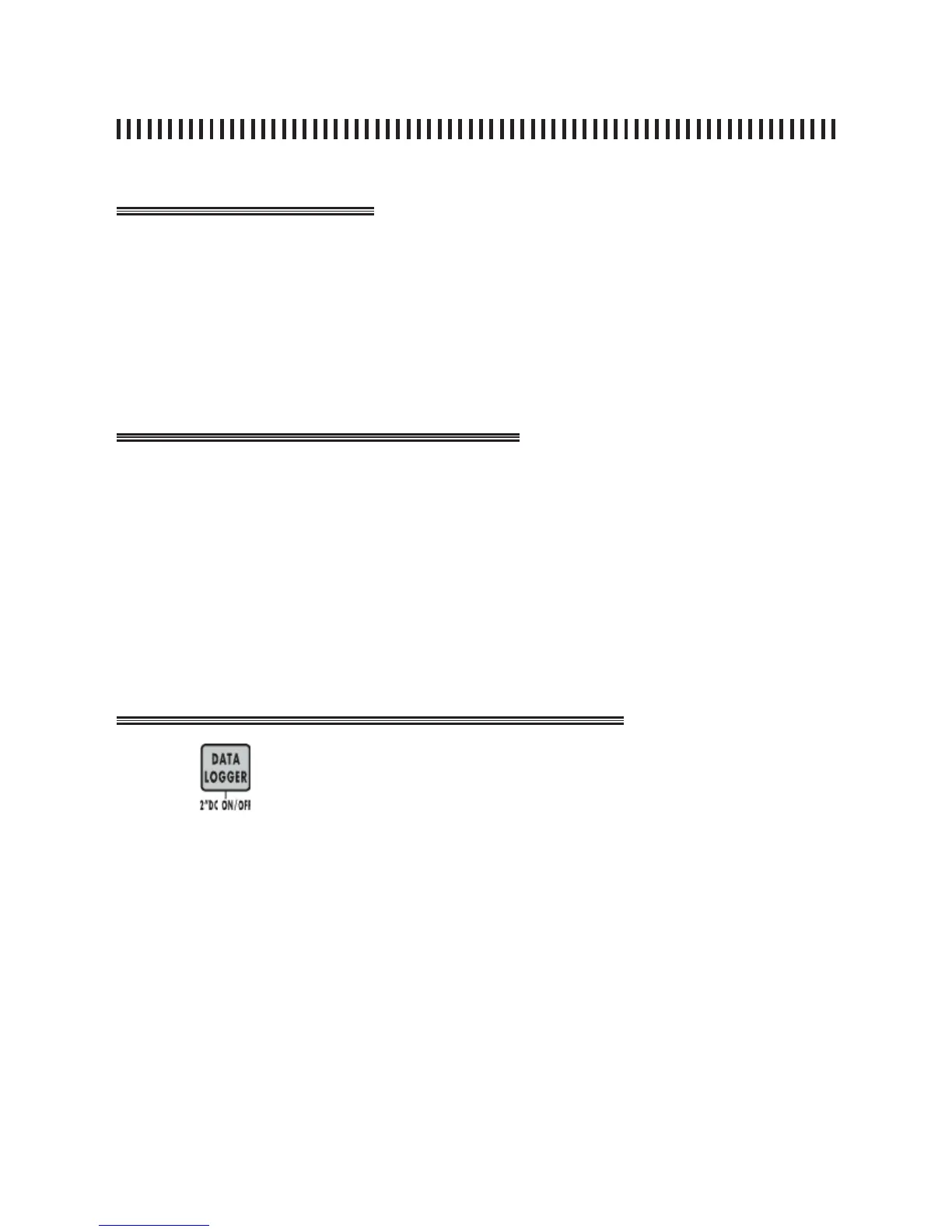
21.0 DC ON/OFF: LINE FEED COMMAND
DC ON/OFF key will allow to remove or add the LNB line feed. This feature
is useful if the LNB is already powered by any other active distribution device
(Head End).
21.1 Remove LNB line feed
• Verify that the DC at RF IN [8] LED is on,
• Press the DATA LOGGER [13] key for two seconds,
• Verify that the DC at RF IN [8] LED is off.
21.2 Turn on the LNB line feed
• Verify that the DC at RF IN [8] LED is off,
• Press the DATA LOGGER [13] key for two second,
• Verify that the DC at RF IN [8] LED is on.
Press
for two seconds and verify that the yellow DC at RF IN [8] LED
status changes :
• LED off: line feed is active.
• LED on: no line feed.



 To Next Page