pag. 8
ST2 User’s Manual
Introduction
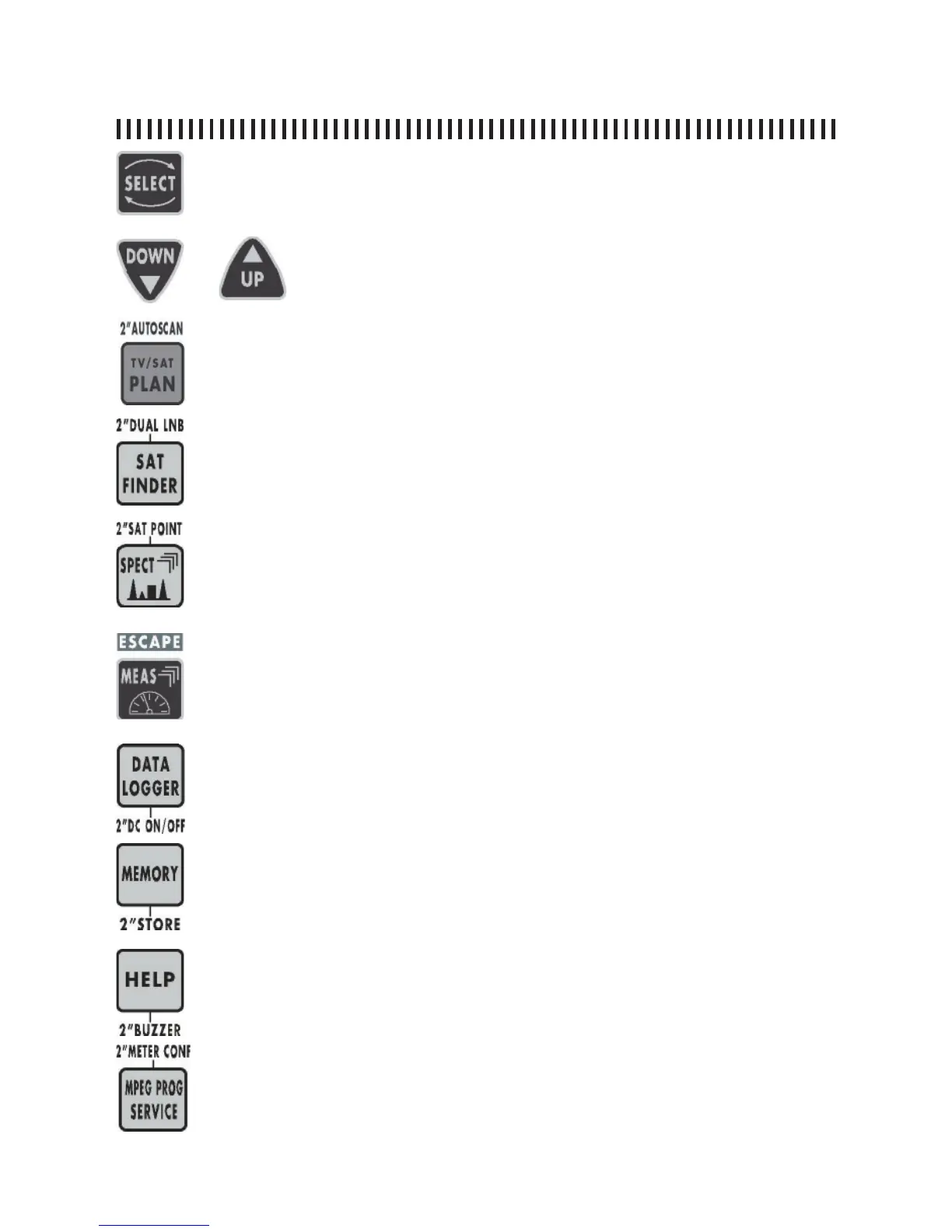
MAIN KEYS
Allows you to select the menu modifi able fi elds. The selected fi elds are
highlighted with a dark background.
Will modify the fi eld values highlighted with the SELECT key.
• provides the list of memory plans.
• If pressed for 2” the TV autoscan function automatically starts to allocate
a terrestrial channel plan.
• Enables the automatic satellite search function.
• If pressed for 2” it will enable the Dual Feed dish alignment feature.
• Spectrum analysis of the RF input signal.
• If pressed a second time it will enable the spectrum MaX Hold.
• If pressed for 2” it will enable the SAT POINT function that will optimize all
the spectrum settings for a dish alignment task.
• Provides analogue or digital transponder measurements.
• By pressing this key more than once, all the menus will appear in sequence
showing all the provided measurements.
• If pressed for 2” it will allow you to escape from any active funtion.
• Starts the automatic measurement procedure and memorizes the measu-
rements results of these for all the transponders contained in the active
memory plan.
• If pressed for 2” turns on/off the RF feed.
• Enables the memory function to create a custom memory plan. A memory
plan may contain up to 199 different programmes.
• If pressed for 2” you may memorize the tuned transponder directly to the
fi rst available programme in the memory plan.
• Key to start the automatic tuning of a digital transponder.
• If pressed for 2” this key will turn on the BUZZER function based on the
Noise Margin measurement.
• Reads all the services transmitted by a digital transponder. In this list all
the Video and audio PIDs wil be shown.
• If pressed for 2” the Confi guration Menu will be displayed to change all the
meter working settings.



 To Next Page