Brief description
Measurement start up
Push buttons and displays
pag. 47
ST2 User’s Manual
Satellite Mode
19.0 STORE: FAST MEMORY KEY
The STORE or fast memorization key will allow to add a transponder in a new
programme location in the active Memory Plan.
• Tune an analogue or digital transponder (Ref. sections 16.0 MEAS and 7.0
SPECT),
• Press the MEMORY [11] key for two seconds,
• The transponder will be automatically stored in a new memory location of the
active Memory Plan.
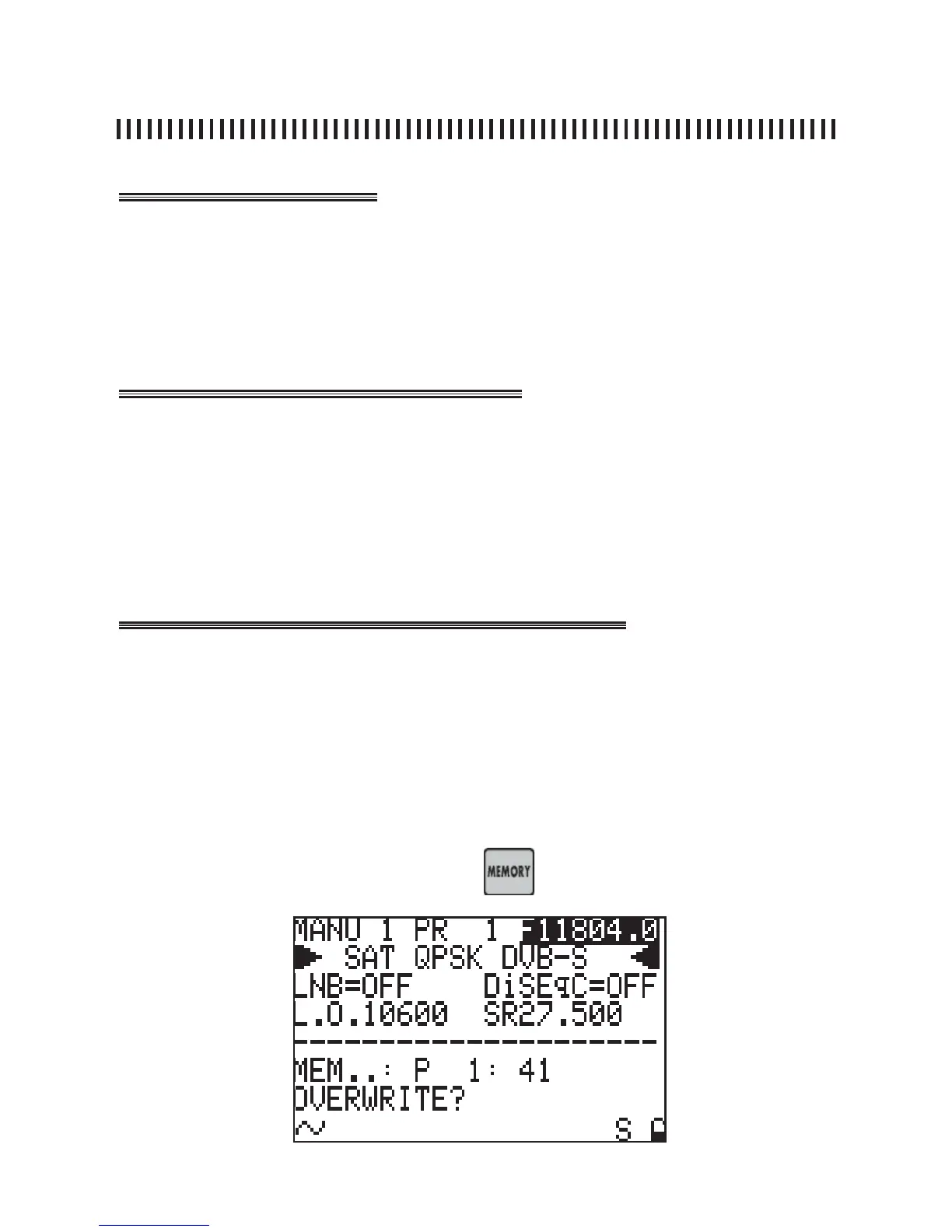
Press the MEMORY [11] key for 2 seconds to start the fast memorization func-
tion. The meter will update the memory programme number to the fi rst available
free location in the active Memory Plan and will memorize it.
Once this task is completed the meter will show the Memory Menu in order to
allow any further change to the newly memorized transponder.
In any mode the meter is: Measurement or Spectrum, if the new tuning para-
meters need to be stored press the key fro two seconds.



 To Next Page