pag. 9
ST2 User’s Manual
Introduction
METER POWER UP
To power up the meter press the [14] key.
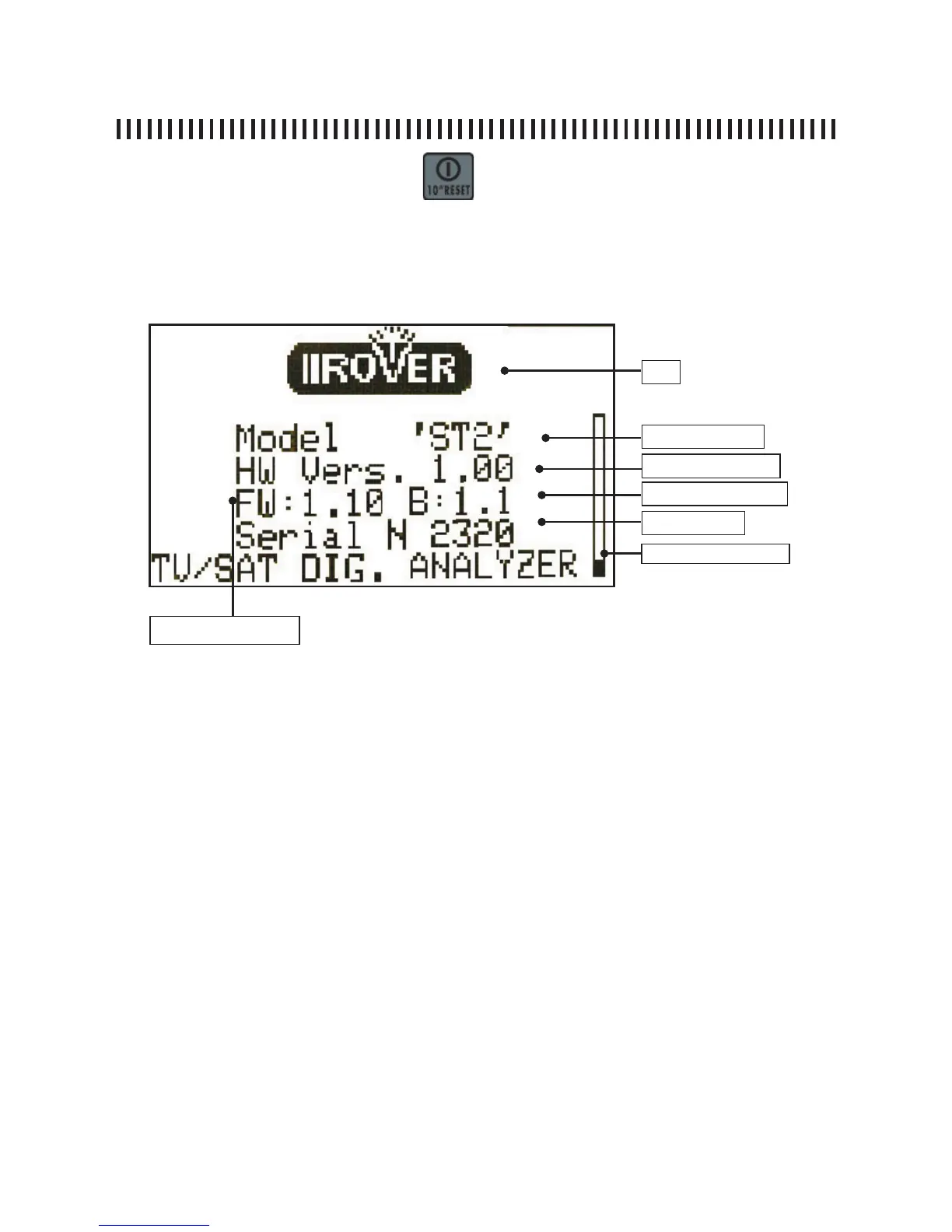
On the meter’s display [2] a welcome screen will show for about 6”, this display
will provide all the detailed identifi cation data for the meter.
DISPLAY LAYOUT.
Always provide the Model name, Firmware Version and Serial Number every
time you need technical support or when the meter needs to be sent to an au-
thorized Rover Service Centre.
Logo
Model Name
Firmware Versione
Serial Number
Boot Loader Versione
Hardware Versione
Start Up Bar



 To Next Page