Brief description
Measurement start up
Push buttons and displays
pag. 37
ST2 User’s Manual
Satellite Mode
14.0 BUZZER SAT
The Buzzer is a beep sound which varies its rhythm proportionally to the signal’s
Noise Margin measurement. This is a dish alignment aid feature, when the selected
satellite digital transponder is locked (satellite is found) the meter will start the Buz-
zer and at the same time show the Noise Margin measurement, the quality analysis
(PASS, MARGINAL, FAIL) and the Network data (NIT tables).
• Select the Memory plan and the wanted transponder (Ref. Sec. 2.0).
• Press the HELP [12] key for 2 seconds,
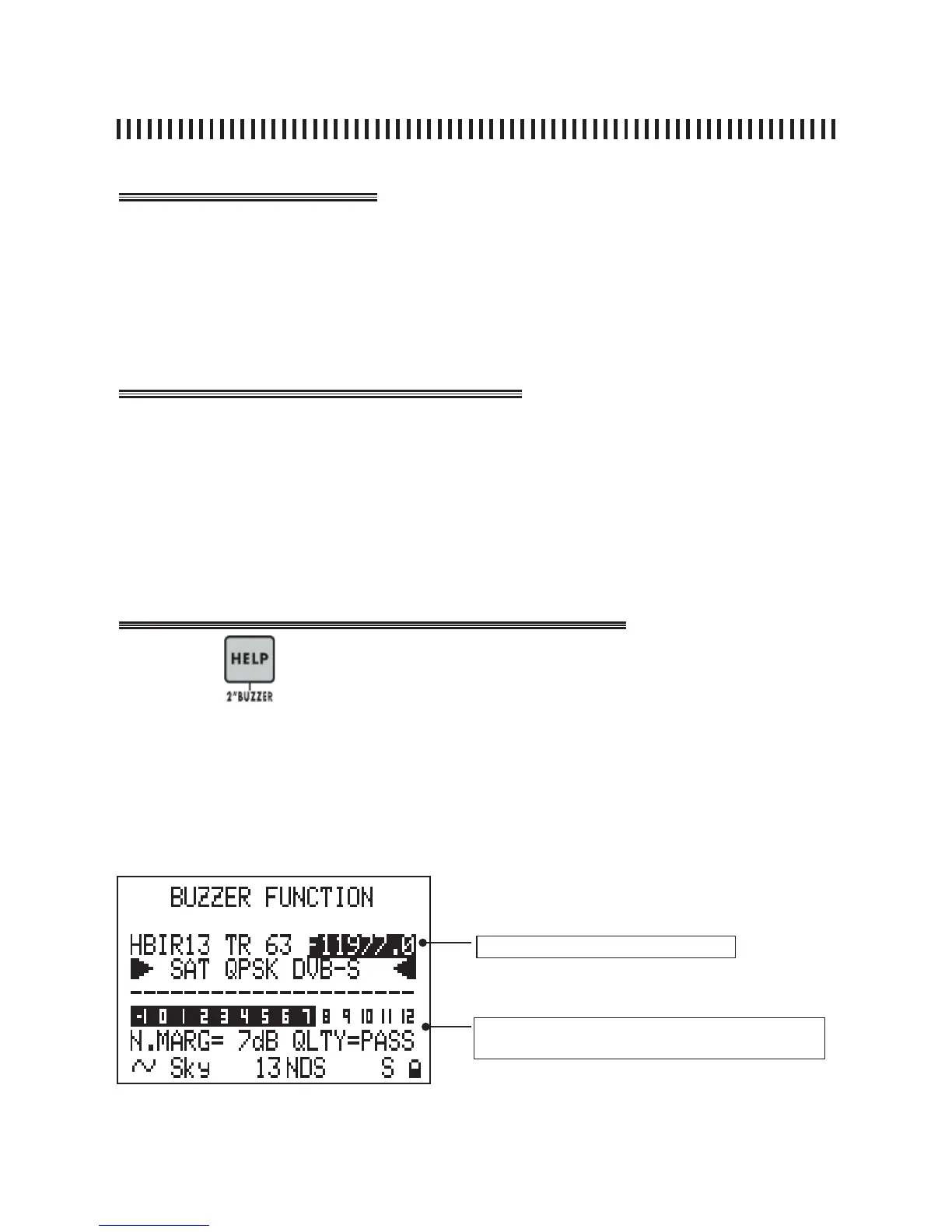
• The meter will show the BUZZER FUNCTION menu,
• the Buzzer will be heard only when the selected transponder is locked,
• Press any key to disable this function,
• It is possible to modify the transponder frequency when the meter is in this mode.
Press the
key for 2” to start the BUZZER FUNCTION.
On the fi rst line of the Display the active Memory Plan transponder or program-
me name will be shown. The transponder relevant frequency value may be
changed, if this is done the transponder name will be replaced by three Horizon-
tal lines. When the digital transponder is locked, the meter will start the Buzzer
and display the measurements shown here below.
active memory plan transponder
measurement that will be shown when the tranponder
is locked



 To Next Page