pag. 26
ST2 User’s Manual
TV Mode
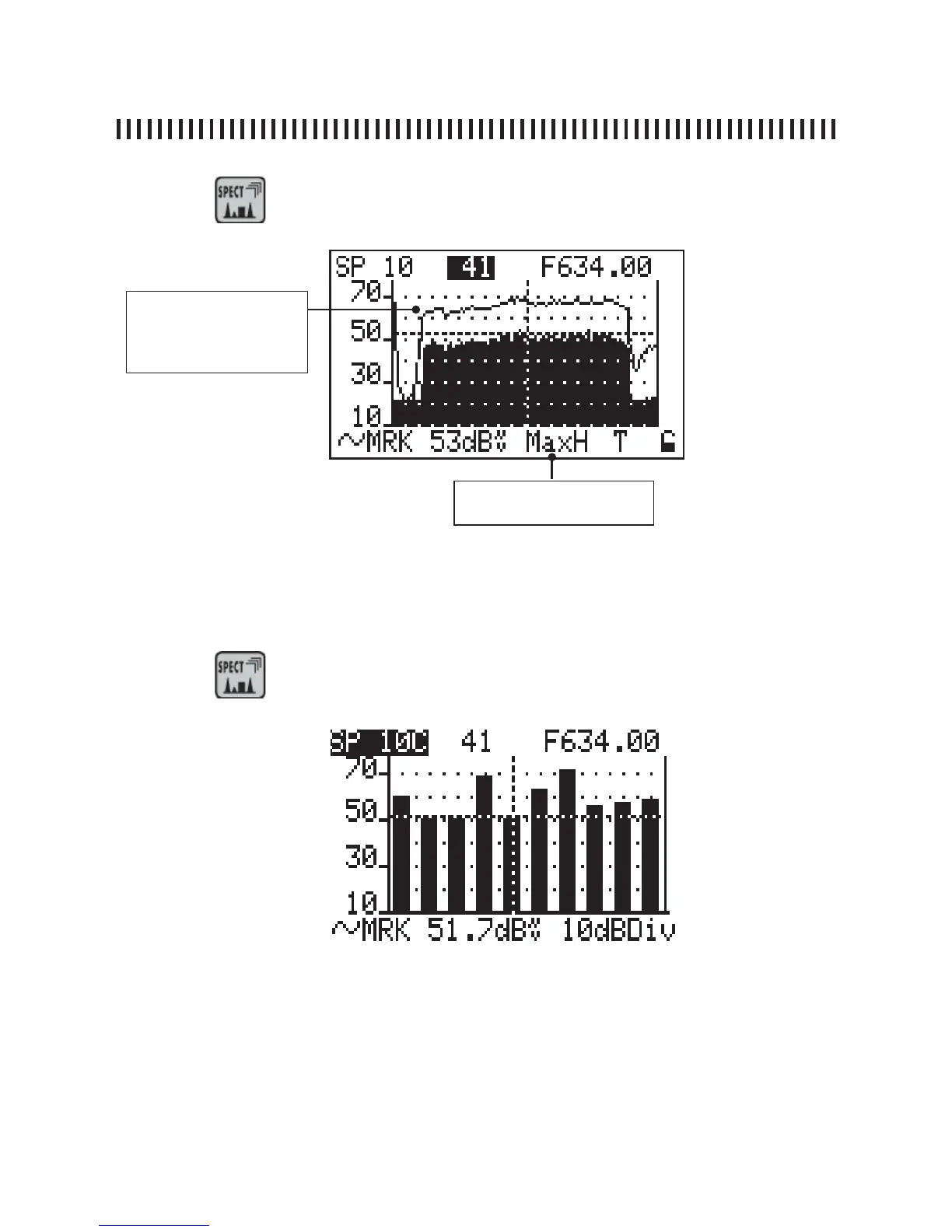
Fig. 5.3 COFDM multiplex spectrum with active max hold feature.
Press the
5.3 Digital signal spectrum analysis: Max Hold
key again to enable the spectrum MAX HOLD feature.
MAX HOLD FEATURE: peak
memory function is active
MAX HOLD FEATURE: me-
morises the peak value rea-
ched by the received signal
continuation: SPECTRUM MEASUREMENTS: SPECT
5.4 Bars Scan
Press the
key for 2” to start the Bars Scan function



 To Next Page