pag. 41
ST2 User’s Manual
Satellite Mode
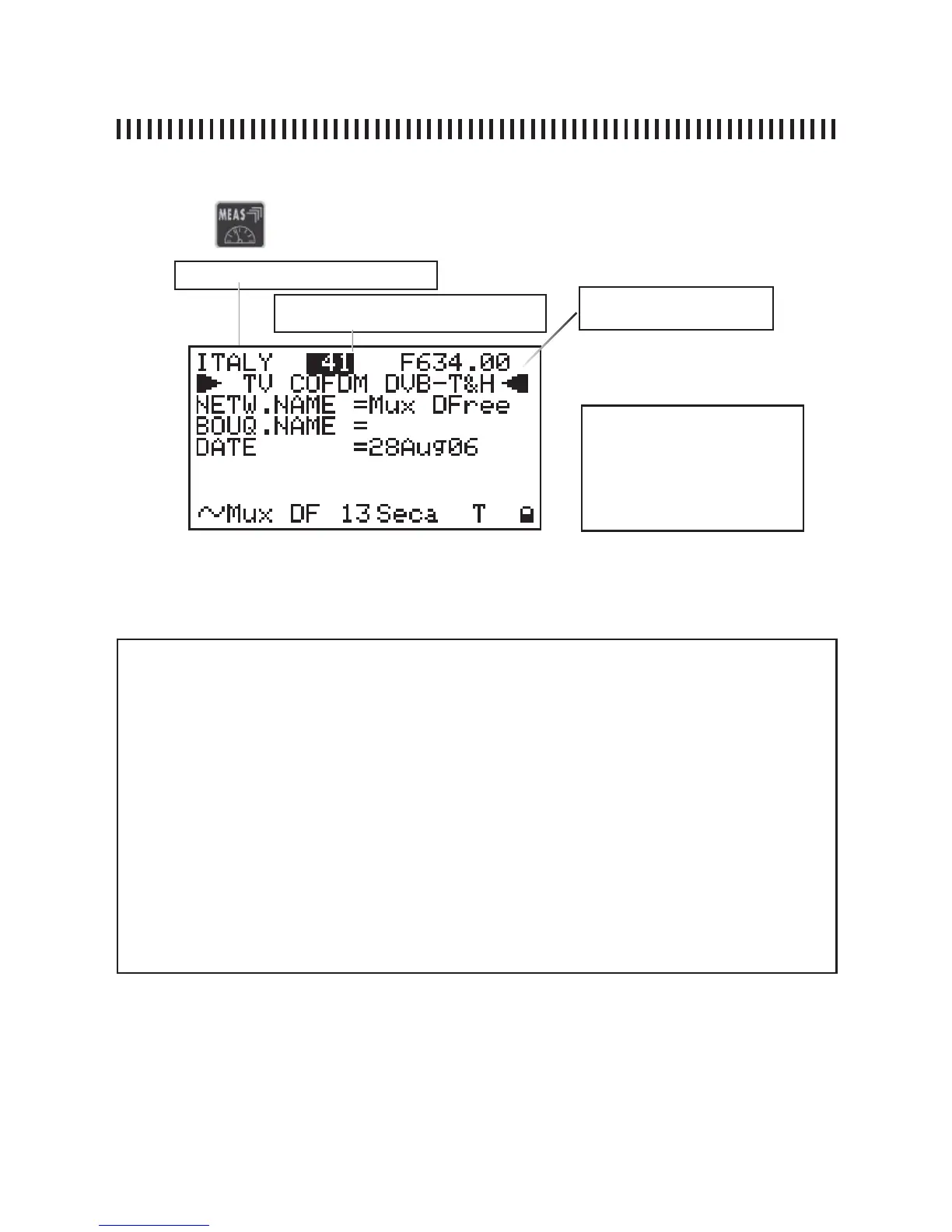
fi g. 15.5 This display will show the network name, the bouquet, the data and the FEC (forward error
correction) value for the measured digital transponder.
15.4 FEC, NETW. NAME and BOUQ. NAME
Memory Plan (Ref. section 11.0)
Transponder Frequency: MW
o IF
Active Memory Plan trasponder or Pro-
gramme number (Ref. section 11.0)
NOTE
There are variable fi elds
in this measurement level:
Memory Plan, Transponder or
Programme number and Fre-
quency.
NOTES
• If there is no signal or if the power measurement is below the meter’s dynamic range or when the
signal is not locked, the measurements will show only horizontal lines,
• From the second to the fourth measurement levels the variable fi elds are only the Memory Plan,
the Transponder or Programme number and the signal frequency value,
• When the signal frequency value is changed, the Transponder or Programme number is replaced
by three horizontal lines, this is because the correspondence between the memory location and
the new frequency is lost,
• From any measurement level the meter is, by simply pressing the Power ON key [14] it is possible
to return to the fi rst measurement level shown in fi g. 15.1 or fi g. 15.2,
• On the bottom line of the display and starting from the measurement level 2, the NIT readings
are displayed: network name, orbit position, encryption system, “S” letter to indicated that this is a
satellite signal and a lock that will be closed when the digital signal is locked.
continues: SATELLITE SIGNAL MEASUREMENTS: MEAS
Press the
key again to display the fourth measurement level:



 To Next Page