Chapter 5 • TheaterTouch Designer Advanced Features
45
HOW TO USE THE CHANNEL MACRO WIZARD
TheaterTouch Designer comes with a feature called the Channel Macro Wizard. The
Channel Macro Wizard allows you to quickly and easily create macros for satellite
and cable channel presets.
To start using the Channel Macro Wizard:
1. Select
Channel Macro Wizard
from the
Edit
menu.
2. Click the
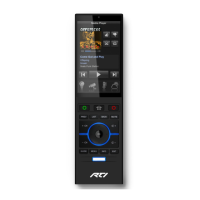
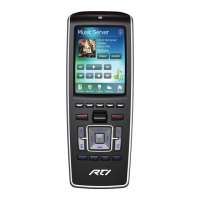
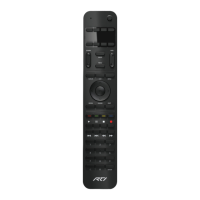
Select New Remote
button to select the remote that you will use
to enter to enter the channel numbers and click the
Next >>
button.
3. You have the option of adding commands before and/or after each macro
for things such as an IR router before each command or an Enter
command after.


 To Next Page