BTR-800, TR-800, TR-825 System Operation 41
Power-Up Screen
•
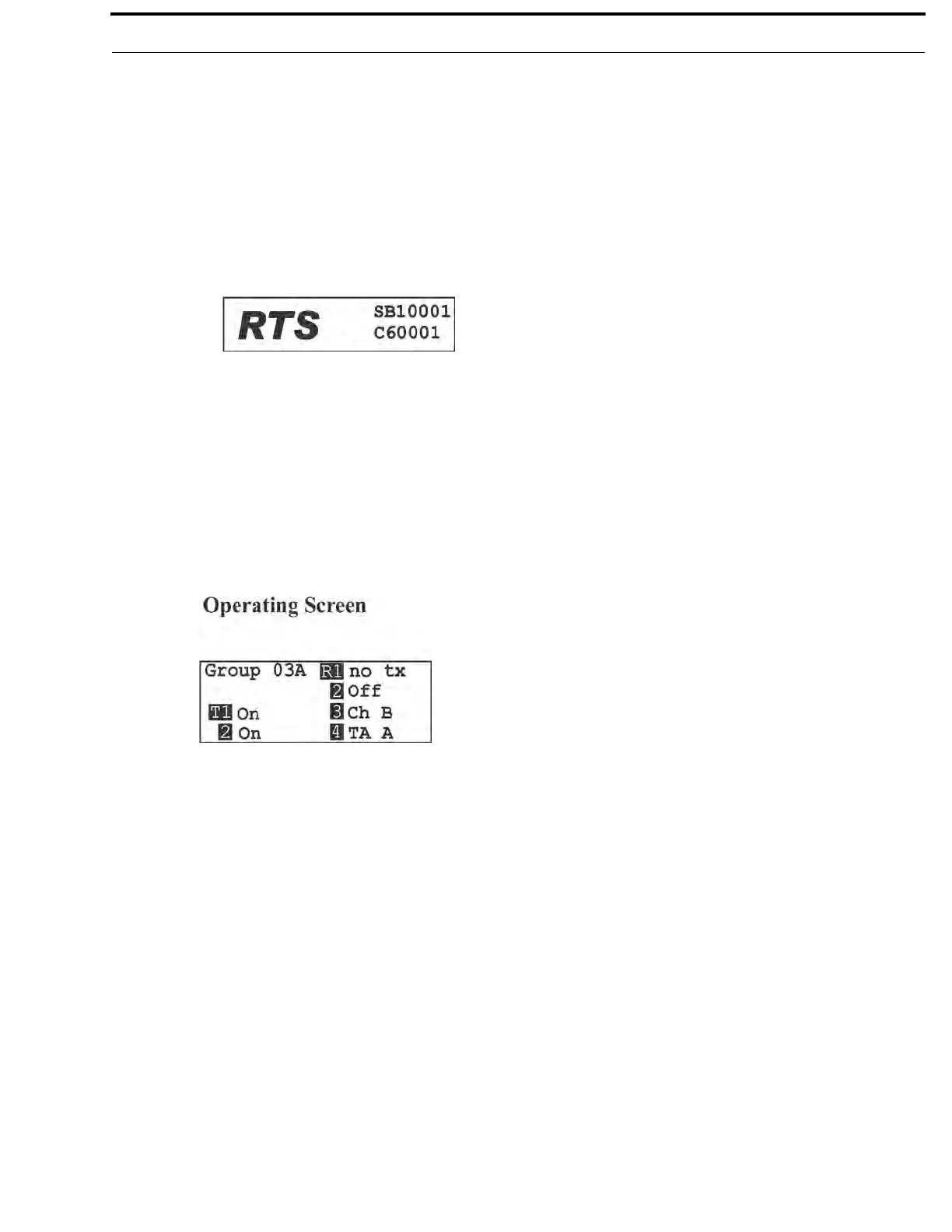
This screen is displayed only on power up, first use default and factory default.
• The 1st upper right corner number displays the base’s software revision. The single version number increments for changes in
operation software.
• The 2nd upper right corner number displays the base’s channel map (frequency plan) version. The single version number
increments for changes in the channel map.
• Once the power-up screen is displayed, it will change to the operating screen after a few seconds.
Operating Screen
•
Screen is displayed after power-up screen.
• System will revert to this screen if no activity is detected on the LCD display buttons after three minutes.
• Screen displays current status of the system.



 To Next Page