66 System Operation BTR-800, TR-800, TR-825
ClearScan™
ClearScan™ performs a frequency scan of the factory-defined
and any set up user-programmable groups in order to find the
clearest group. After about 30 seconds, the clearest group is
displayed. A group is defined by receive 1 and 2 frequencies.
The next best group and so forth may be accessed with the
[DOWN] and [UP] arrow buttons.
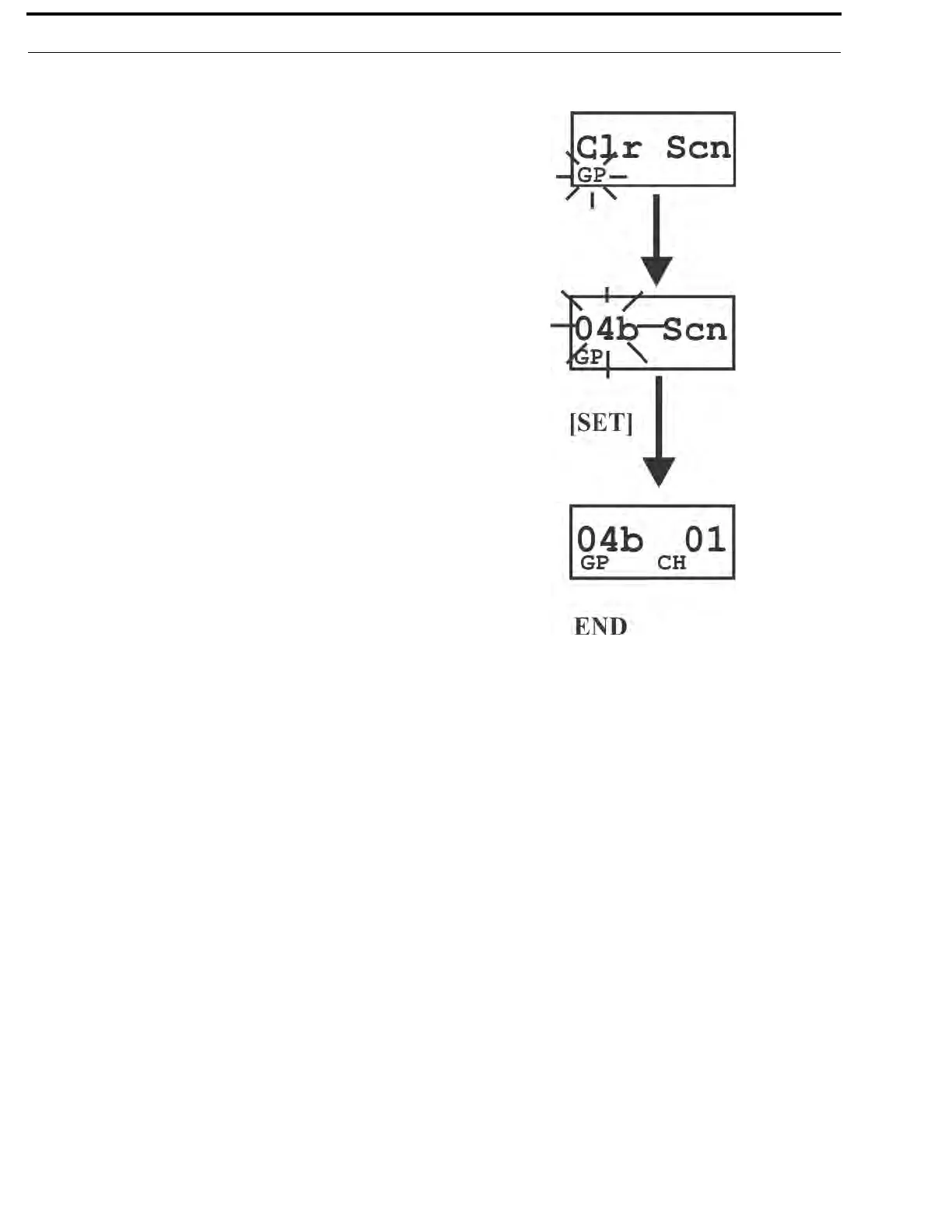
• Press and hold [MENU]+[SET] for three seconds to enter
ClearScan™. The beltpack will now start searching for the
clearest groups. The group symbol will flash indicating the
beltpack is scanning for clear groups.
• ClearScan™ will scan all groups. It will then display the 1st
group it came to that had the clearest receive channels
(lowest RSSI levels on the two frequencies). The [UP]/
[DOWN] buttons may be used to select the next best group
and so forth. Press [SET] to place the beltpack on this group
and return to the group/channel screen.



 To Next Page