RDC6563F Standalone Fiber Cutting Control System User Manual V2.0 45
SHENZHEN RUIDA TECHNOLOGY CO., LTD
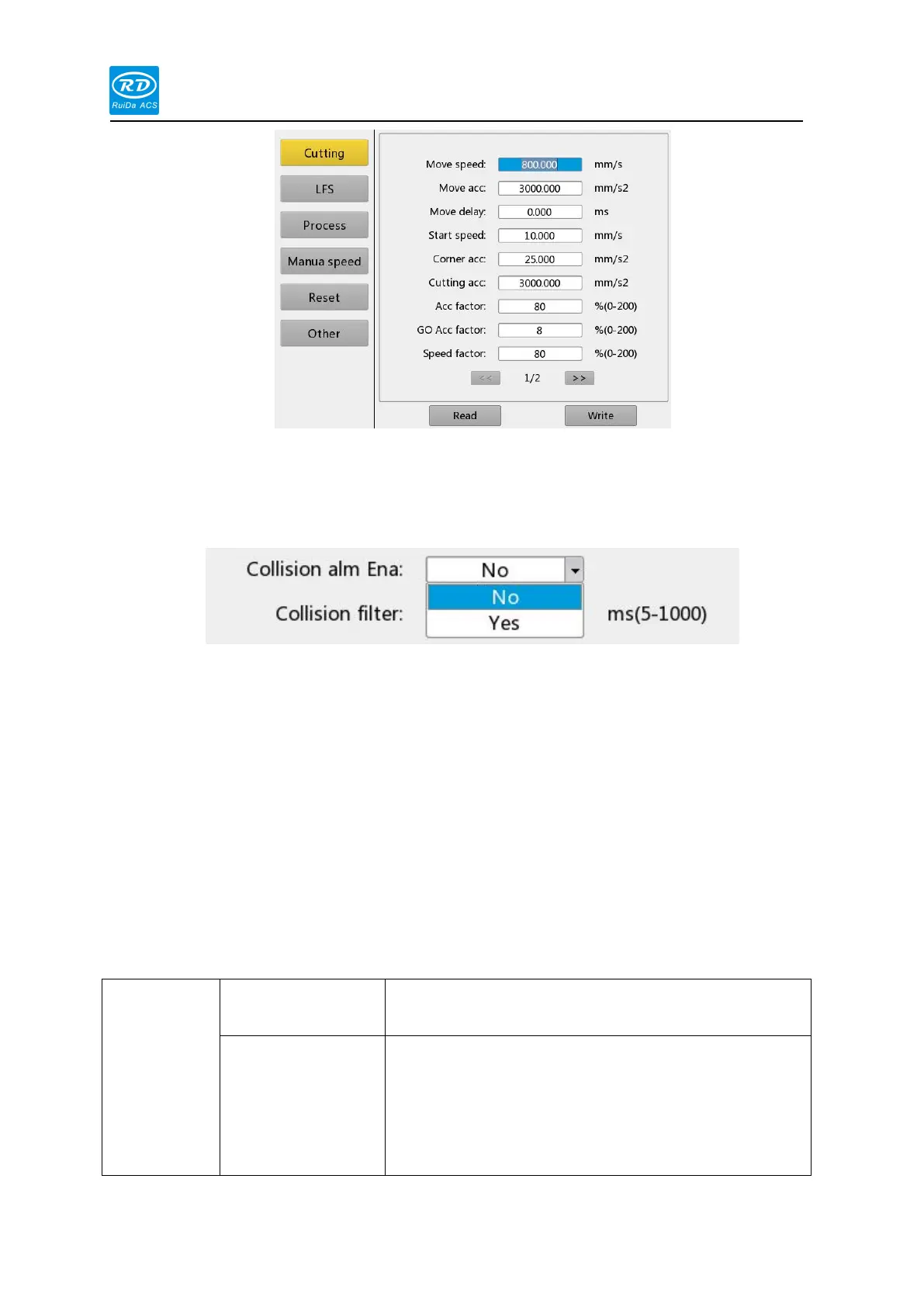
At this time, the user can press the [Up/Down] key to select the parameter to be modified,
and press the number key to modify the numerical parameter (such as [Idle speed]).
For text parameters (such as [yes/no]), when the blue cursor stops on this parameter, press
[Enter] to enter the modification mode, as shown below:
Users can press the [Up/Down] key to select the parameters. After the modification is
completed, press the [Enter] key to exit the modification mode. After the current interface
parameters are modified, move the blue cursor to the [Write Parameters] option and press the
[Enter] key. The panel saves all parameters on the main board and takes effect. At the same time,
the save progress is displayed on the [Write Parameters] option. If the user wants to check
whether the parameter is saved successfully or not, move the blue cursor to the [Read
Parameter] option and press the [Enter] key. At this time, the panel re-reads the mainboard
parameters and displays. When the [Left] key is pressed, the blue cursor switches back to the
parameter category. At this time, the user can select other parameter categories to modify or
press the [Exit] key to return to the previous menu.
User parameters are detailed as follows:
This parameter determines the maximum speed at which
the machine no fire during motion.
The highest acceleration without fire movement. The
settings of the idle speed and the idle acceleration are
large, which can shorten the working time of the entire
graphic, but if the setting is too large, which may cause
the track to be shaken.



 To Next Page