RDC6563F Standalone Fiber Cutting Control System User Manual V2.0 62
SHENZHEN RUIDA TECHNOLOGY CO., LTD
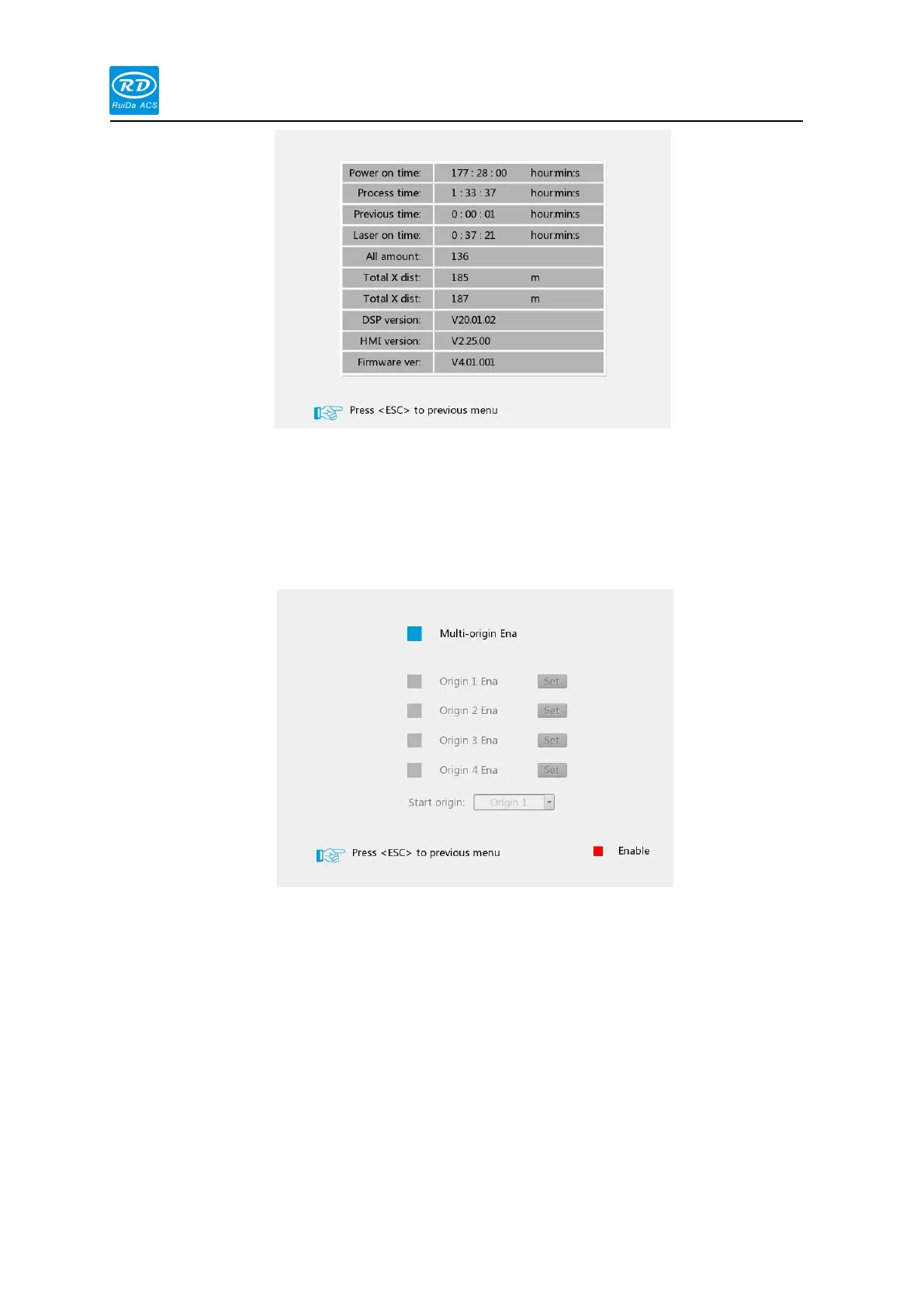
3.7.6 Multiple Anchor Point Settings
In the menu interface, select the [Multiple Positioning Point Setting] option, and press the
[Enter] ,the interface as the following:
At this time, the blue cursor defaults to the [Multiple Position Enable] option. Press [enter] to
select or cancel the entry. When multiple anchor points are enabled, first move the blue cursor to
[Origin 1 Enable] .Press the [enter] key to enable the option, then press the [Right] key to select
the [Set] option and press the [Enter] . The interface as following interface:



 To Next Page