RDC6563F Standalone Fiber Cutting Control System User Manual V2.0 40
SHENZHEN RUIDA TECHNOLOGY CO., LTD
RDC6563F-HMI panel(Hereinafter referred to as "panel" ) It is a man-machine interface
based on 5.6" TFT LCD screen. It has beautiful interface, friendly man-machine, smooth control
and high cost performance. The panel can depict the motion track of the controller in real time,
users can see the current processing graphics at a glance, support file management, file preview,
user and manufacturer parameter modification, support for multi-language interface switching
and other functions.
Panel characteristics:
640×480
Screen resolution
RS232 Standard serial communication
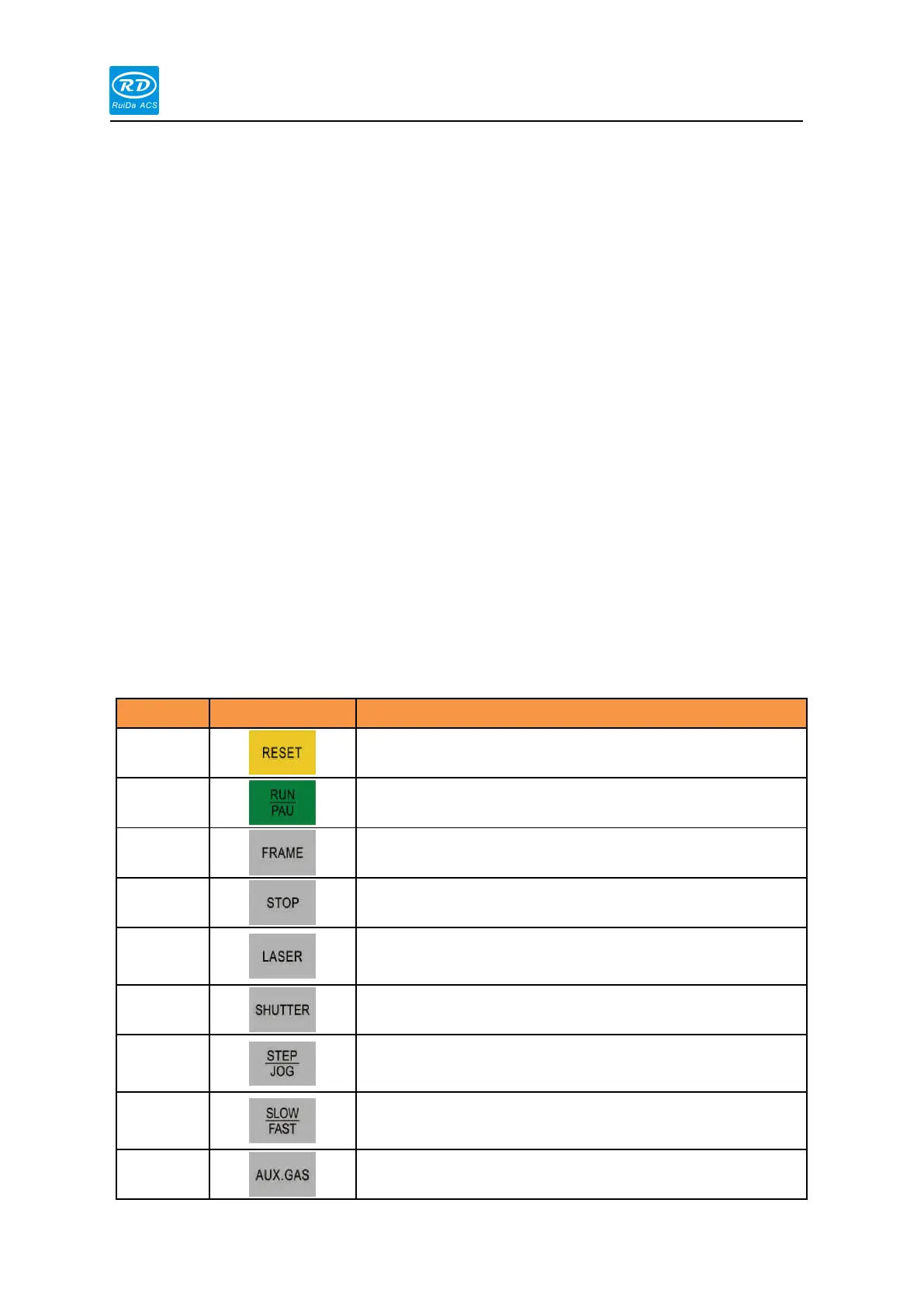
3.2 Button function introduction
Start work or pause/restart work.
Frame on the current processing file
Stop processing or axis movement.
Control the laser to enable or disable.
Jog and continuous motion switching when manually moving
the axis
The speed is switched when the axis is manually moved.



 To Next Page