RDC6563F Standalone Fiber Cutting Control System User Manual V2.0 67
SHENZHEN RUIDA TECHNOLOGY CO., LTD
correspond to different blowing channels.
After the parameter is modified, select the [Write Parameter] option and press the
[Enter] key to take effect. Press the [Exit] key to return to the previous menu.
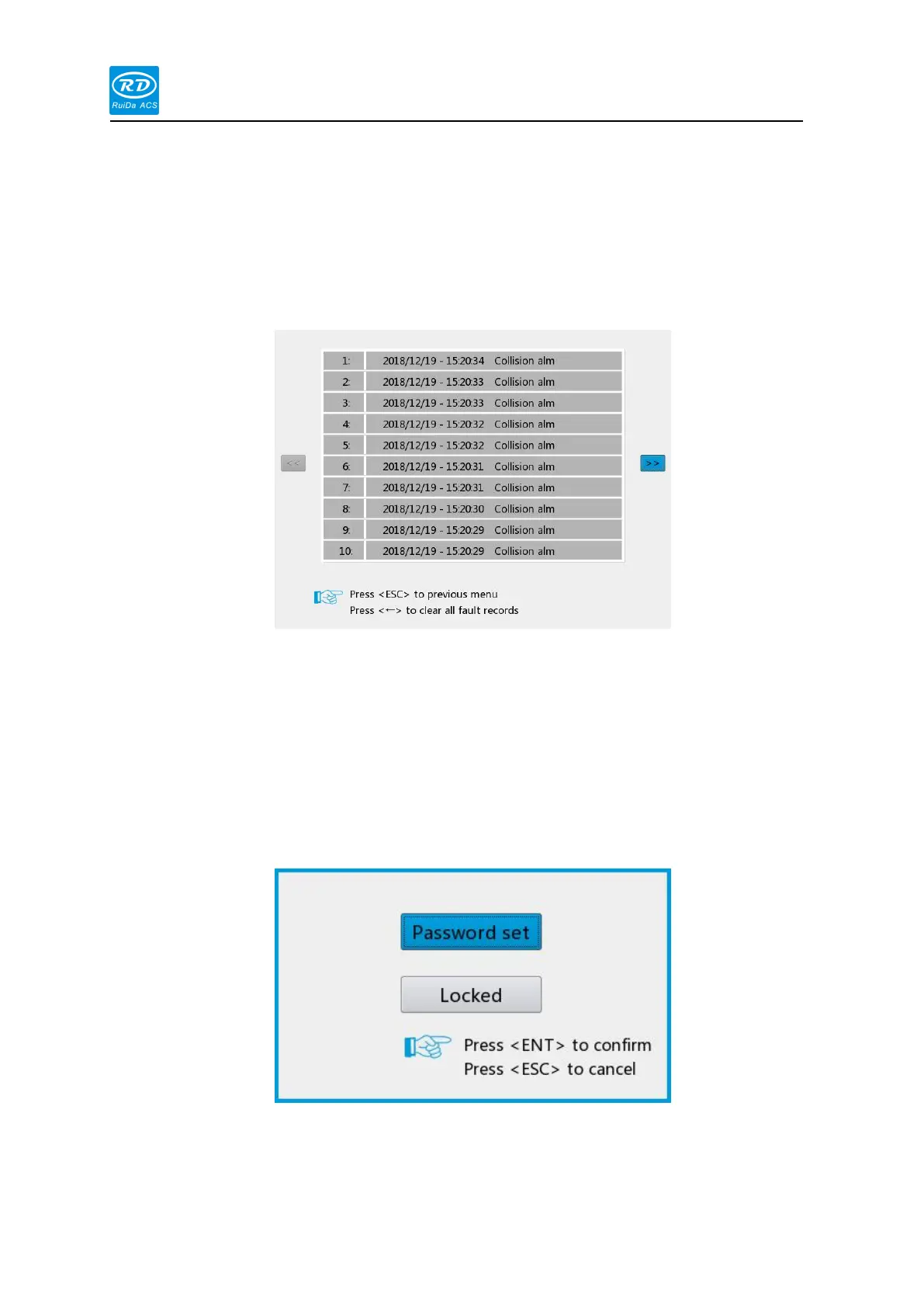
When the blue cursor stops on this option, press the [Enter] key, the interface as following:
The interface can record the alarm information generated during the movement, so that the
user can troubleshoot the fault and save up 20 alarm information. Press the [←] button on the
panel to clear all alarm records.
When the blue cursor stops on this option, press the [Enter] key, the interface as following:
This option can set the default password for keyboard lock. After the setting is successful,
use the new password to lock the button.



 To Next Page