RDC6563F Standalone Fiber Cutting Control System User Manual V2.0 66
SHENZHEN RUIDA TECHNOLOGY CO., LTD
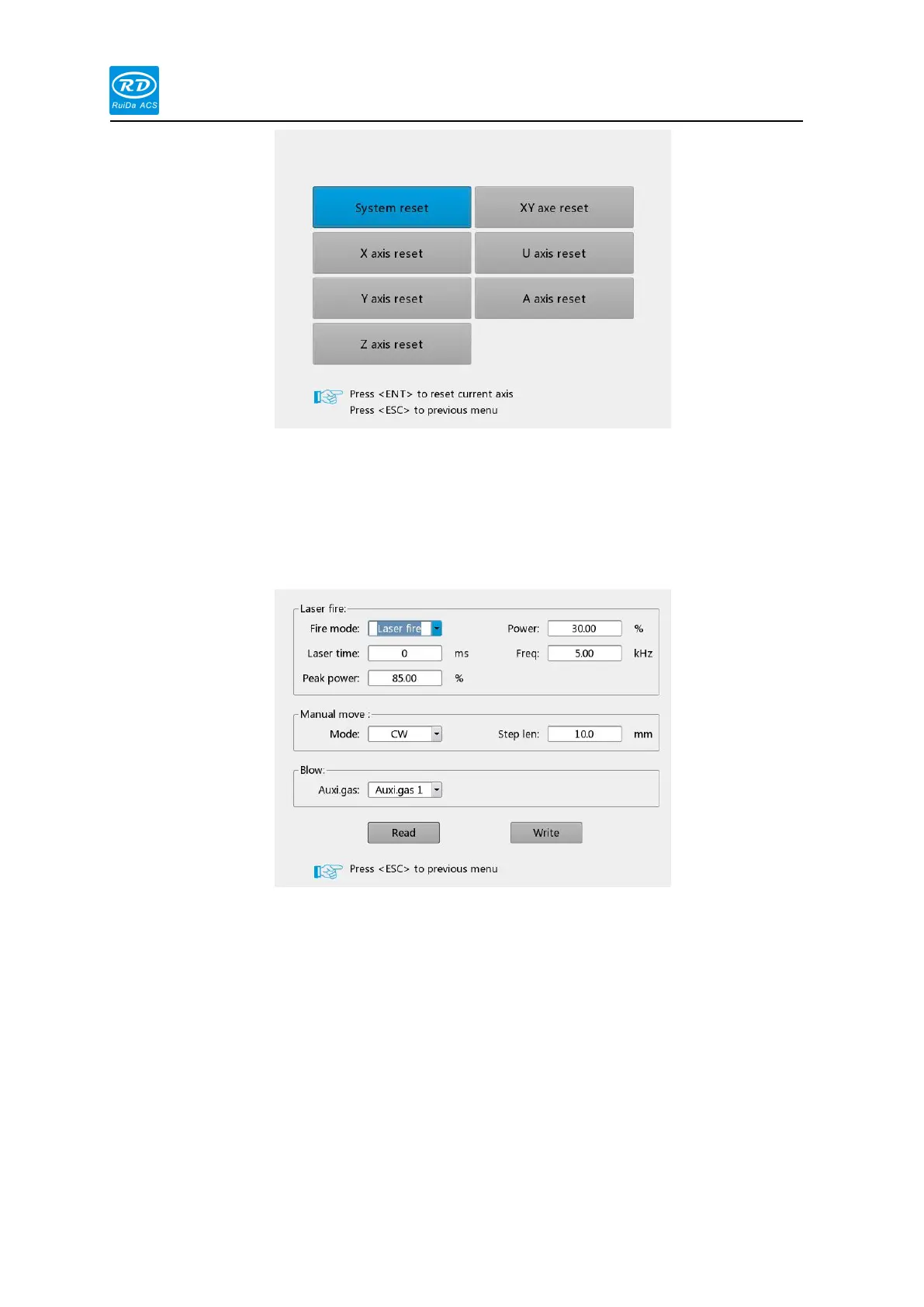
When the blue cursor stops on this option, press the [Enter] key, the following interface as
following:
Pulse setting: If the shooting mode selects [Continuous], when the point is pressed, the
laser will always on, and when loose the pulse bottom, laser off. If the pulse mode
selects [pulse], each time the pulse button is pressed, the laser on, and the time of laser
on is the pulse time value set by the user.
Jog setting: When the jog mode is [Continuous], the jog parameter does not work.
When the direction key is pressed, the axis moves. When loose the direction key, the
axis stops moving; when the jog mode is [Jog], each time the direction key is pressed,
the corresponding motion axis runs once, and the running distance is equal to the jog
distance value set by the user (without exceeding the machine format).
Air setting: There are [Gas 1], [Gas 2] and [Gas 3] available for blowing, which



 To Next Page