RDC6563F Standalone Fiber Cutting Control System User Manual V2.0 58
SHENZHEN RUIDA TECHNOLOGY CO., LTD
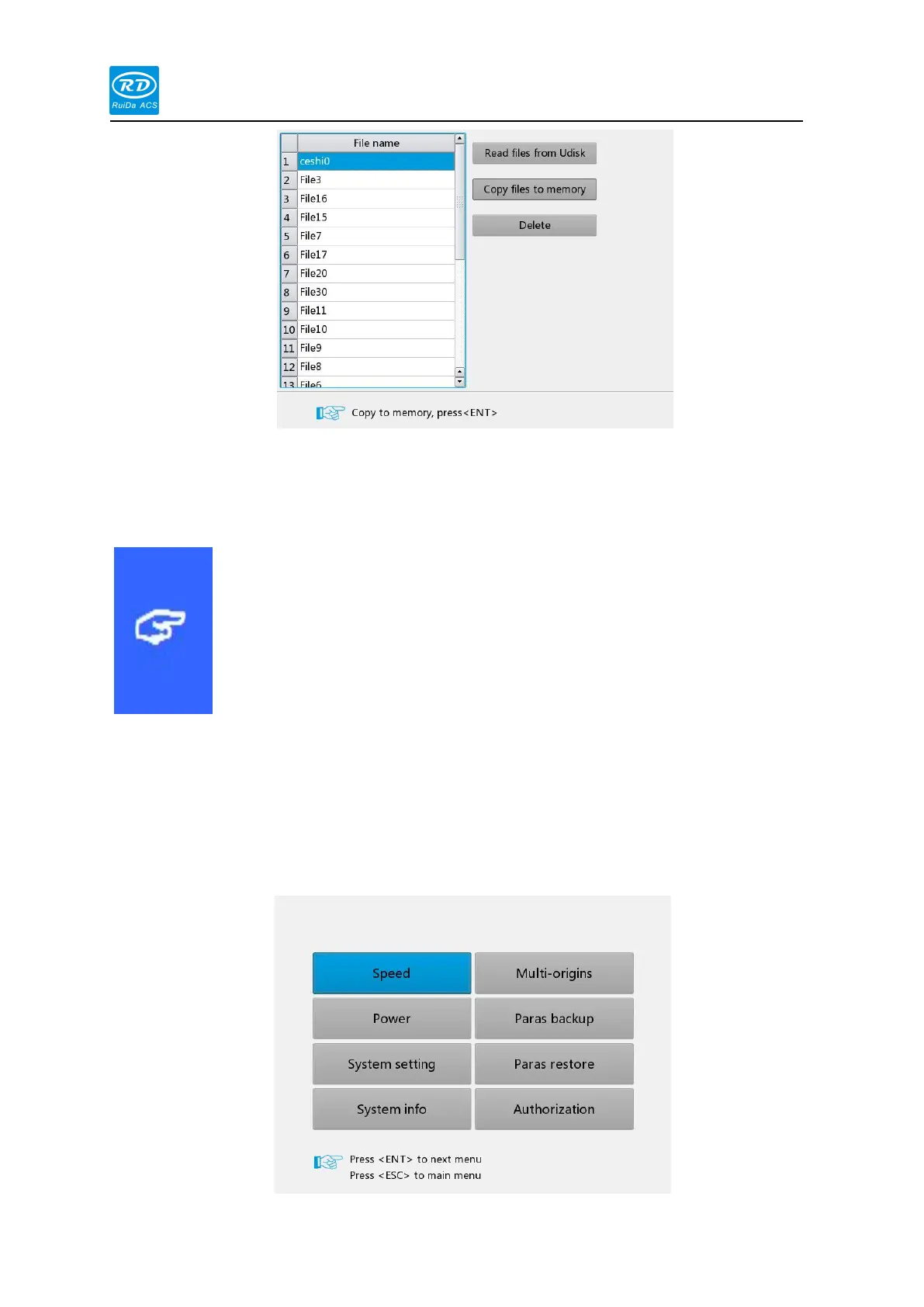
Read U disk file: read U disk file list
Copy to memory: copy selected files to memory
Delete file: delete the selected file of the U disk
This system supports the FAT32 and FAT16 file formats of U disk.
The system must be placed in the root directory of the U disk to
be recognized by the system. The file name of more than 8
characters will be cut off by the system automatically. The file
names other than English and numbers will be copied to it will
not be displayed in the main board. Copy the Files from the mainboard to
the USB flash drive are placed in the root directory of the USB flash drive.
Press [Menu] in the main interface, the pop-up menu interface is as follows:



 To Next Page