RDC6563F Standalone Fiber Cutting Control System User Manual V2.0 69
SHENZHEN RUIDA TECHNOLOGY CO., LTD
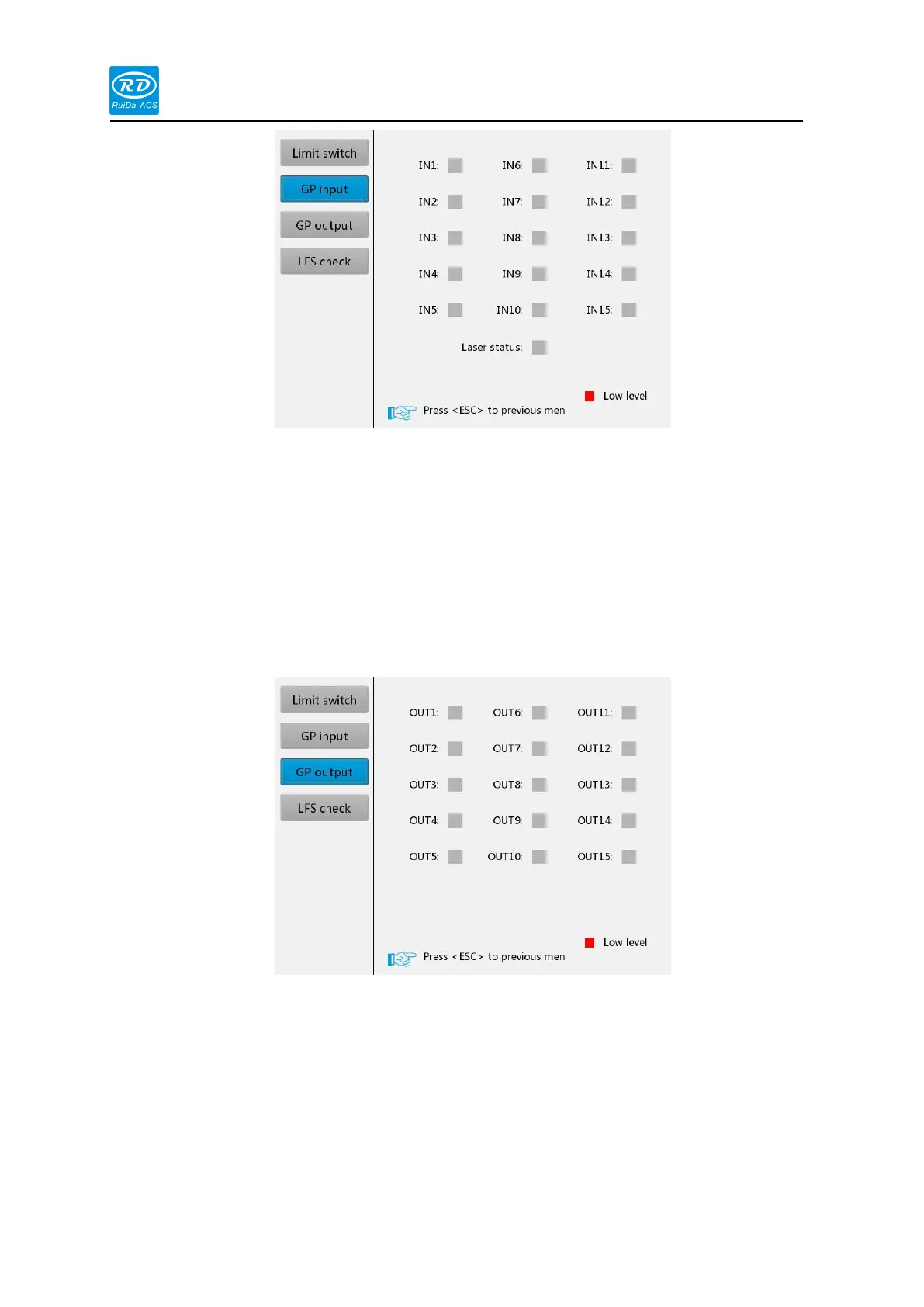
The interface can monitor the input IO status of the board in real time. The red square
indicates low voltage and the gray square indicates high voltage, which is convenient for users to
diagnose faults.
Output IO
When the blue cursor is stopped at this option, the interface is as shown below:
When the key is pressed to select an output port, press the [Enter] key to change the output
status. Red indicates low voltage and gray indicates high voltage.
3.8.6 HMI Firmware Upgrade
When the blue cursor stops on this option, press the [Enter] key, the interface as following :



 To Next Page