RDC6563F Standalone Fiber Cutting Control System User Manual V2.0 56
SHENZHEN RUIDA TECHNOLOGY CO., LTD
Press the left or right button to switch the blue cursor back and forth between the left file list
and the right option, indicating that the list or option is selected for user convenience. If the file is
being previewed, press [Enter] when switching to the option, the file preview will be cancelled.
When the blue cursor is on the option, press the up and down keys to select an option, press the
[Enter] key to activate the option or enter the lower menu.。
Layer parameters: modify the layer parameters of the currently selected file。
Frame: Take the border of the selected file.
Work preview:The total time of processing of the file is predicted, and the predicted
time and the actual running time differ only to the millisecond level.
Simulation processing:Simulated processing of selected files (no gas, no laser).
The number of pieces is cleared :Clear the number of processed files of the selected
file
Copy to U disk:Copy the selected file to the USB flash drive.
Delete file: delete the selected file.
U disk file: U disk file menu.
Memory operation: Enter the lower level menu of memory operation.
Read memory file: Read the memory file list.
In addition, you can directly process the selected file by pressing the [Start] button.
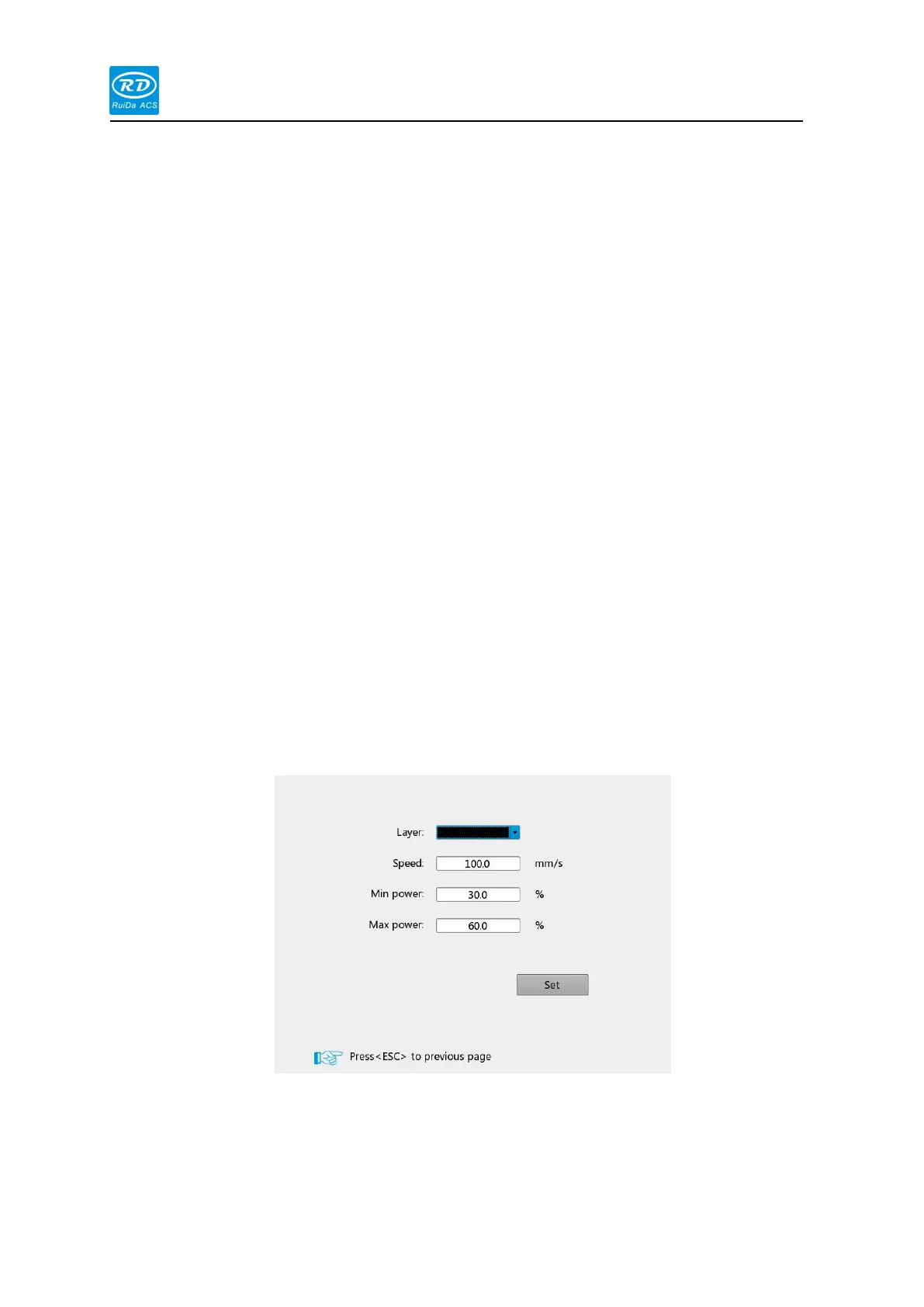
When the [Layer Parameters] option is selected, press the [enter] key to pop up the
following interface:
At this time, the blue cursor stays on the layer number option. User can press the [Enter] key
to enter the selection layer mode, press the [Up/Down] key to select other layers, and then press
the [Enter] key to exit the layer selection mode. Then press the [Up/Down] key to move the blue
cursor to the layer parameter option to be modified, press the number key and the delete key to



 To Next Page