RDC6563F Standalone Fiber Cutting Control System User Manual V2.0 57
SHENZHEN RUIDA TECHNOLOGY CO., LTD
set and modify the parameters. After setting the parameters, move the blue cursor to [Setting]
and press [Enter] on the option to save the current layer parameters, the parameters take effect,
and otherwise the parameters are not saved. Press the [Exit] key to return to the file interface.
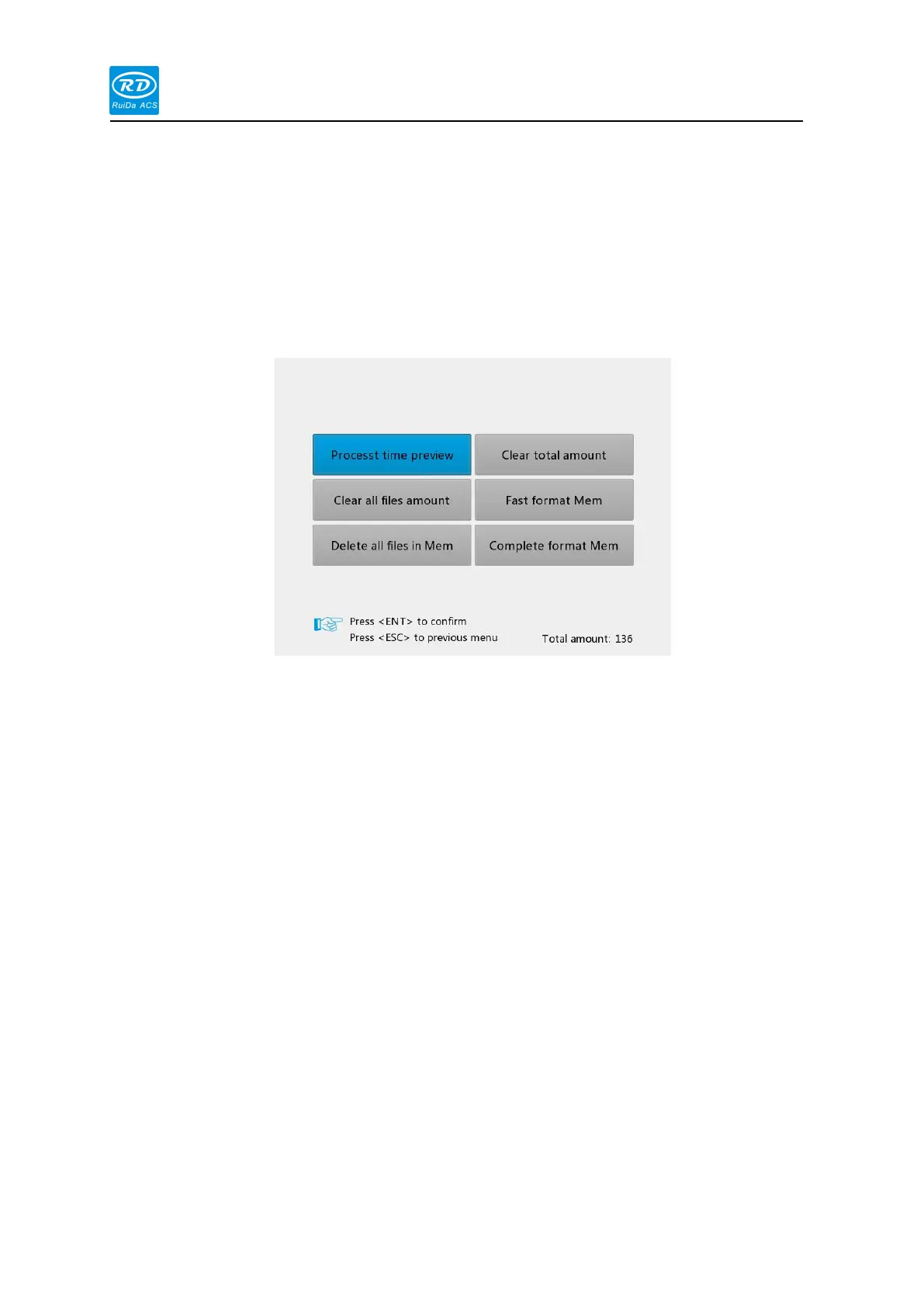
When the [Memory Operation] option is selected, press the [enter] key, the pop-up menu is
as shown below:
Current document time preview: predict the total processing time of the current
processing file
Current document time preview: predict the total processing time of the current
processing file
All memory files are cleared: Clear all memory files.
Delete all memory files: empty all memory files
The total number of files is cleared: the total number of files is cleared.
Quickly format the memory: empty all the contents of the memory, faster
Thoroughly format the memory: Deep initialization of the memory is slower.
Total files: Displays the sum of the number of processed parts of all memory files.
Select the [U disk file] option on the [File] screen, and press the [enter] key to pop up the U
disk file list, as shown in the figure:



 To Next Page