RDC6563F Standalone Fiber Cutting Control System User Manual V2.0 77
SHENZHEN RUIDA TECHNOLOGY CO., LTD
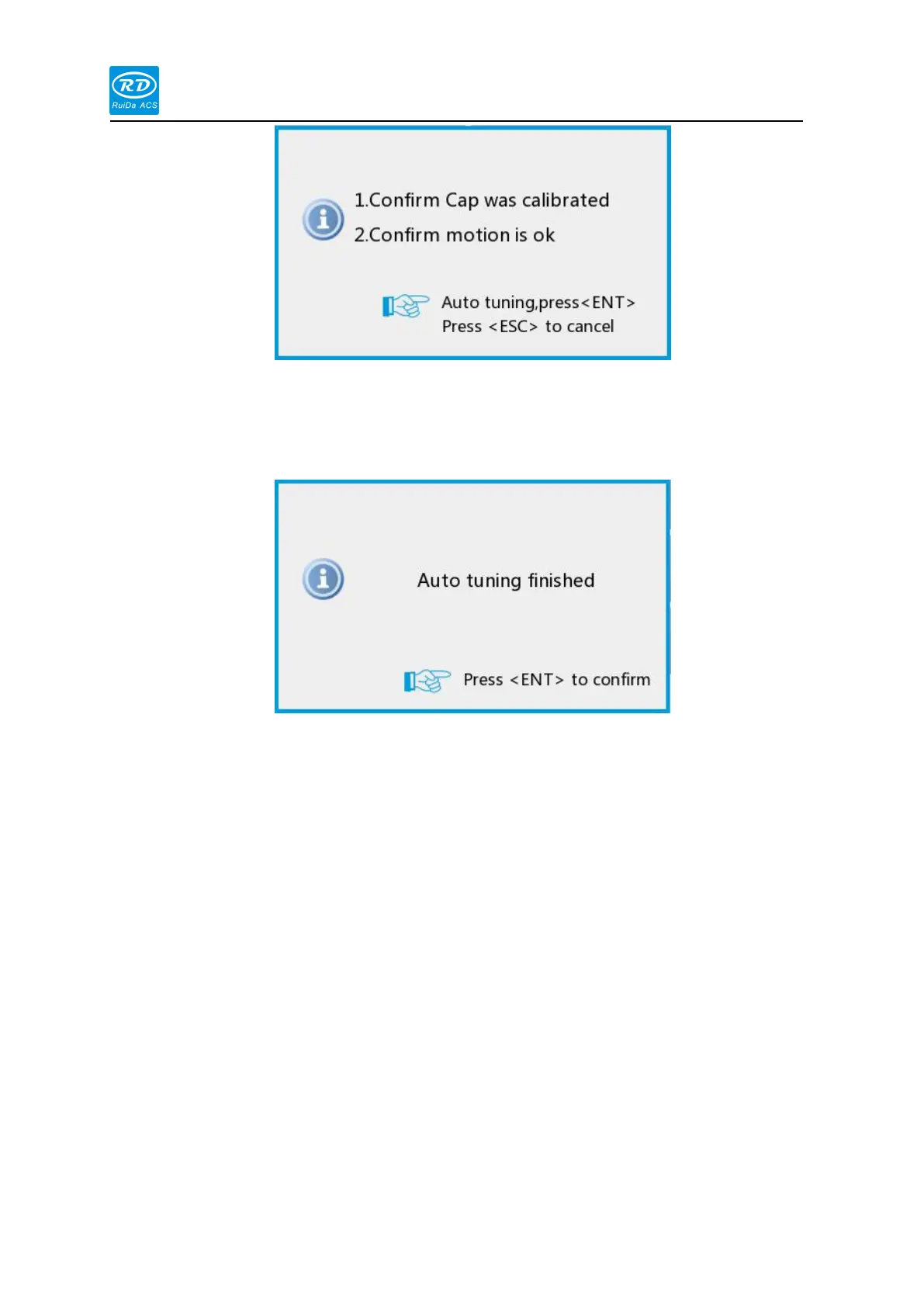
On the panel, enter the auto-tuning interface by [Function] → [Auto-tuning], and click the
[ENT] button to start the capacitor calibration process. To cancel the calibration during the auto
tuning process, press the [ESC] key.
After the auto-tuning is successful, press the [Enter] key to save the auto-tuning result.
Following detection
Enter the detection interface through the panel [Function] → [Diagnose] → [LFS check]
The interface can display the nozzle height, actual position, following error, Z-axis coordinate,
capacitance value, Z-axis motion status, and Z-axis alarm status in real time. Through this
interface, the current motion state of the Z axis can be judged and it is convenient to debug.



 To Next Page