RDC6563F Standalone Fiber Cutting Control System User Manual V2.0 86
SHENZHEN RUIDA TECHNOLOGY CO., LTD
are set correctly. The X, Y, and Z axis movement tests are normal and have been reset
successfully. The relevant parameter settings are only briefly introduced here. For details, please
refer to the RDCutist software user manual.
Please follow the steps below to perform the cutting test:
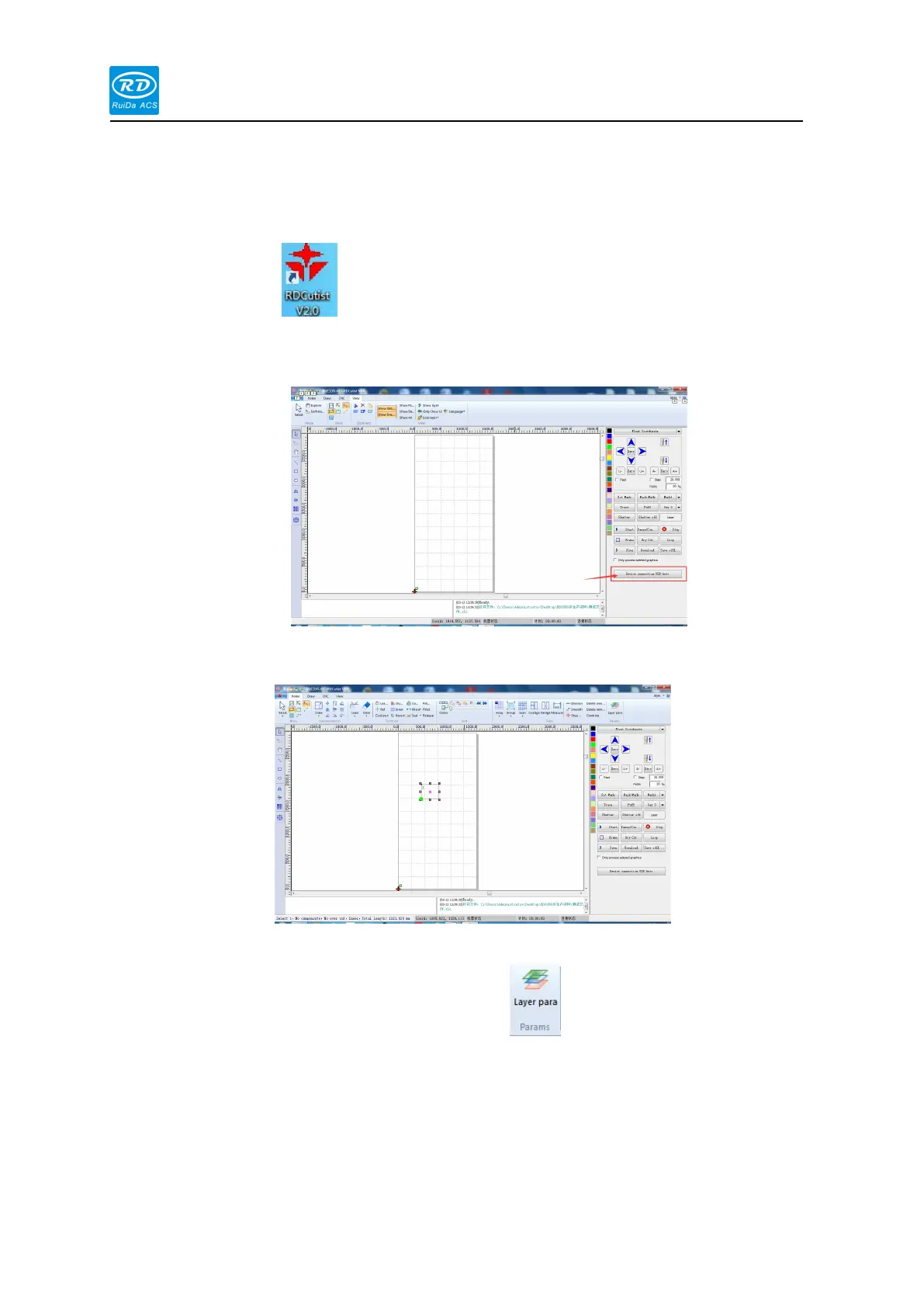
1) Double click to open RDCutist software. Click the device option in the lower
right corner of the software to connect the card through USB or network cable. For
details, please refer to Chapter 8 Device Connection.
2) On the left side of the software, draw a simple graphic using a common drawing tool,
taking a rectangle as an example:
3) Set the layer parameters correctly:
In the upper right corner of the interface, click ,Enter the layer parameters and
set the [user parameters] and each [layer parameter] correctly according to the actual
situation.



 To Next Page