RDC6563F Standalone Fiber Cutting Control System User Manual V2.0 89
SHENZHEN RUIDA TECHNOLOGY CO., LTD
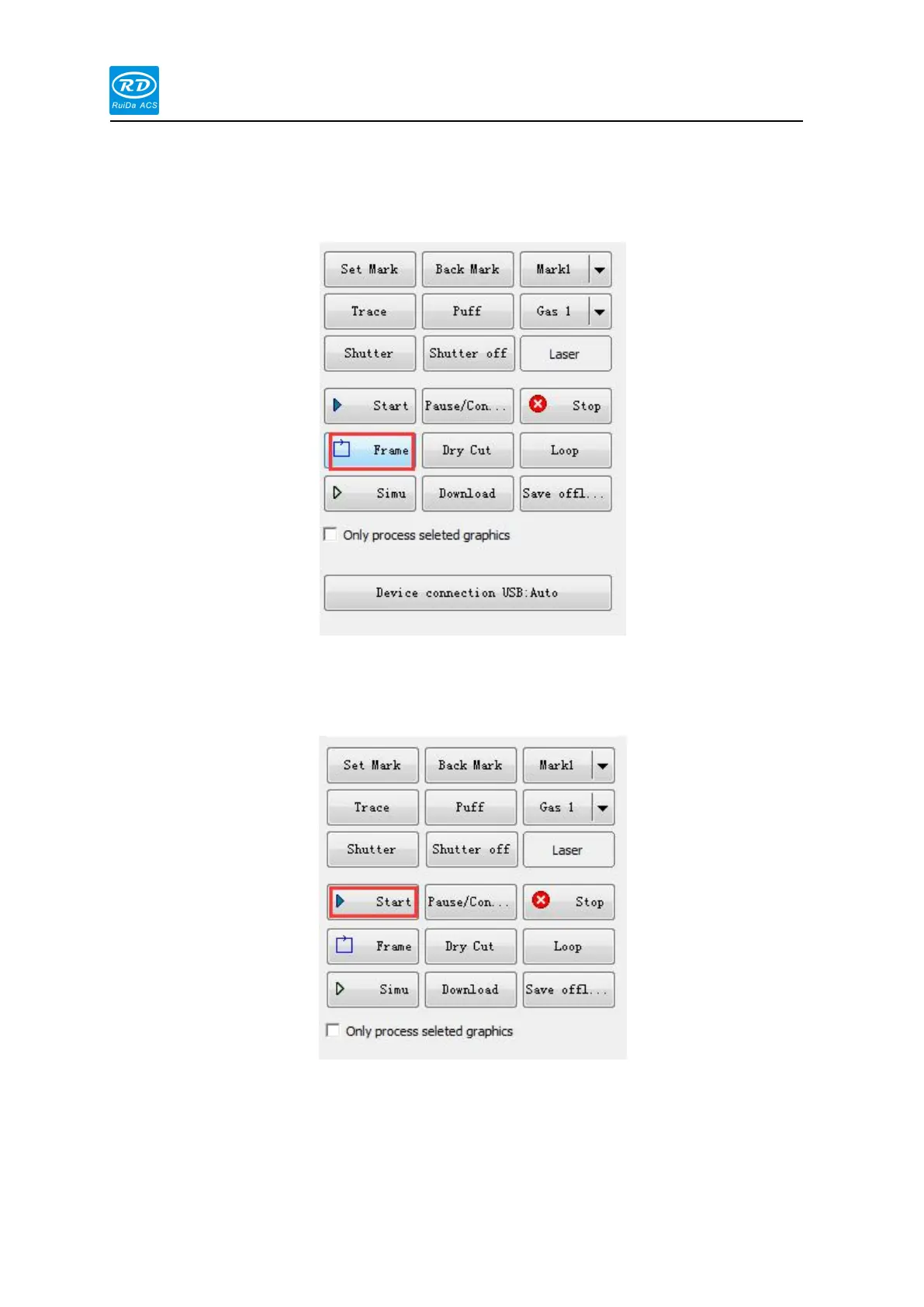
On the right side of the software interface, press the [frame] button, the cutting head will
move along the largest rectangular boundary of the cutting pattern, indicating that the cutting
head will not exceed the rectangular range when cutting, ensuring the safety of cutting.
When the function test is normal, on the software interface, press the [Start] button to start
cutting, and press the [Stop] button to stop cutting.



 To Next Page