14
SYSTEM STARTUP—DEFROST SYSTEM
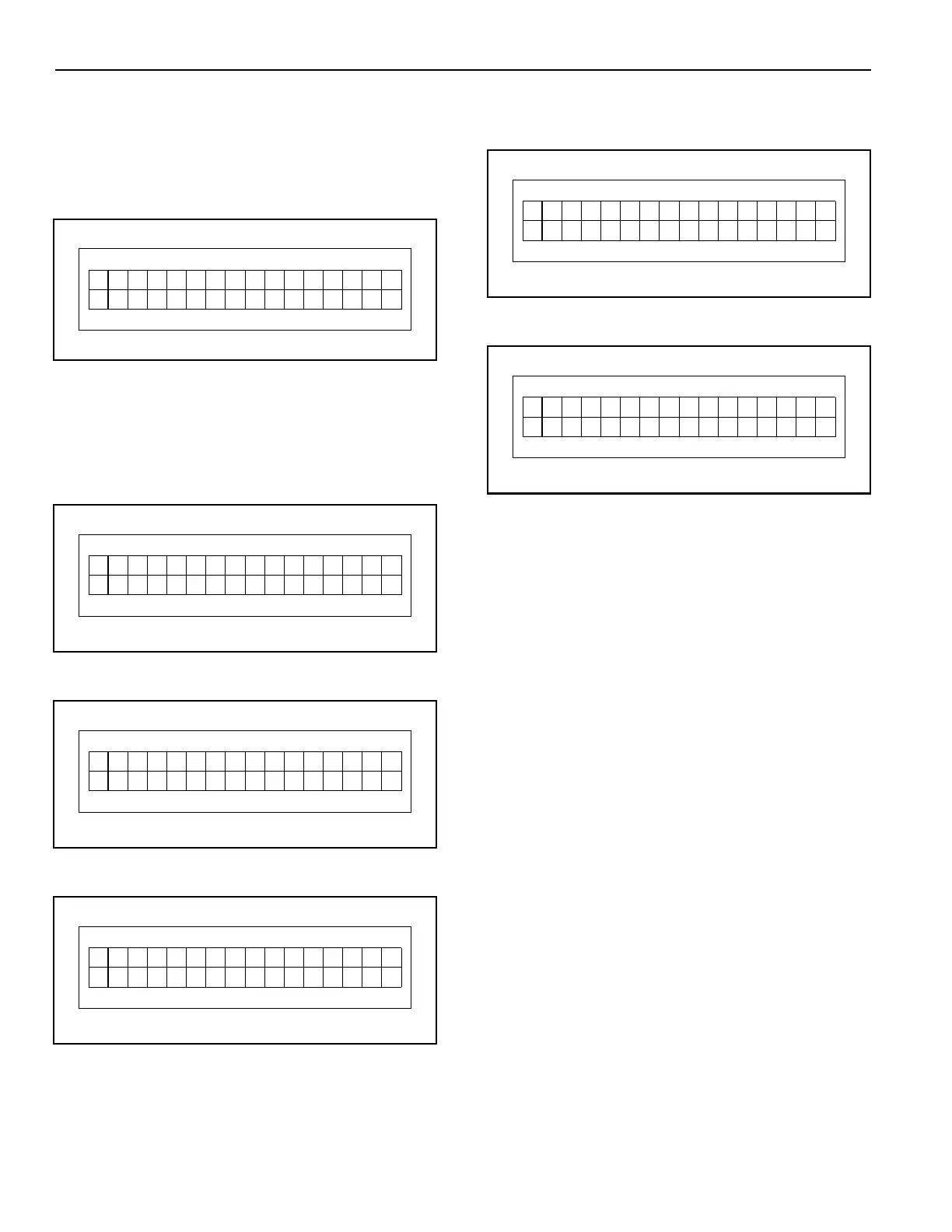
4. After entering the error log, the first recorded error
(Err1) will be displayed (F.700 for example).
(See Figure 23.)
NOTE: Refer to Table 4 through Table 10 for a
detailed description of the displayed error.
Figure 23
5. To scroll through any other errors in the log, press
the up (
▲
) or down (
▼
) key to cycle through the log.
(See Figure 24 through Figure 26.)
NOTE: Only the last four errors are logged.
Figure 24
Figure 25
Figure 26
6. Continually scrolling through the list with the up (
▲
)
or down (
▼
) key will eventually loop you to the
“Clear?” message (Figure 27), or the “Exit?” mes-
sage (Figure 28).
Pressing the enter (
●
) key will execute the dis-
played message (function).
Figure 27
Figure 28
DEFROST SYSTEM
If your door is configured with an optional defrost sys-
tem, the System 3 Drive and Control is designed to
operate and monitor that system.
See “PARAMETERS” on page 15 for additional informa-
tion on setting the defrost system controls.
#
P:Er r Hist
920 7=F1
or
y
s
E
–
rr
0
0
#
P:Er r Hist
920 7=F2
or
y
s
E
–
rr 62
#
P:Er r Hist
920 7=F3
or
y
E
–
rr 00
s
#
P:Er r Hist
920 7=F4
or
y
s
E
–
rr 62
#
P:Er r Hist
920 r?a
or
y
s
C
–
le
#
P:Er r Hist
920 ?t
or
y
s
E
–
xi



 To Next Page