Need help?
Do you have a question about the RYTEC System 4 and is the answer not in the manual?
List of tools and equipment needed for installation.
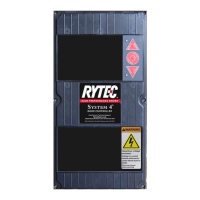
Overview of the Rytec System 4 control panel and its features.
Instructions for mounting the System 4 control panel and fused disconnect.
Details on the electronic controller, display, USB, and LEDs.
Explanation of various system inputs and their connections.
Procedure for initial system setup and auto-calibration.
Guide on navigating and accessing system parameters.
Procedure for resetting the control system after an error.
List of fault codes, descriptions, and corrective actions.
Interpreting status LEDs for troubleshooting control system issues.
Schematic for incoming power connections and safety precautions.
Schematic for encoder and photo eye connections.
 General
| Brand | RYTEC |
|---|---|
| Model | System 4 |
| Category | Controller |
| Language | English |

 To Next Page