SYSTEM PARAMETERS—CLOCK PARAMETERS
38
CLOCK PARAMETERS
If the clock time needs to be changed to your time zone,
Service Level 2 will be required. P:999 will require a
password of “10” to enable you to change the clock set-
ting. Table 9 details the parameters used to adjust the
clock setting.
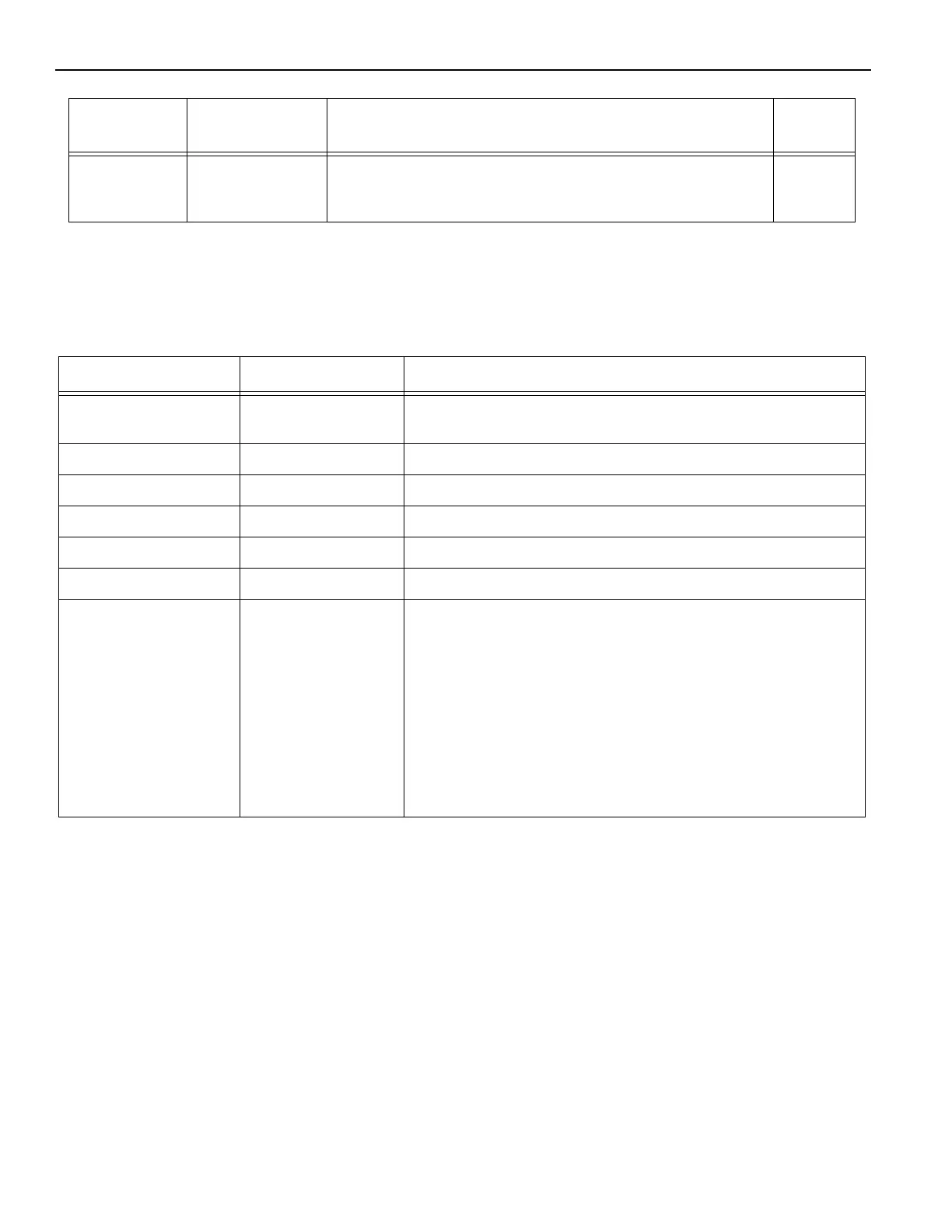
Table 9
P. F 0 8 0–3.5 Volts Battery voltage warning level
(The warning level for the battery voltage. If the battery voltage
is less than the specified value, an F857 will occur.
Parameter Range Service Level 2 Parameters
Factory
Setting
Parameter Range Service Level 2 Parameter
P:C00 Displays the current time and date of the System 4 clock. Clock
is set at Rytec before shipping to current date and central time.
P:C01 0–23 hours Adjusts hours for the current time.
P:C02 0–59 minutes Adjusts minutes for the current time.
P:C03 0–59 seconds Adjusts seconds for the current time
P:C04 0101–1231 Adjusts day and month to current day and month.
P:C06 2000–2099 Adjusts year to current year.
P:C07 0–3 Allows clock to adjust for daylight savings time.
0: Changeover deactivated
1: European Union - Changeover the last Sunday in March from
2:00 a.m. to 3:00 a.m. and last Sunday in October from 3:00 a.m.
to 2:00 a.m.
2: United Kingdom - Changeover on last Sunday in March from
1:00 a.m. to 2:00 a.m. and on the last Sunday in October from
2:00 a.m. to 1:00 a.m.
3: USA/Canada - Changeover on first Sunday in April from 2:00
a.m. to 3:00 a.m. and on last Sunday in October from 3:00 a.m.
to 2:00 a.m.


 To Next Page