TouchChat Express User’s Guide 124
Replacing the Rubber Boot
To replace the rubber boot, follow these instructions.
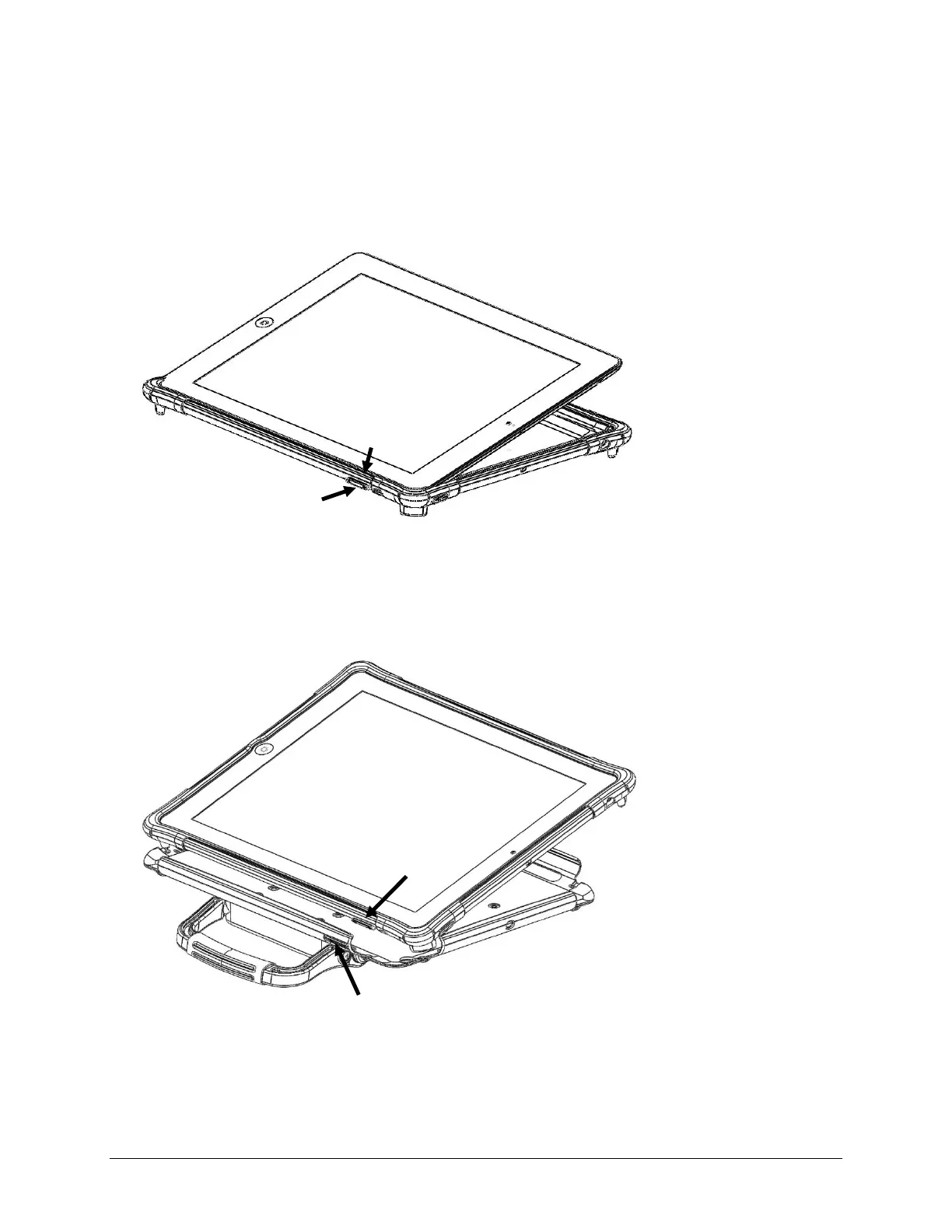
1. Remove the existing plastic shell/rubber boot assembly from the device.
2. Remove the existing boot from the shell.
3. Fit one end of the device into the replacement rubber boot. Be sure to line up the buttons and ports
on the device’s sides with the corresponding receptacles and openings in the boot.
4. When you are sure that the device and boot are properly aligned, push the device down into the
boot and pull the edges of the boot over the sides until the device is fully “wrapped” in the boot on
all sides.
5. Fit one end of the device—wrapped in the boot—into the shell. Be sure to line up the buttons and
ports on the device’s sides with the corresponding openings in the shell.
6. When you are sure that the device/boot assembly is properly aligned, carefully push each side into
the shell until all sides snap into place.
Button receptacle in boot
device
device and boot
in shell



 To Next Page