14
17
18
2019
Pin thermostat to the main app screen
and complete set up.
Choose „No” if you want to set
your own schedule later or „Yes” if
default now.
After that thermostat will display
main screen.
Congratulations! You succesfully
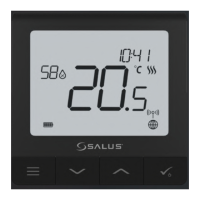
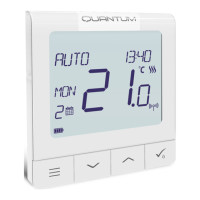
congured SQ610RF Quantum
thermostat with KL08RF/Control
Box.
16
Select the zone which you want attribute to
your thermostat.
Remember that you can pair one thermostat
with more than one zone!
3
Gateway stop ashing and turn to steady
blue color which means pair process has
been nished.



 To Next Page