ER-180 Electronic Cash Register AU Getting Started • 5
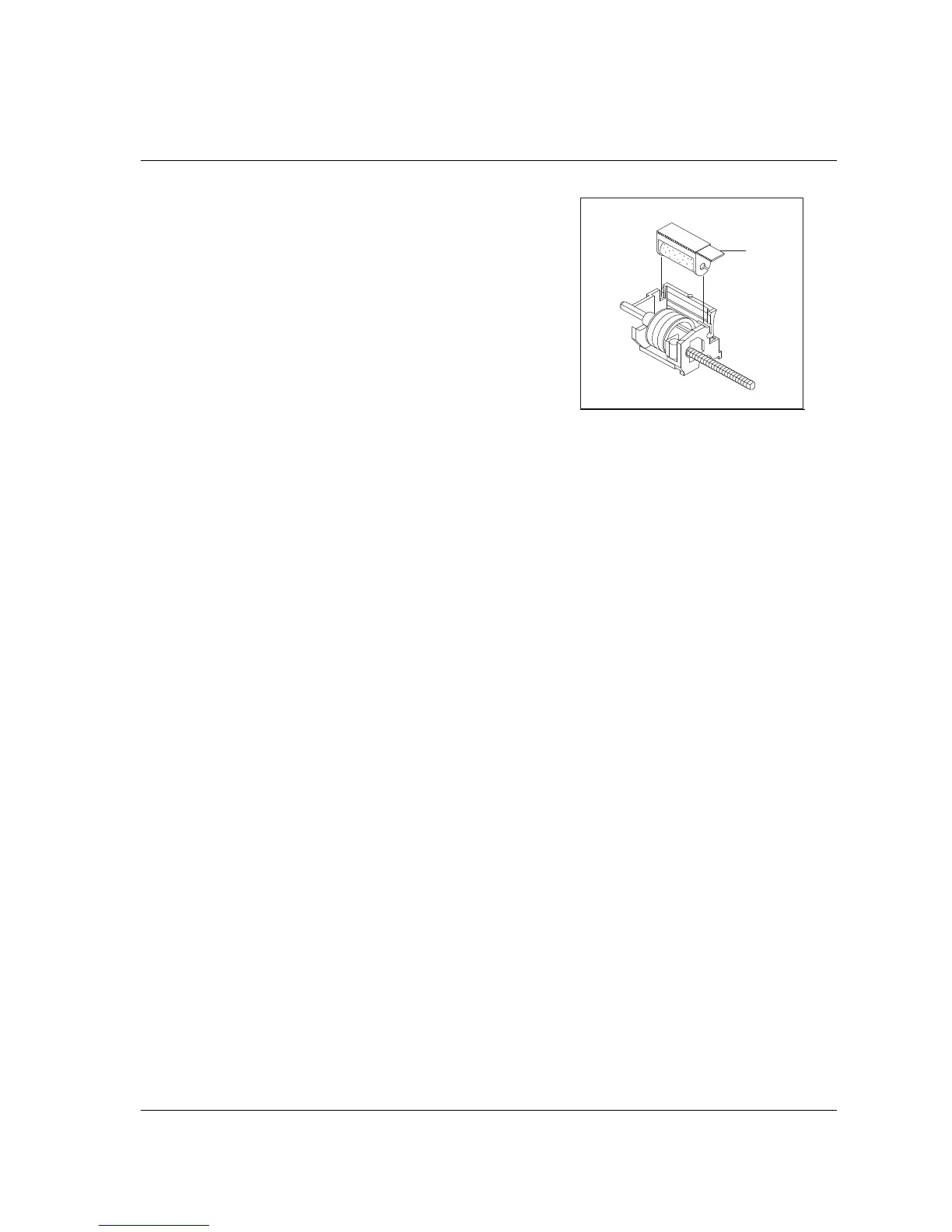
How to Replace the Ink Roller
The ink roller is a one-time article. Re-inking roller can
cause damage to the printer and void warranty. Do not re-
ink. When the print becomes faint, replace the ink roller as
follows.
1. Remove the old roller by lifting of it.
2. Fit the new ink roller completely.
1
2
3
4
5
6
1
2
3
4
5
6
1
2
3
4
5
6
Lever



 To Next Page