16 • Operating Instruction ER-180 Electronic Cash Register AU
Department Entry - Open Price Multiplication
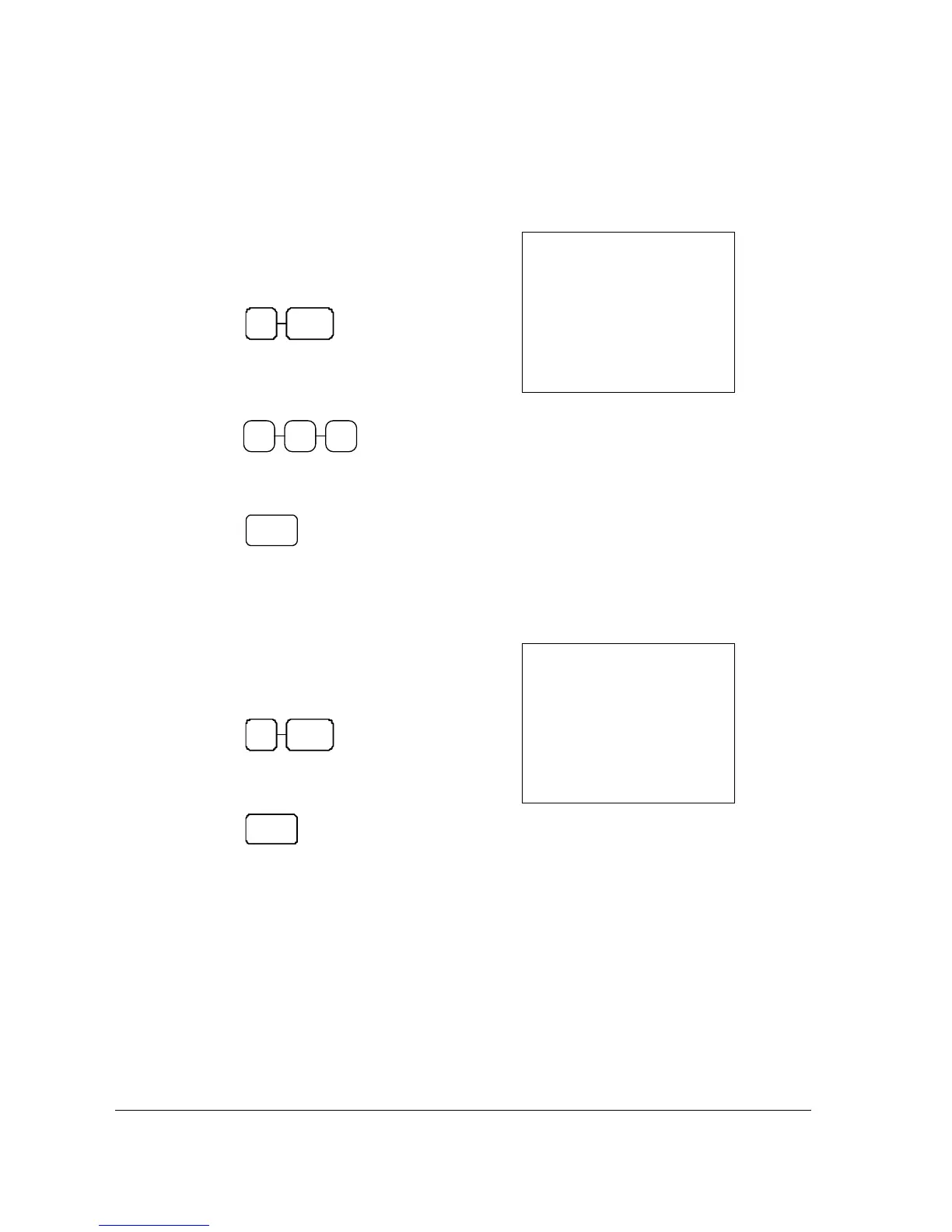
1. Enter the quantity of items being
purchased, press the X/TIME key.
For example, enter 4 on the numeric key
pad and press the X/TIME key:
4 X/TIME
2. Enter an amount on the ten key pad. Do
not use the decimal key.
For example, for $1.99, enter:
2 9 9
3. Press a Department key.
For example, press DEPT1:
DEPT1
SAMPLE RECEIPT
02-01-10___14-30
4
2•00
001
8•00
8•00
8•00
0•73
006-00
X
#
TX
1
CA
_
TX
1
TX
1
1
Department Entry - Preset Price Multiplication
1. Enter the quantity of items being
purchased, press the X/TIME key.
For example, enter 4 on the numeric key
pad and press the X/TIME key:
4 X/TIME
2. Press a Department key.
For example, press DEPT1:
DE PT



 To Next Page