26 • Operating Instruction ER-180 Electronic Cash Register AU
Received on Account (RA) Operation
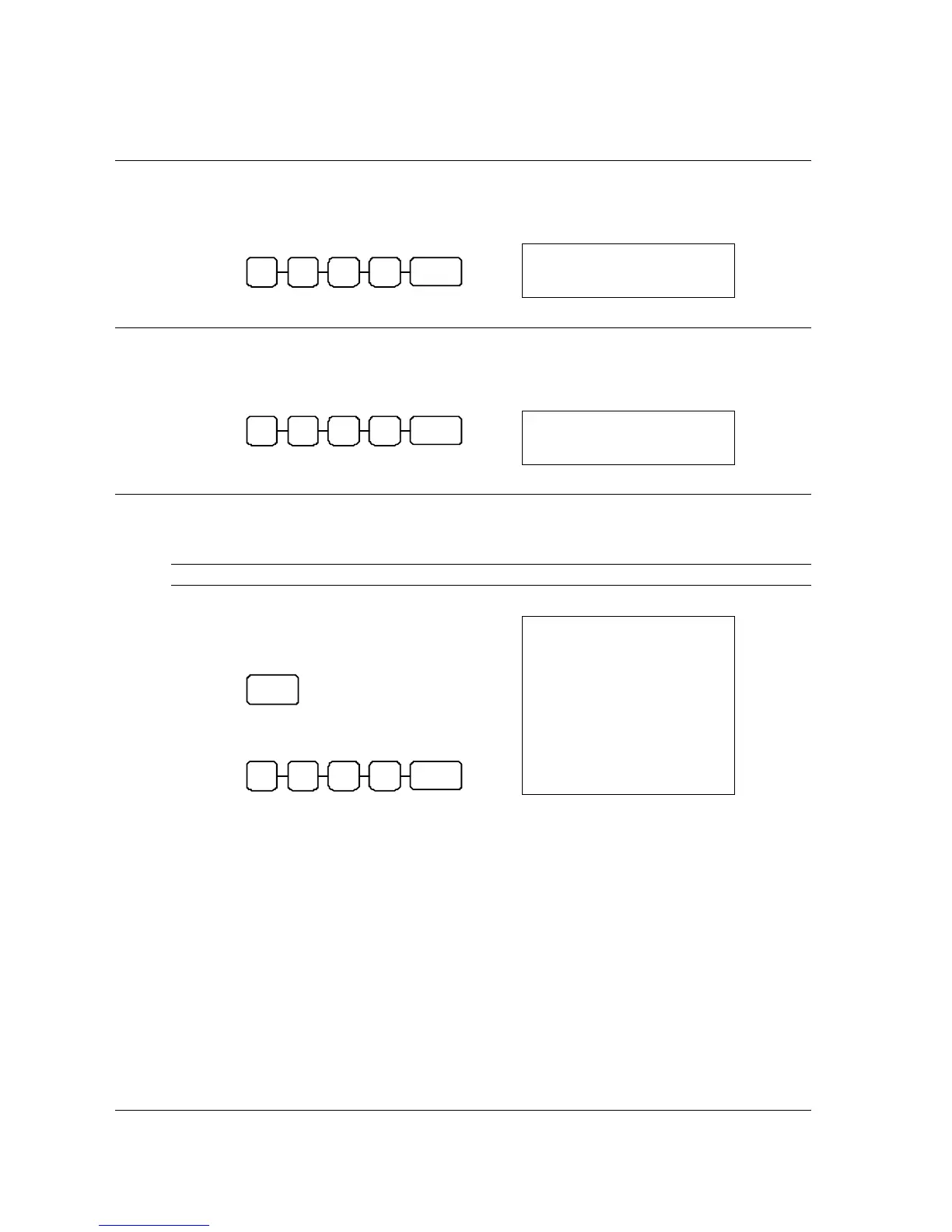
1. Enter amount received, then press RA.
RA
( + )
0 0 0 1
SAMPLE RECEIPT
02-01-10___14-30
10•00
026-00
RA
_
1
Paid Out (PO) Operation
1. Enter amount received, then press RA.
PO
( + )
0 0 0 1
SAMPLE RECEIPT
02-01-10___14-30
10•00
027-00
PO
_
1
Currency Conversion Operation
NOTE: This feature requires preset conversion rate pre-programmed.
1. Register the item(s) for the transaction.
2. Press C/CONV, the preset convert rate
will shown on the display,
C/ CO NV
3. Enter amount of foreign currency, then
press CASH,
CASH 0 0 0 2
4. The transaction will be finalised, drawer
open and home currency change amount
shown on the display.
SAMPLE RECEIPT
02-01-10___14-30
001
1•00
1•00
13•72
1•46
0•45
1•00
0•09
028-00
#
TX
1
TA
@
PO
_
CG
_
TX
1
TX
1
1



 To Next Page