14 • Operating Instruction ER-180 Electronic Cash Register AU
No Sale Key Operation
Open Drawer
A no sales operation opens the cash drawer outside of a sale. The financial report records the no sale
activity counter.
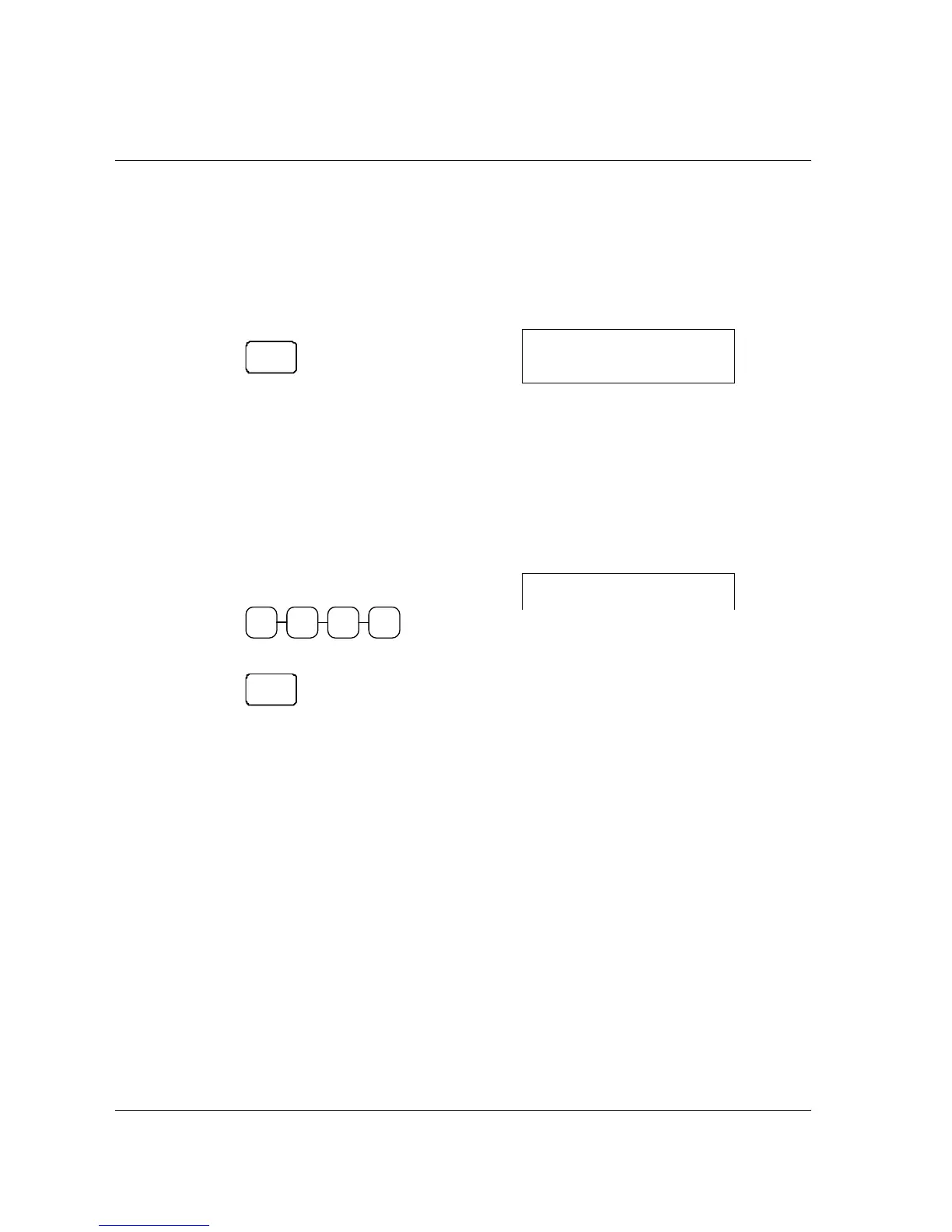
1. Press #/NS:
NO
SALE
The drawer will open and the receipt will
print as in the example on the right.
SAMPLE RECEIPT
02-01-10___14-30
••••••••
002-00
NS
1
Non Add Number
The NO SALE key can be used as “NON ADD NUMBER ENTRIES” to enter up 7 digits. The
entry can be made prior to any operation in the register mode. This numeric entry will not add to any
activity counts or totals.
1. Enter the number you wish to record,
for example enter:
2 3 41
2. Press #/NS:
NO
SALE
3. Register the items you wish to sell.
SAMPLE RECEIPT
02-01-10___14-30
12•34
#
…continuous with item(s)
registeration



 To Next Page