ER-180 Electronic Cash Register AU Program Mode Programming • 33
Program Mode Programming
Read this entire section carefully to program the machine to the most preferable set-up according to your store
system. In each program, all option(s) (N1, N2, N3… until last one) need to be considered and decided
together then entered all at once.
The mode key position is PGM if any setting change procedure is needed.
Tax, Decimal Point Information
The features involved in this programming on the ER-180 have been preset for Australia use (Bold
Font). If change is needed, please refer to the table below; find out the best option for both N1 and
N2 from the table below, then,
1. Turn mode key to PGM mode,
2. Enter the number of your option of N1, then N2,
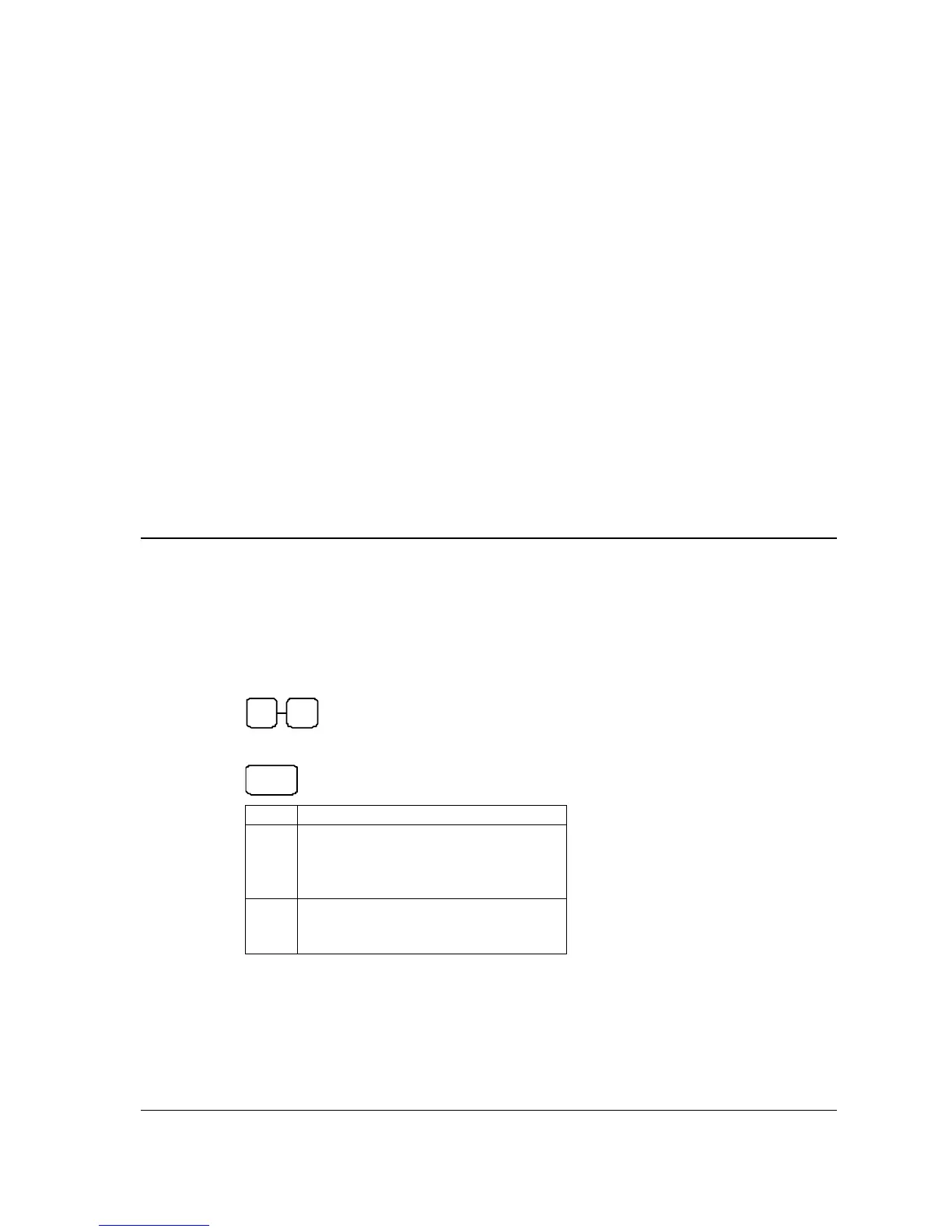
N1 N2
3. Press X/TIME key to finalise the programming.
X/TIME
VALUE
N1
0 = 2 decimal
1 = non decimal
2 = 1 decimal
3 = 3 decimal
N2
0 = VAT
1 = add-on tax
2 = external straight tax



 To Next Page