36 • Program Mode Programming ER-180 Electronic Cash Register AU
N8
In case VAT, add-on tax In case external straight tax
0
Non single, non tax Non single
1
Non single, tax1
Single
2
Non single, tax2
3
Non single, tax3
4
Non single,tax4
5
Single, non tax
6
Single, tax1
7
Single, tax2
8
Single, tax3
9
Single,tax4
Setting the Percent (%) Key
The percent (%) rate on the ER-180 has been preset to open (Bold Font). If a preset value is needed,
please refer to the table below (For example: for 10%, enter 10000; for 5.55%, enter 05550; for
99.999%, enter 99999.), then,
1. Turn mode key to PGM mode,
2. Enter the tax rate up to 5 digits number (Do Not Use Decimal Point!),
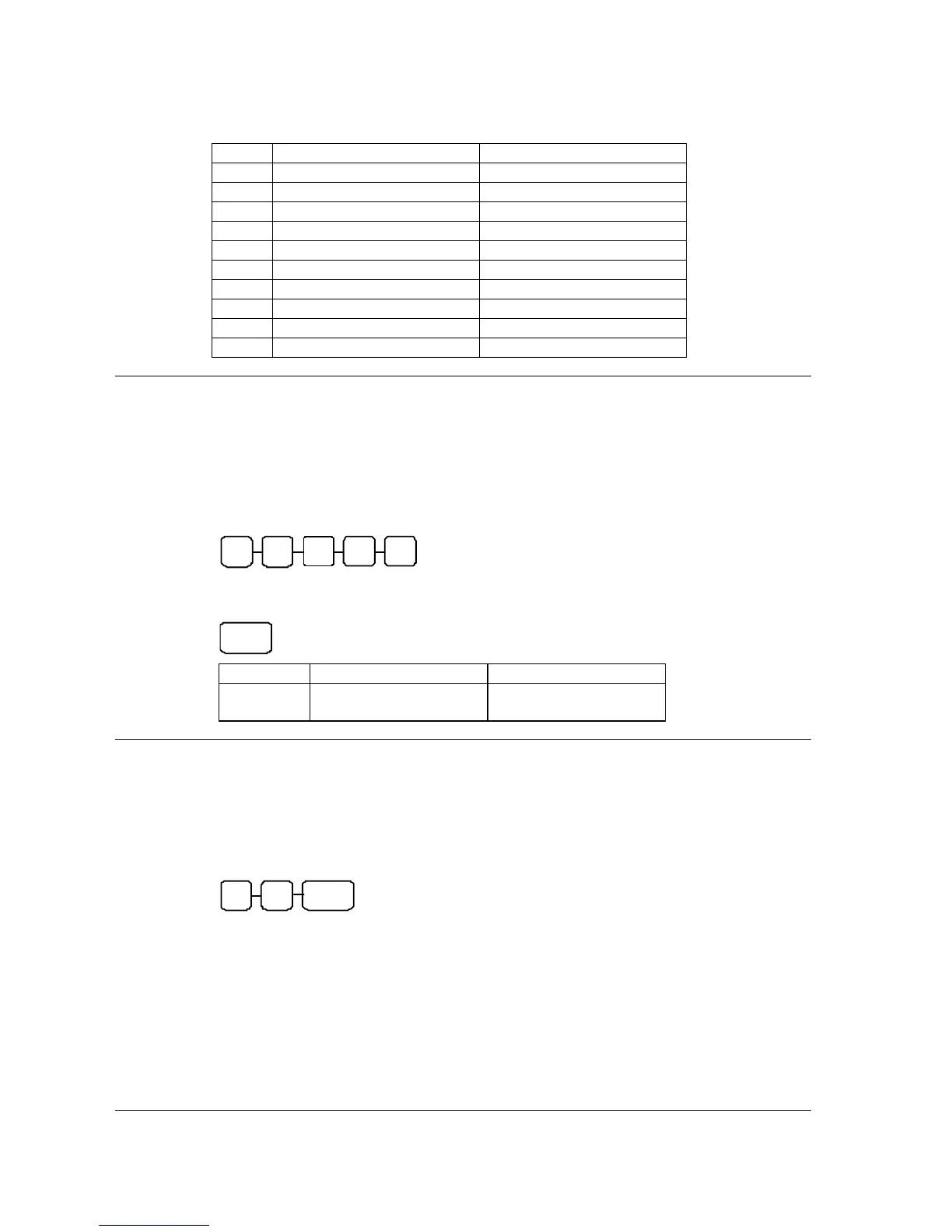
N2 N1 N4 N3 N5
3. Press -% (for discount) or +% (for surcharge) key for the percent key you are programming
for to finalise the programming.
TA X
VALUE COMMENTS
N1-N5
00000 - 99999
(00000 for 0% - open)
percent rate
Setting the Machine Number
The machine number is printed on the register receipt. Program a machine number so that any receipt
can be identified with the store or register where the transaction took place.
1. Turn mode key to PGM mode,
2. Enter any 2 digits number followed by the NO SALE key.
N1 N2
NO
SALE



 To Next Page