10 • Getting Started ER-180 Electronic Cash Register AU
Memory Clear - RAM All Clear
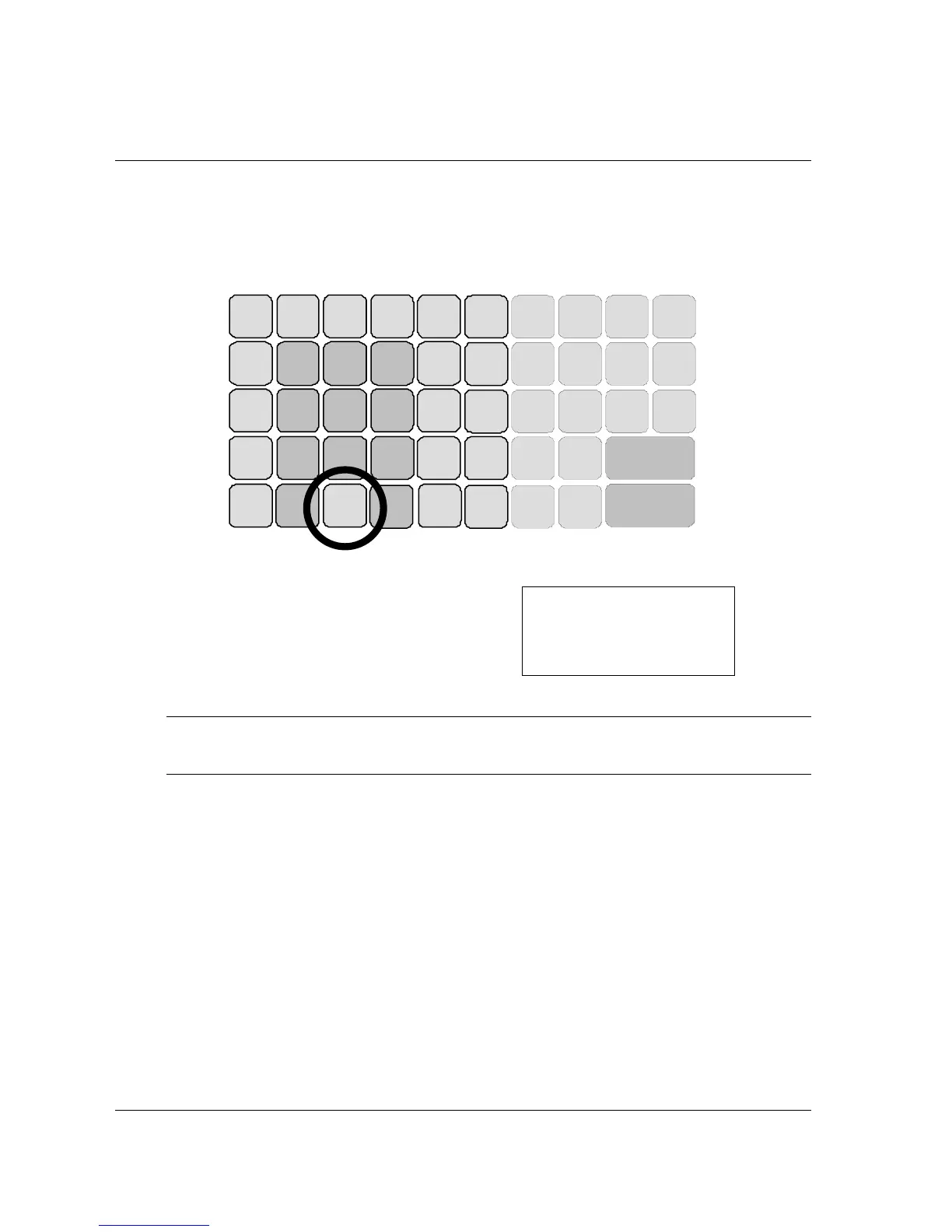
1. Place mode key in S position (this is a hidden position - one more position after PGM).
Please see Getting Start, Basic Feature - Control Lock.
2. Connect the AC plug into a power outlet while pressing the ″00″ button, you should hear 2
BEEP! sounds.
CHARGE
6
CHECK
14 10
PO
(-)
5
RA
(+)
13 9
7 15 11
SUB TOTAL
CALC
-
NO
SALE
+ % - %
8 16 12
CASH / TEND
(=)
2
VOID
6 5 4
3
4
3
•
3. An eight digit number will show on the display, a receipt will print by cash register.
SAMPLE RECEIPT
••••••••
02_15_14_09
1•0
PO
_
4. The RAM All Clear is now complete.
NOTE: This is a one time only procedure to be performed after the battery is installed. DO NOT
CLEAR RAM AFTER THE CASH REGISTER IS PROGRAMMED. TO DO SO
WOULD CAUSE ALL PROGRAMS AND TOTALS TO BE LOST.



 To Next Page