40 • Program Mode Programming ER-180 Electronic Cash Register AU
Setting the Date
Use this program to set the clock and calendar on your ER-180. The date changes automatically. After
initial setting, time changing will probably be required only for beginning and ending daylight savings
time.
1. Turn mode key to PGM mode,
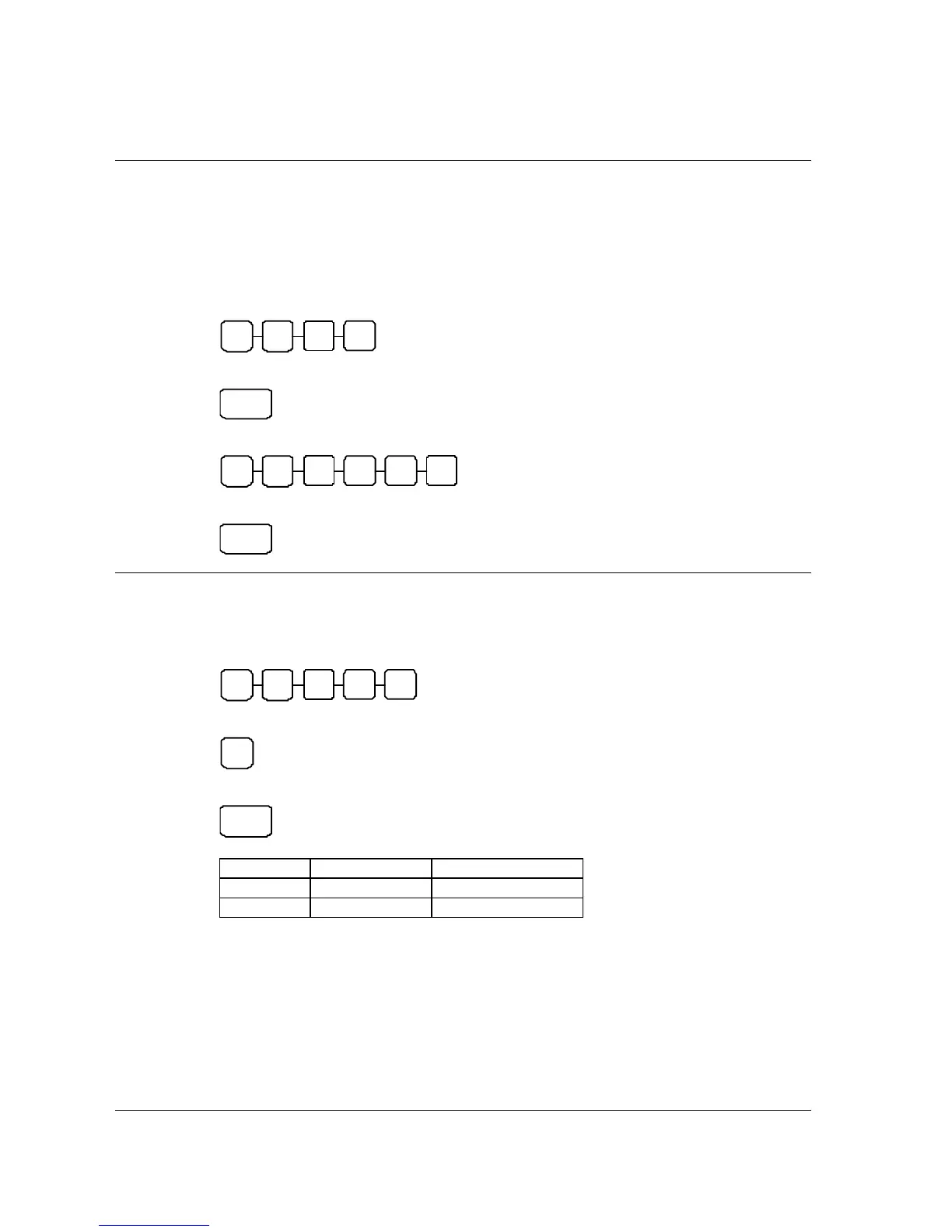
2. To program the time, press the 4 digit number keys to program in 24hrs format,
H H M M
3. Press CASH key
CASH
4. To program the date, press 6 digit number keys to program in MMDDYY format,
M M D D Y Y
5. Press the CHECK key.
CHECK
Currency Conversion Rate
1. Turn mode key to PGM mode,
2. Enter the conversion rate without decimal point up to 5 digits number,
N2 N1 N4 N3 N5
3. Enter the option of Status,
N6
4. Press Department key for the department you programming for to finalise the programming.
C/CONV
VALUE COMMENTS
N1-N5
00000 - 99999
Conversion Rate
N6
0~5
Decimal Position
Ex)If conversion rate is 1.3720, then program 137204
If conversion rate is 13.72, then program 13722



 To Next Page