ER-180 Electronic Cash Register AU Operating Instruction • 23
Tendering Operation
Cash Tender
1. Register the item(s) for the transaction.
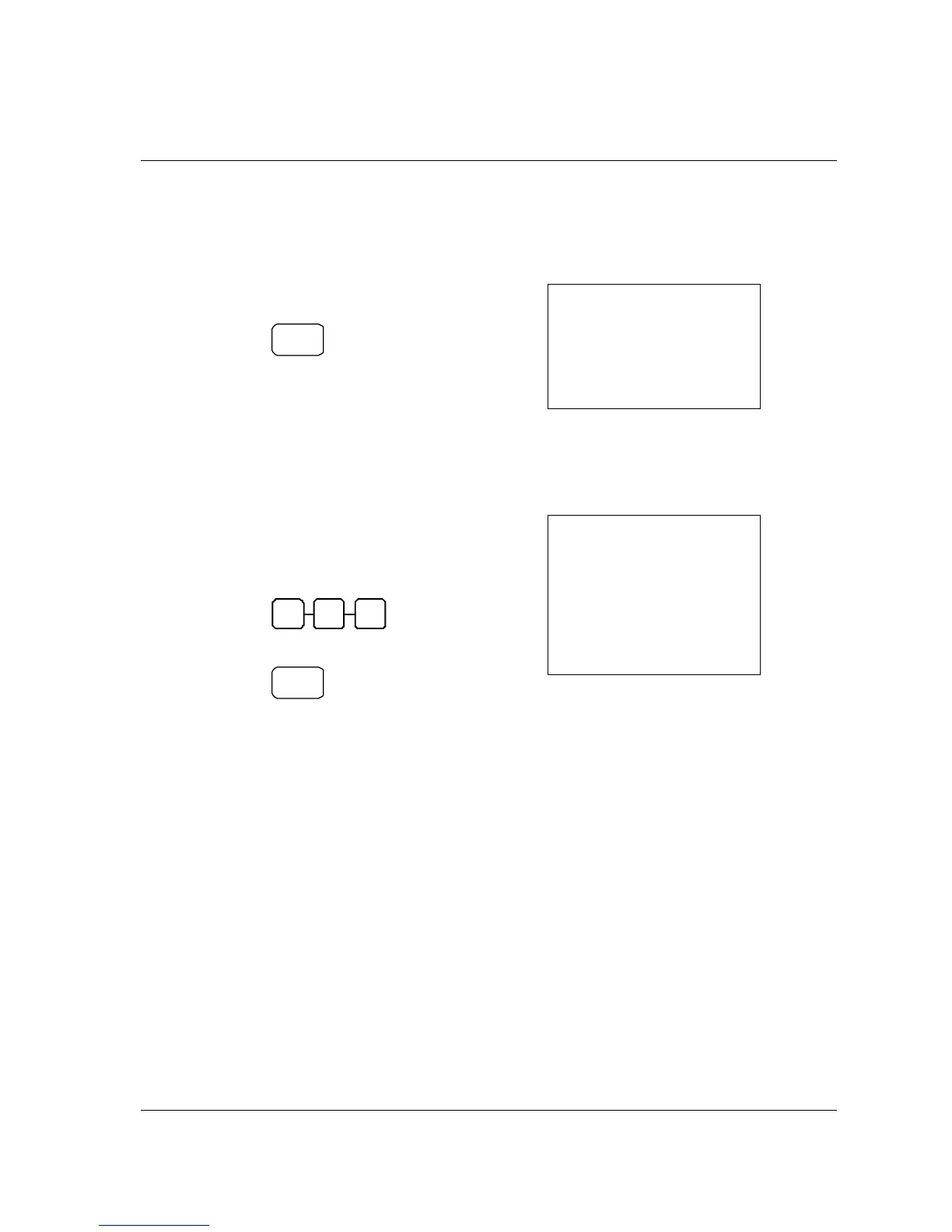
2. To total a cash sale, press CASH:
CASH
3. The display will indicate the total amount
of the cash sale.
SAMPLE RECEIPT
02-01-10___14-30
001
2•99
3•00
2•99
0•27
019-00
#
TX
1
CA
_
TX
1
TX
1
1
Amount Tendered On Cash
1. Register the item(s) for the transaction.
2. Enter the amount tendered by the
customer.
For example, for $5.00 enter:
0 0 5
3. Press CASH:
CASH
4. The display will indicate the total amount
of the cash tendered and the change due,
if any.
SAMPLE RECEIPT
02-01-10___14-30
001
2•99
3•00
5•00
2•00
2•99
0•27
020-00
#
TX
1
TA
AT
_
CG
_
TX
1
TX
1
1



 To Next Page