ER-180 Electronic Cash Register AU Program Mode Programming • 35
Status and Preset Price of Plu & Department
The features involved in this programming on the ER-180 have been preset Open Price and non
Single, tax1 (Bold Font) for Australia use. If change is needed, please determine preset price amount
for N1 to N7, then refer to the table on next page; find out Status for N8, then,
NOTE: For N8, please refer to the setting on the “Tax, Decimal Point Information”.
For Department(s),
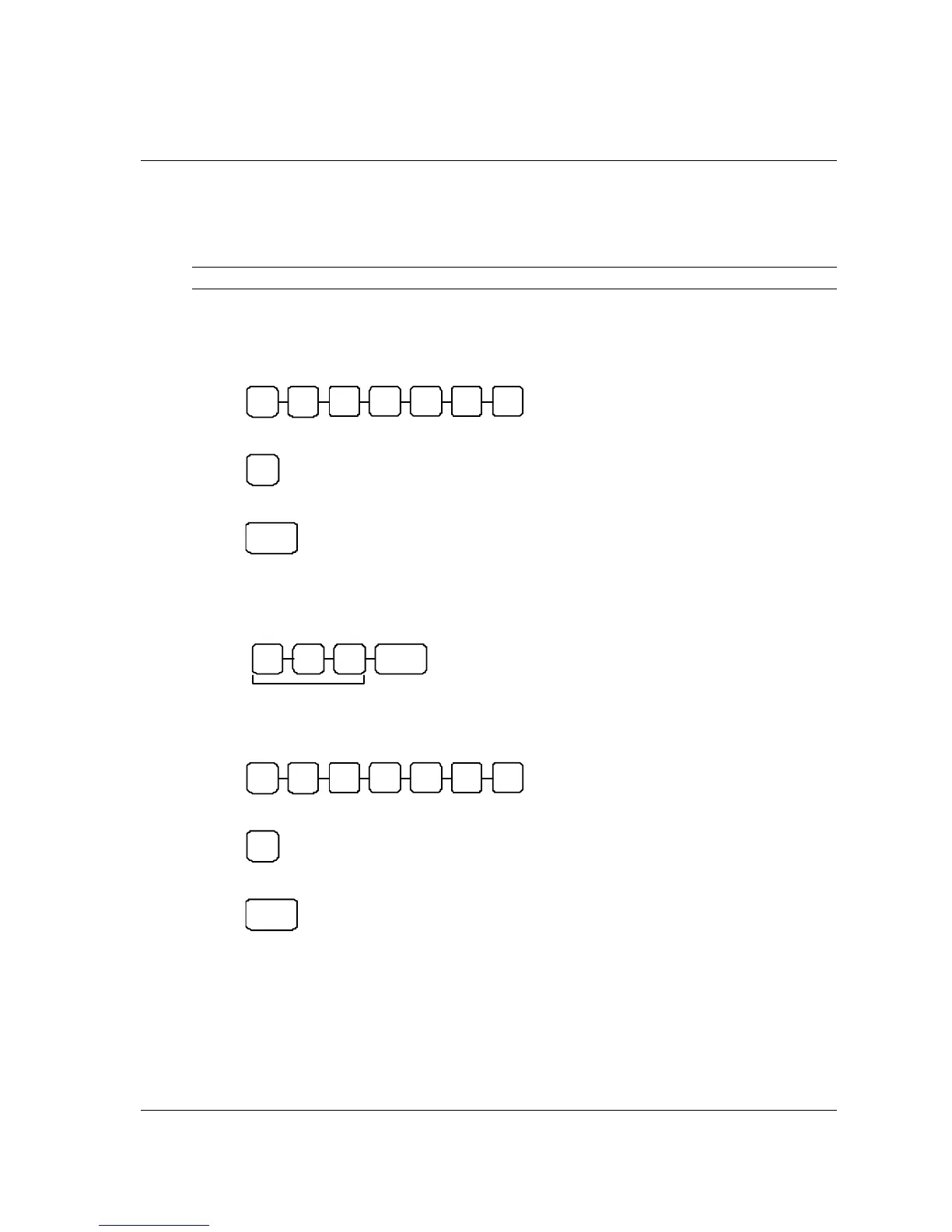
1. Turn mode key to PGM mode,
2. Enter the preset price up to 7 digits number,
N2 N1 N4 N3 N6 N5 N7
3. Enter the option of Status,
N8
4. Press Department key for the department you programming for to finalise the programming.
DE PT
For PLU(s),
1. Turn mode key to PGM mode,
2. Enter the PLU number of the PLU that is modified, then PLU function key,
PLU
Up to 100 for the
PLU number
3. Enter the preset price up to 7 digits number,
N2 N1 N4 N3 N6 N5 N7
4. Enter the option of Status,
N8
5. Press PLU key for the department you programming for to finalise the programming.
PLU



 To Next Page