18
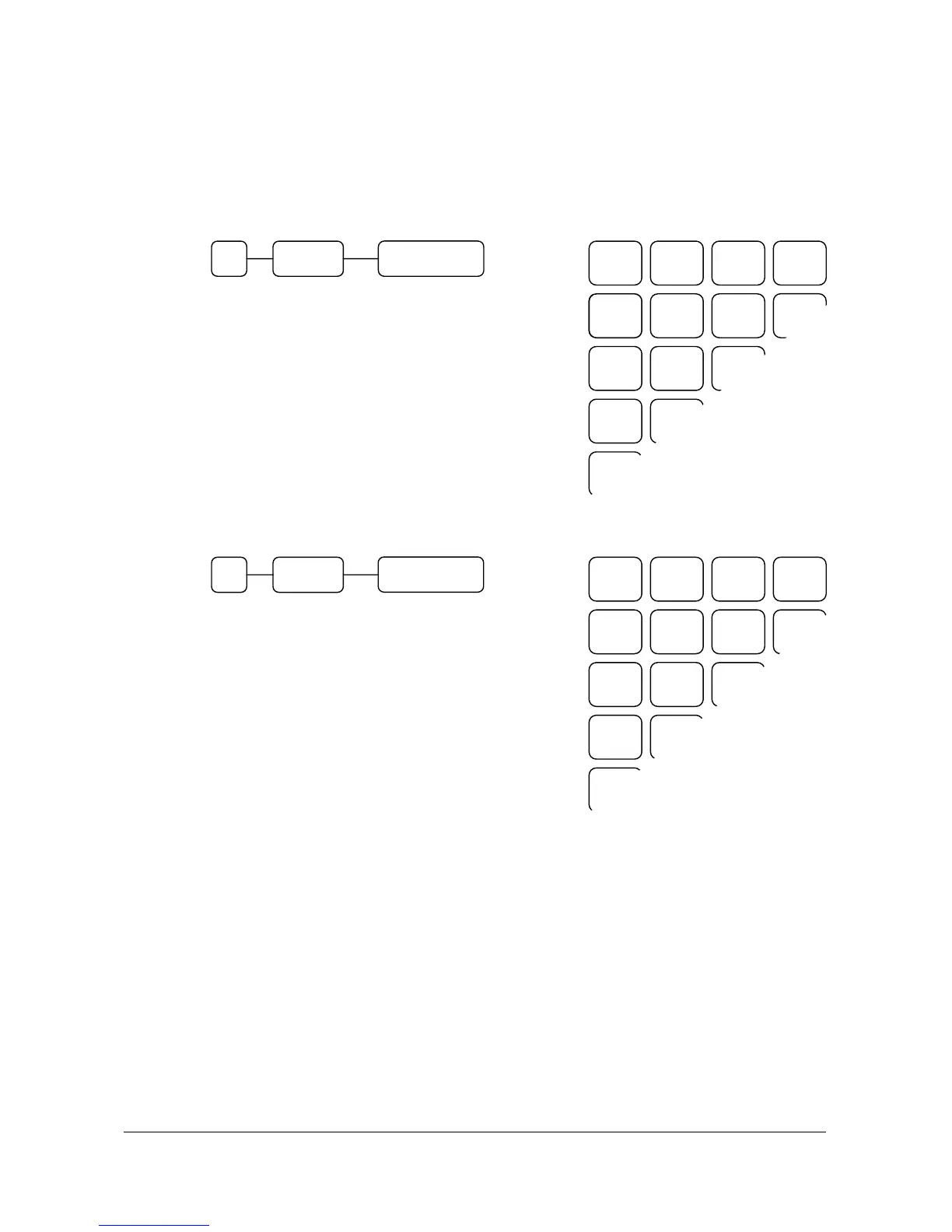
1.2 SETTING THE DEPARTMENTS ORDER
The presence of shift keys for levels 1, 2 & 3 allow three “stacking” department to a key position.
This gives 107 department key locations three levels each, or 321 departments in all.
The way that setting the department order is two.
( 1 )
RECEIPT
DETAIL
RECEIPT
FEED FEED ON/OFF
= Default department order system
= Departments 1 ~ 107 will occupy key
positions 1 ~ 107, level 1.
Departments 108 ~ 214 will occupy
key position 1 ~ 107, level 2, and so on.
( 2 )
RECEIPT
DETAIL
RECEIPT
FEED FEED ON/OFF
= Department key position number 1 will
be occupied by department 1, 2 and 3
on levels 1, 2 and 3.
Department key position number 2 will
be occupied by department 4, 5 and 6
on levels 1, 2 and 3....
LEVEL 1 =
LEVEL 2 =
LEVEL 3 =
1
108
215 1
0 X/TIME
CASH/TEND
28
135
242 28
10
117
224 10
19
126
233 19
2
109
216 2
11
118
225 11
3
110
217 3
29
136
243 29
20
127
234 20
12
119
226 12
4
111
218 4
1 X/TIME
CASH/TEND
82
83
84 28
LEVEL 1 =
LEVEL 2 =
LEVEL 3 =
1
2
3 1
28
29
30 10
4
5
6 2
31
32
33 11
55
56
57 19
85
86
87 29
7
8
9 3
58
59
60 20
10
11
12
34
35
36 12



 To Next Page