58
14.3 VOID OUTSIDE OF A SALE
If you want to void a number of items of incorrect entries that were not made void during a sale.
( 1 ) Turn the control lock key to the “VOID” position.
( 2 ) Make all entries that you want to void in the normal sequence.
( 3 ) All these items will appear as alternative sign amount.
( 4 ) All “VOID” position operations maintain their own total on the report.
14.4 CANCEL ( VOID 4 )
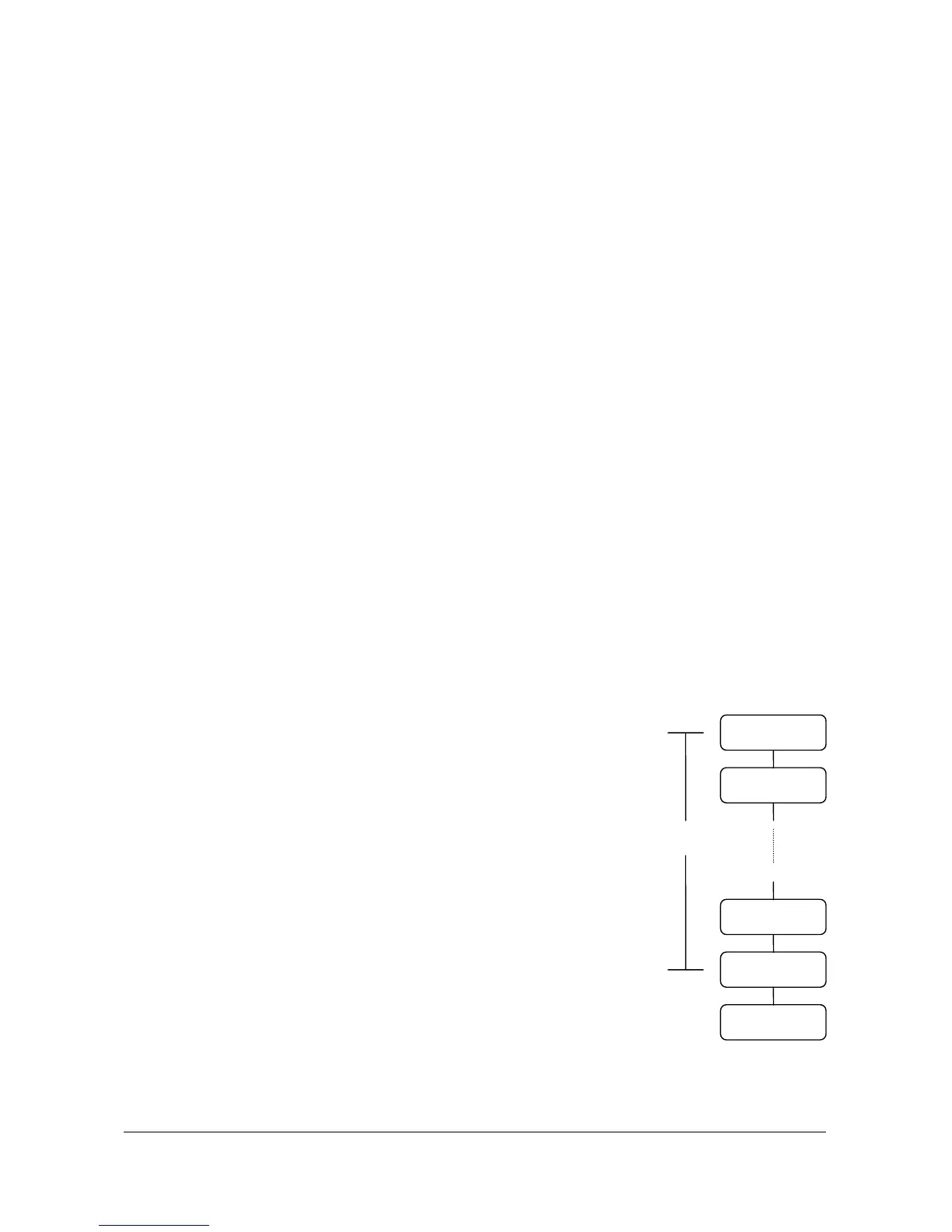
The pressing of the “CANCEL” key during a transaction cancels the entire transaction.
This is not a tendering key !!
Transactions up to thirty items may be canceled.
If a cancel operation is attempted after the entering of more than thirty items, an error will occur.
Up to 30 items
DEPT. or PLU
DEPT. or PLU
DEPT. or PLU
DEPT. or PLU
CANCEL



 To Next Page