1
UNPACKING AND STARTING UP
STEP 1 UNPACKING THE CASH REGISTER
( 1 ) Unpack and unwrap your cash register.
( 2 ) The following items are in the packing.
- 2 paper rolls
- 1 rewind spindle
- 1 ribbon cartridge
( 3 ) Remove cardboard protectors from the cash drawer.
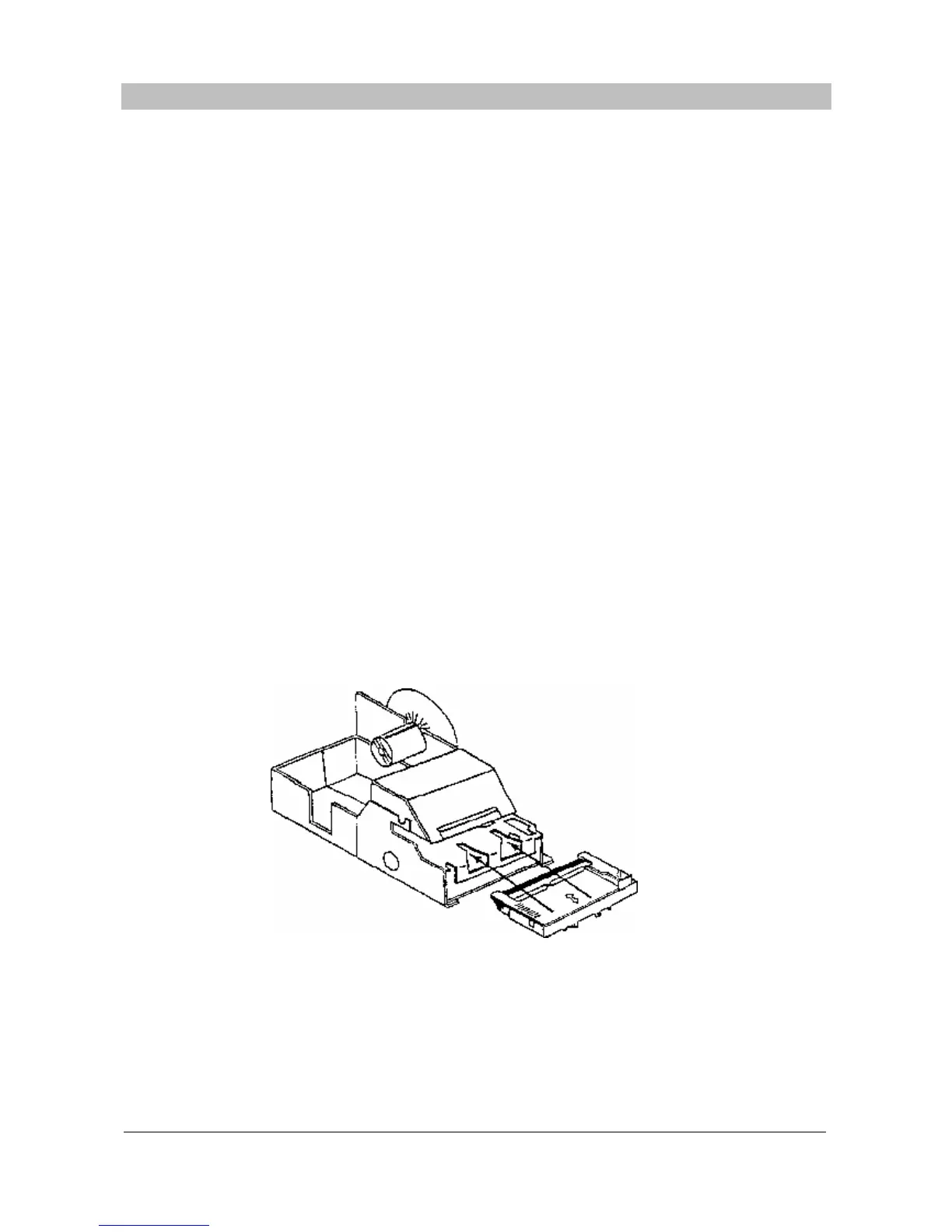
STEP 2 INSERTING THE PRINTER RIBBON CARTRIDGE
( 1 ) Locate the printer cover key. The printer cover key is the smallest on the key ring.
Insert this key into the printer cover lock. Turn the key and then remove the printer cover.
( 2 ) Locate the ribbon cartridge as shown in the illustration.
( 3 ) Insert the ribbon cartridge and press firmly into the place.
Remove any slack in the ribbon by rotating the cartridge knob counter-clockwise.



 To Next Page