72
24 VALIDATION OPERATION
First of all, place a check or slip into the slot below the receipt / detail printer.
Upon pressing of the “VALID” key, validation will be performed on department and PLU entries,
RECD ACCT & PAID OUT operation, % key entries, merchandise return, voids and
tendering operations.
If an operation is programmed as “Validation Compulsory”, the cash register will not operate until
validation is completed and the message “S P” will appear on the display.
If any other operations are attempted before validation, an error will occur.
Refer to SYSTEM OPTION ADDRESS 20 ( Page 39 )
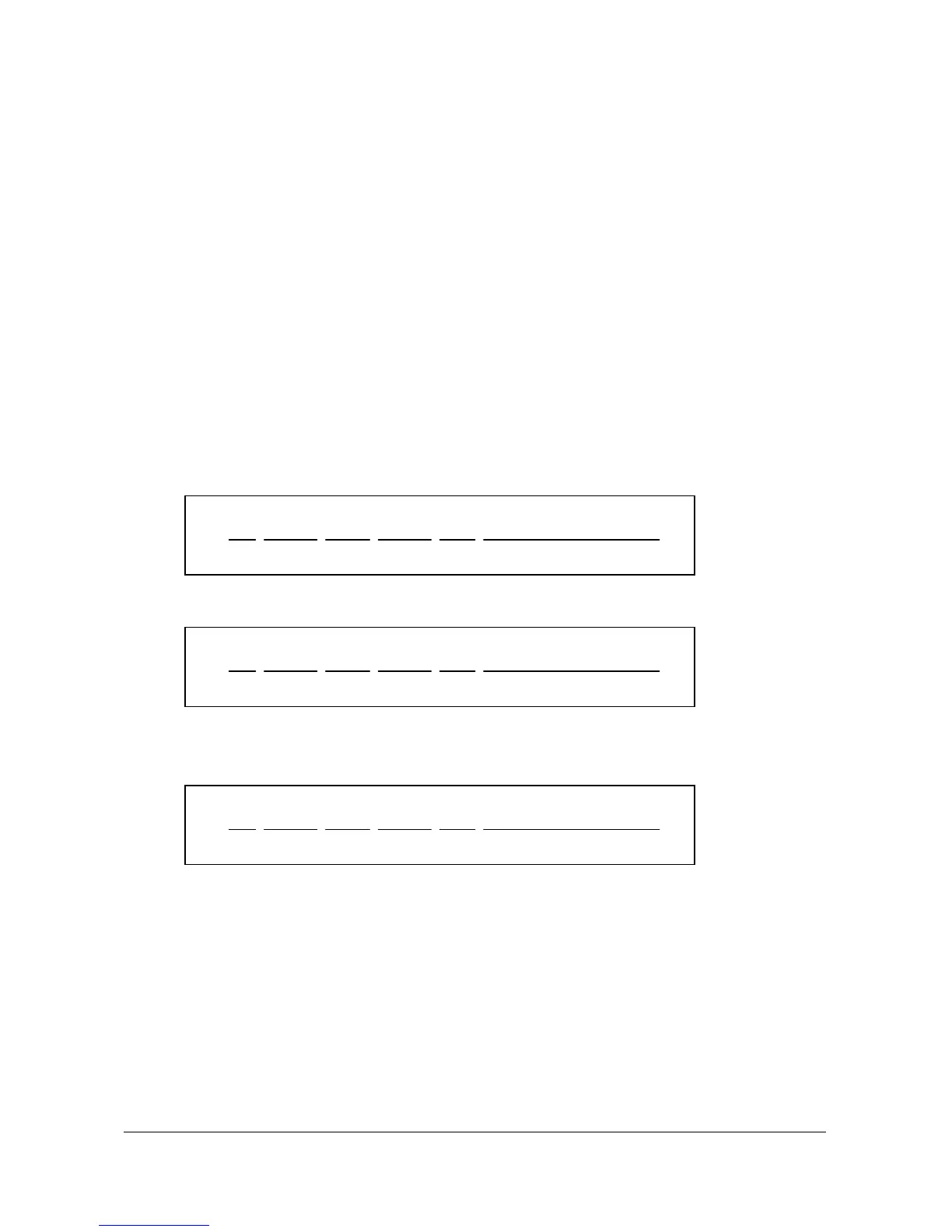
* SAMPLE VALIDATION RECEIPTS *
< RECEIPT SIDE > < JOURNAL SIDE >
01 122596 14:10 000068 RTN APPLE -10.00
a b c d e f
01 251296 14:10 000068 DPT DEPT.3
-10.00
a b c d e f
* Date ( b ) = SYSTEM OPTION ADDRESS 25 = 1 ( DD/MM/YY ). ( Page 40 )
01 961225 14:10 000068 TND
CASH -10.00
a b c d e f
* Date ( b ) = SYSTEM OPTION ADDRESS 25 = 2 ( YY/MM/DD ). ( Page 40 )
a = Clerk number.
b = Date.
c = Time.
d = Receipt consecutive number.
e = Registration step.
f = Validated transaction content.



 To Next Page