63
17 EAT IN / TAKE OUT / DRIVE THRU OPERATION
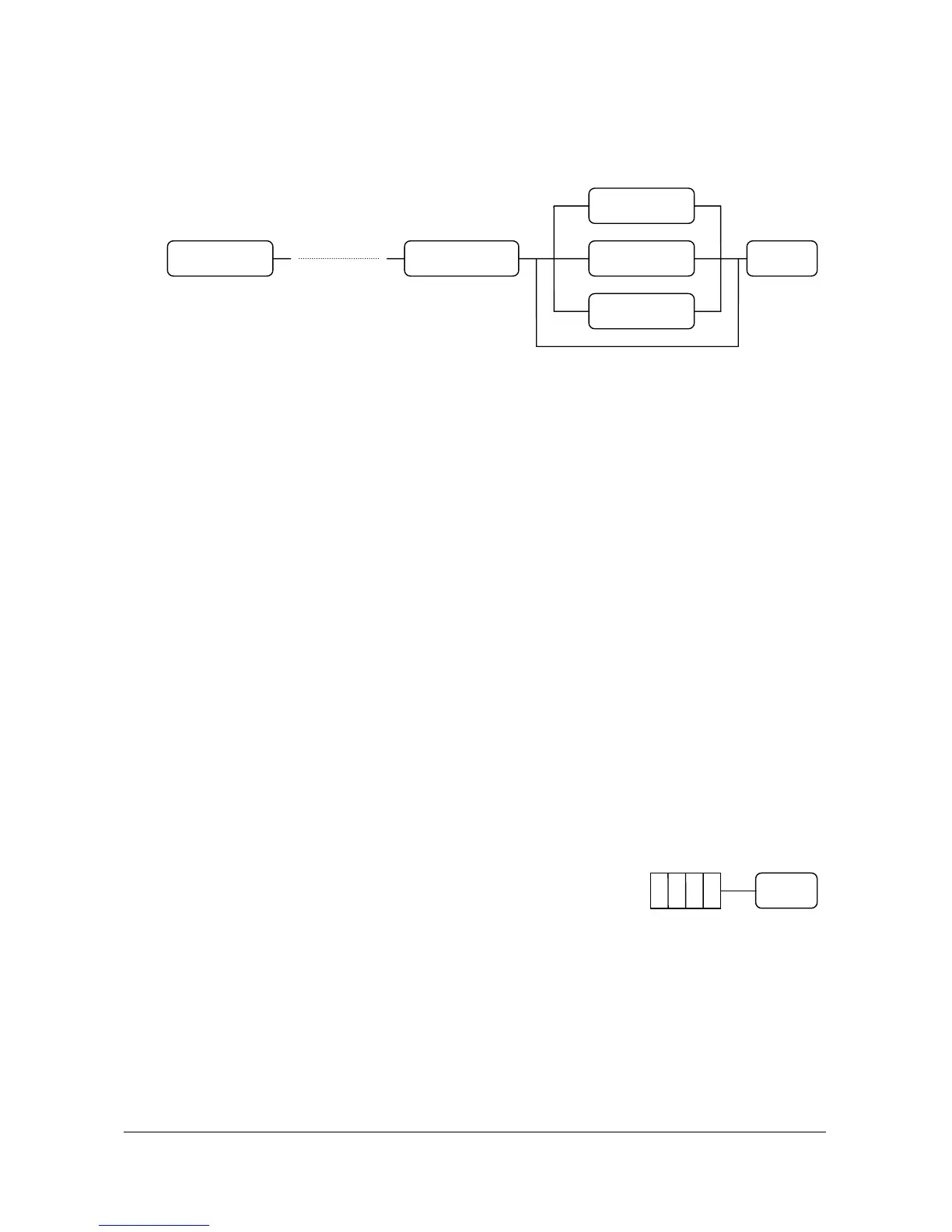
If you press the “EAT IN” or “TAKE OUT” or “DRIVE THRU” key before tendering,
each message is printed on the receipt and each total is added to that of the financial report.
18 CHECK CASHING
If a customer wants to cash a check, use this function.
( 1 ) Enter the amount of check.
( 2 ) Press the “CHECK” key.
AMOUNT
EAT IN
TENDERTAKE OUT DEPT. or PLUDEPT. or PLU
DRIVE THRU
CHECK



 To Next Page