91
6 SCALE
If you want to operate the scale, set the SYSTEM OPTION ADDRESS 42 to 1.
And then you can use the “PRICE INQ.” key as the “SCALE” key.
6.1 DIRECT SCALE ENTRY
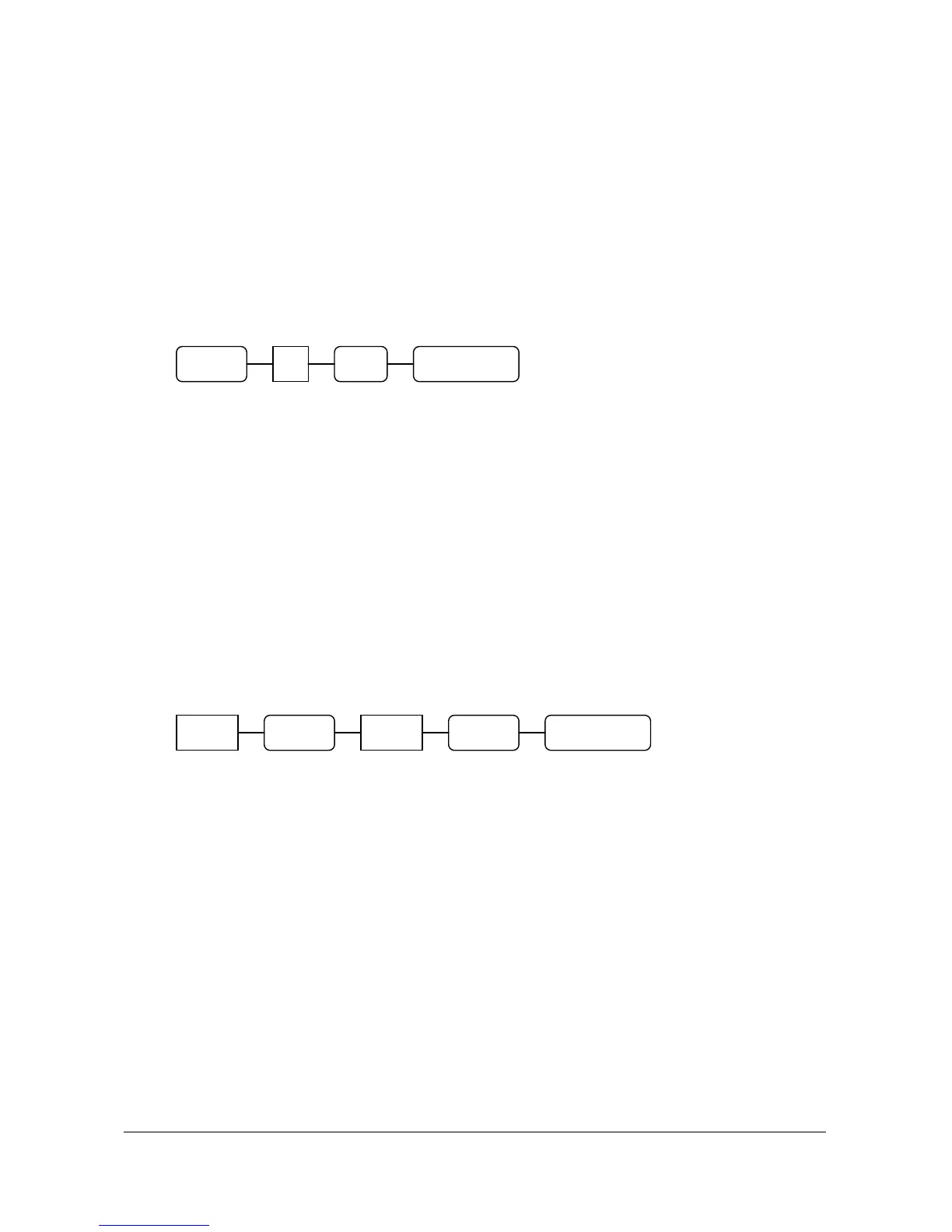
When product is placed on the scale and the “SCALE” key is pressed, the weight will be appear on the
display.
EX )
6.2 MANUAL WEIGHT ENTRY
If you want to make manual weight entries, set the SYSTEM OPTION ADDRESS 42’s value ‘b’.
EX )
Weight
( 0.001 ~ 999.999 )
PLU
DEPT 1
2 0
5 0 0 1 . 2 5
SCALE CASH/TEND
CASH/TENDSCALE



 To Previous Page