Sam4POS Quick Start v1.1 Program Mode - 59 -
3. Select the device PATH you wish to back up to. PATH selections are: USB, Internal SD Card,
External SD Card.
4. Press OK to initiate the backup of the current database.
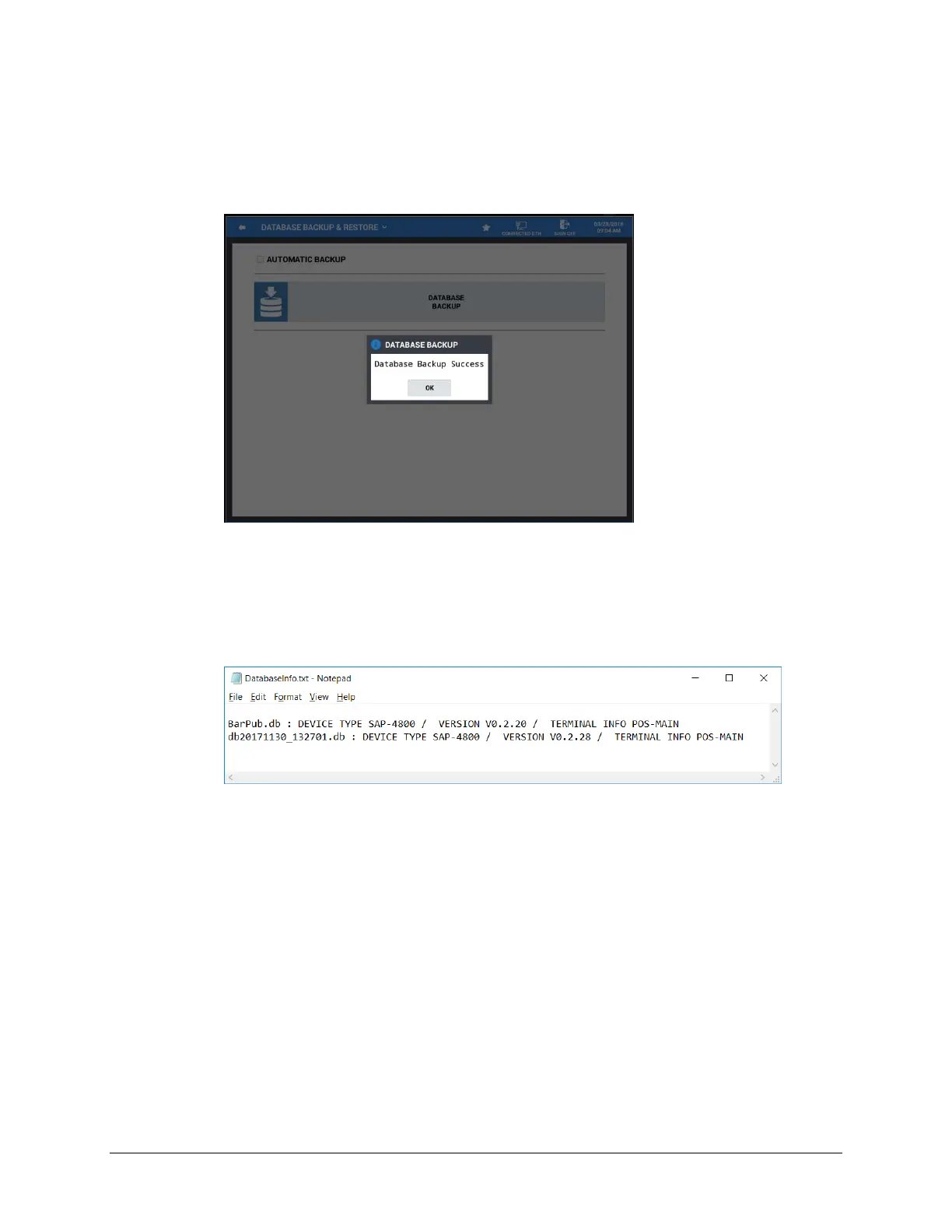
5. When the backup has completed, the confirmation, ‘Database Backup Success’ displays:
6. When the database has backed up successfully, three files are created on your memory device:
a. DatabaseInfo.txt
b. “Name”.db
c. “Name”.txt
7. The DatabaseInfo.txt file contains terminal information about the saved DB:
8. As a Best Practice, when you save the DB files from the store, keep them in separate directories
for each terminal in the system.



 To Next Page