- 70 - Connecting Devices Sam4POS Quick Start v1.1
Device Setting
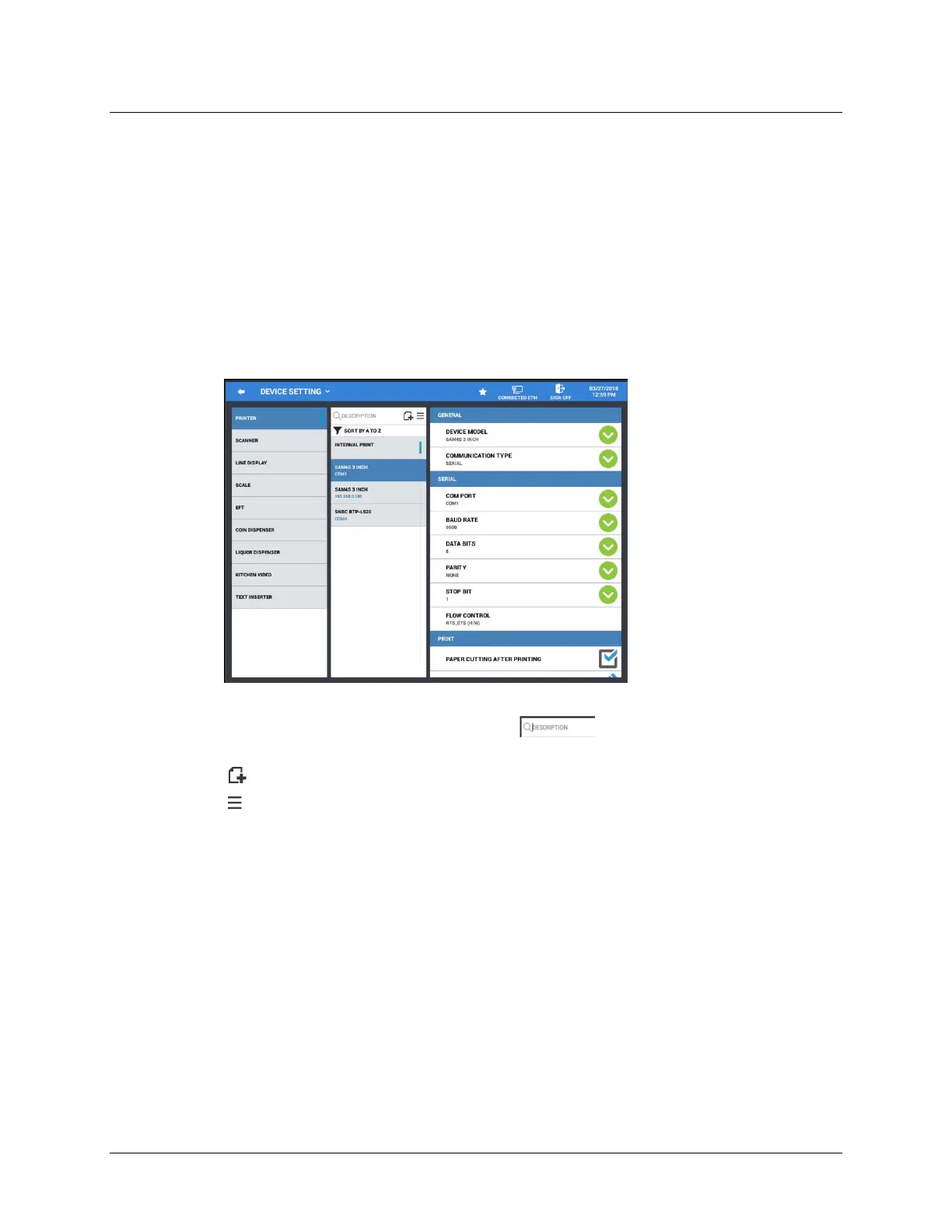
The Device setting programming area is where all your devices are configured for the port that they will
occupy. Each device will have additional programming options specific to the device; Printer, Scanner,
Line Display, Scale, EFT, Coin Dispenser, Liquor Dispenser, Kitchen Video, Text Inserter.
To simplify device mapping when multiple terminals are in an IRC network, it is best to program your
devices to the same port on each terminal. For example: all Kitchen Printers on COM2, all EFT devices
on COM1, etcetera.
1.
Select
DEVICE SETTING
from the
DEVICE
menu selections. The
DEVICE SETTING
programming
screen displays.
2.
Choose the device from the selection list you wish to add or edit.
3.
If you have a long list of printers you can use the search field to search by descriptor, only the
printers fitting the search criteria will display.
4.
Press the icon to add a new device.
5.
Press the icon to Test, Sort, or enter the Edit Mode for the selected device.
• TEST –
Tests to operation of the selected device. Devise Mapping is required prior to testing the
device.
• EDIT MODE –
Select devices to delete as necessary.
• SORT –
Sort devices alphabetically.



 To Next Page