Sam4POS Quick Start v1.1 Demonstration Program - 65 -
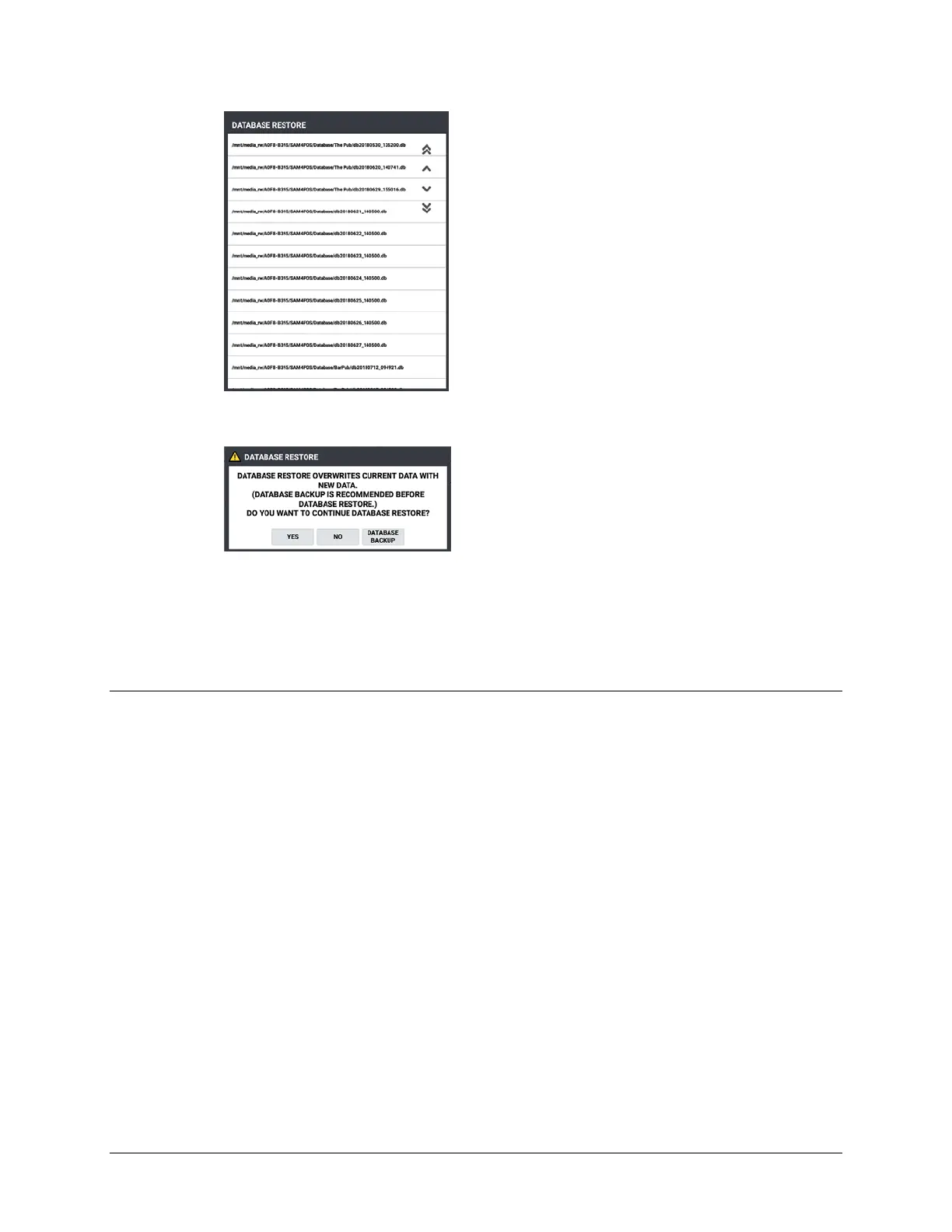
6. From the list that appears, select the backup file you want to restore. The Database Restore
confirmation dialog displays:
7. Press YES to proceed with the restore operation.
8. The selected database will be restored and the Sam4POS application will automatically reboot.
9. After the APP Reboot, you will need to sign back on to the terminal.
Application Notes
QS-Demo
• Main Screen – Sam4s Logo and Café picture are changeable
• Sign on \ Time in/out buttons can be hidden by system option
• 1 = Employee – goes right to REG MODE
• 2 = Manager - goes to main menu
• Sign on with 1 EMPLOYEE, register item, CANCEL, when Manager override is shown you can
override by system password 9999 of manager password 2.
• Entering an order
• Modifiers (SMALL \ MEDIUM \ LARGE
• MLU CHAIN (can reuse the same MLU’s in many chains)
• Changing a Condiment – Press and hold the condiment
• Large Change after tender



 To Next Page