OfficeServ 7400 INSTALLATION
TECHNICAL MANUAL PART 7 MAY 2010
7.3
CONNECTING TO THE 8COMBO/8OMBO2
Connect an analog phone to the 8COMBO/8COMBO2 board by using a twisted pair of AWG #24
or AWG #26 wires.
S1-S8 Port
Pin No. 1 2 3 4 5 6 7 8
Function - - - SLI TIP SLI RING - - -
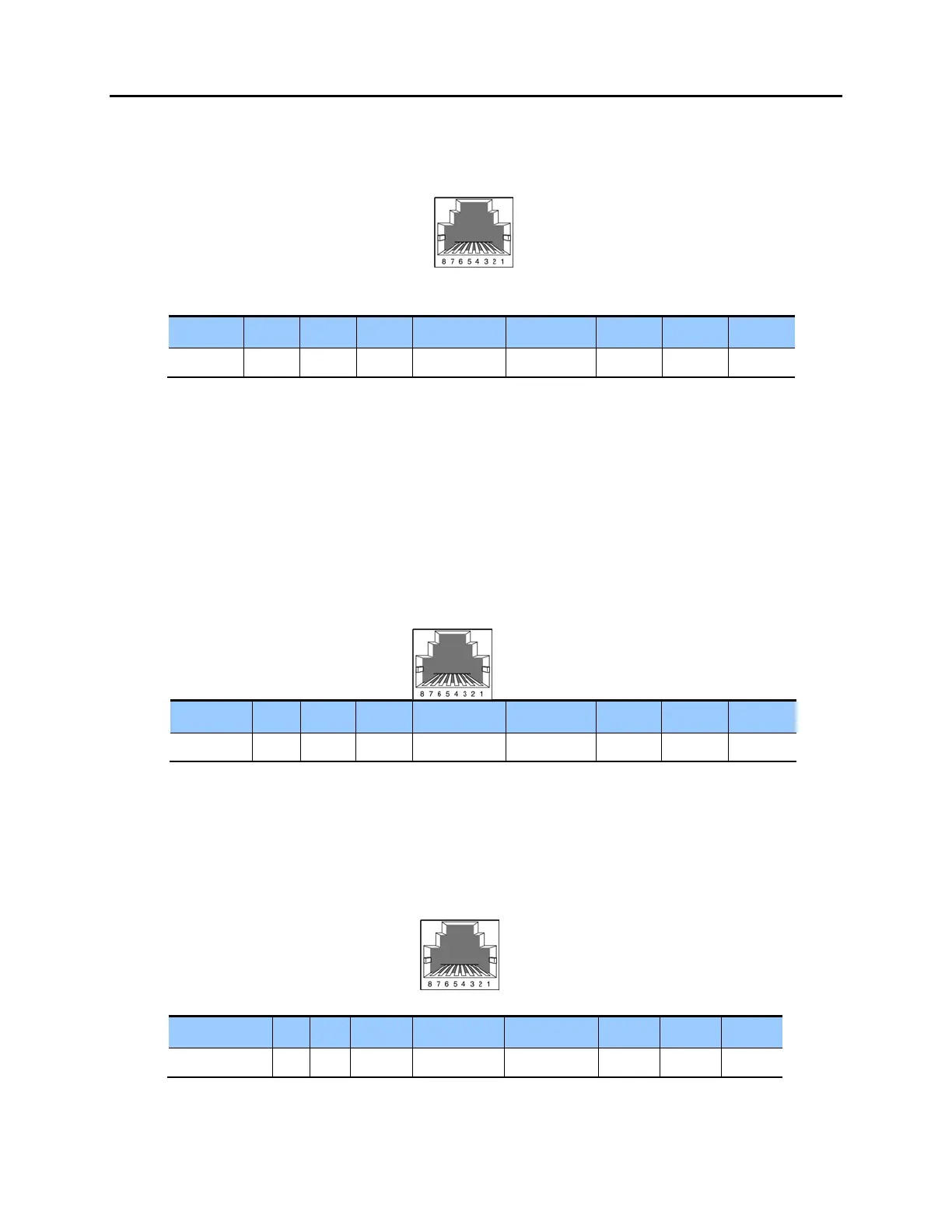
Figure 7.3 RJ-45 Port of the 8COMBO/8COMBO2 (For Analog Phone)
7.1.3 Connecting a Digital Phone
Connect a digital phone to 8DLI, 16DLI2 or 8COMBO/8COMBO2 boards.
CONNECTING TO 8DLI
Connect a digital phone to the 8DLI board by using a twisted pair AWG #24 or AWG #26 wires.
P1-P8 Port
Pin No. 1 2 3 4 5 6 7 8
Function - - - DLI TIP DLI RING - - -
Figure 7.4 RJ-45 Port of the 8DLI (For Digital Phone)
CONNECTING TO 16DLI2
Connect a digital phone to the 16DLI2 board by using a twisted pair of AWG #24 or AWG #26
wires.
P1-P16 Port
Pin No. 1 2 3 4 5 6 7 8
Function - - - DLI TIP DLI RING - - -
Figure 7.5 RJ-45 Port of the 16DLI2 (For Digital Phone)
S1~S8
Port
(RJ-45)
P1~P8 Port
(RJ-45)
P1~P16
Port
(RJ-45)















 To Next Page